Skip to content
GENOVA Softworks
← Home

SELECTED WORK / APPS & SOFTWARE

Projects, apps and possibilities.

Ideas we have turned into tools, experiences and apps available on the market.

54 projects to explore

Site Audit Report Pro - PDF

GENOVA SOFTWORKS / APP

Site Audit Report Pro - PDF

Elevate your audits from paperwork to powerful insights. Audit Report Pro helps teams plan, execute, and share professional audit reports in minutes—on-site or on the go. Why you’ll love it Stop wre…

Read more

Elevate your audits from paperwork to powerful insights. Audit Report Pro helps teams plan, execute, and share professional audit reports in minutes—on-site or on the go.

Why you’ll love it
Stop wrestling with spreadsheets and scattered photos. With Audit Report Pro, you get a fast, structured workflow that captures evidence, assigns actions, and exports polished reports your stakeholders will trust.

Key features
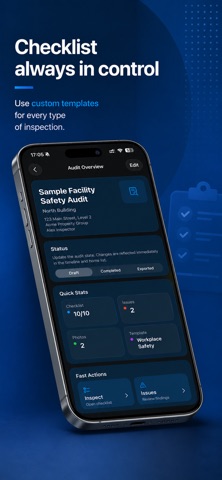
• Customizable checklists: Build your own templates or adapt existing ones for any standard or industry.
• Works OFFLINE.
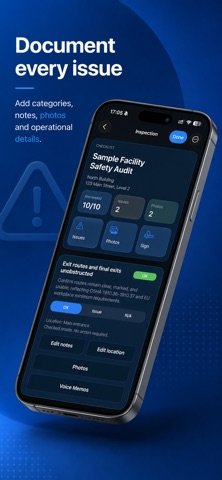
• Smart evidence capture: Attach photos, annotations, and voice notes directly to findings.
• Corrective actions (CAPA): Assign owners, due dates, and priorities; track status to closure.
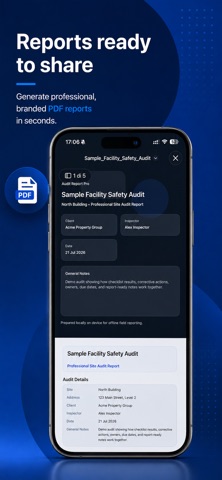
• Professional exports: Generate branded PDF in one tap—ready to share.
• Editable exports: Export to Microsoft Word .doc in order to manually edit the report on your PC/Mac.
• Sign‑offs and approvals: Capture digital signatures and maintain a clear audit trail.
• Flexible customization: Add your logo, fields, and terminology to match your organization.

Perfect for
• Quality, safety, and compliance audits
• Site inspections, facility walkthroughs, and field operations
• Internal audits, supplier assessments, and pre‑qualification checks
• Checklists for maintenance, housekeeping, and retail standards

Get results faster
• Standardize your process: Ensure every audit follows the same high‑quality steps.
• Capture once, use everywhere: Evidence automatically flows into your reports.
• Close the loop: Keep corrective actions visible until they’re done—no more loose ends.

The app requires a subscription.
Terms and Privacy Policy at
https://www.genovasoftworks.com/terms.php

View screenshots (4)
Site Audit Report Pro - PDF — screenshot 1Site Audit Report Pro - PDF — screenshot 2Site Audit Report Pro - PDF — screenshot 3Site Audit Report Pro - PDF — screenshot 4
Even Share - Split Expenses

GENOVA SOFTWORKS / APP

Even Share - Split Expenses

Even Share is the easiest way to manage shared expenses with friends, partners, and roommates. Add an expense in seconds, choose how to split it (equal, custom amounts, or percentages), and instantly…

Read more

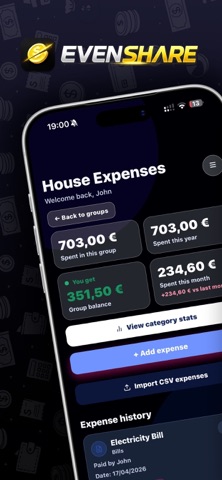
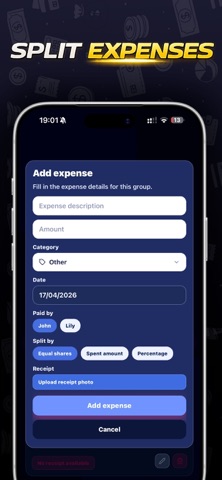
Even Share is the easiest way to manage shared expenses with friends, partners, and roommates.
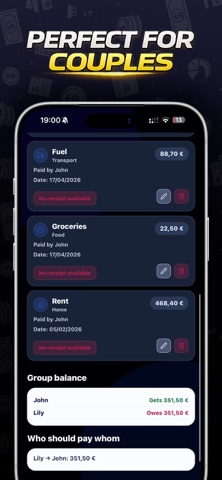
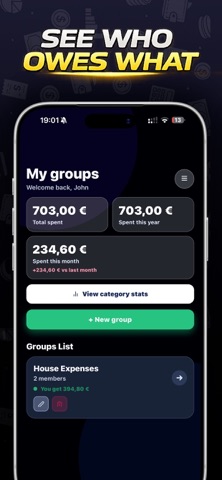
Add an expense in seconds, choose how to split it (equal, custom amounts, or percentages), and instantly see who owes what.

From shared rent and bills to trips, dinners, and everyday costs, Even Share keeps everything organized without spreadsheets or confusion.

With Even Share you can:
- Create groups and invite members in a few taps;
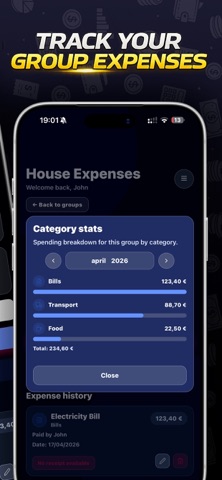
- Track expenses with categories and dates;
- Attach receipts so nothing gets lost;
- Monitor net balances with clear summaries;
- Import expenses from CSV files;
- View spending insights to understand where money goes.

Clean design, fast sync, and full control: less chaos, more clarity for group spending.
By using the app you accept the Terms of Use and the Privacy Policy available at https://www.genovasoftworks.com/terms.php.

View screenshots (5)
Even Share - Split Expenses — screenshot 1Even Share - Split Expenses — screenshot 2Even Share - Split Expenses — screenshot 3Even Share - Split Expenses — screenshot 4Even Share - Split Expenses — screenshot 5
Bar Stock Manager & Inventory

GENOVA SOFTWORKS / APP

Bar Stock Manager & Inventory

Bar Stock Manager is the smart way to manage your bar inventory with speed and precision. Easily track your stock, organize your beverages, and stay in control of your bar at all times. Browse and a…

Read more

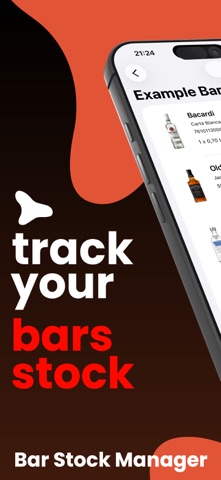
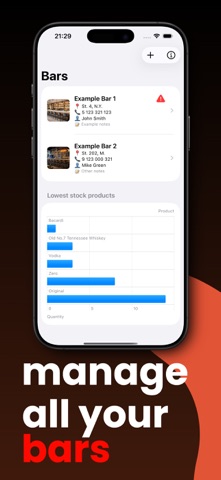
Bar Stock Manager is the smart way to manage your bar inventory with speed and precision. Easily track your stock, organize your beverages, and stay in control of your bar at all times.

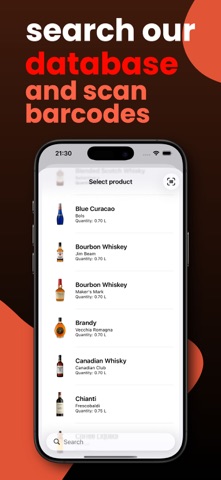
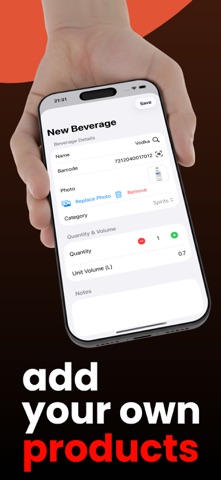
Browse and add drinks from our extensive built-in database, or simply scan barcodes to instantly add products to your inventory. Whether you manage a single bar or multiple locations, Bar Stock Manager helps you monitor quantities, avoid shortages, and keep everything organized in one place.
Designed for bar owners, bartenders, and beverage enthusiasts, the app makes inventory management simple, fast, and reliable—so you can focus on what matters most.

Key features:
- Manage one or multiple bars in one app
- Add drinks quickly from our integrated database
- Scan barcodes for instant product recognition
- Track stock levels and stay organized
- Clean, intuitive, and easy-to-use interface

Take full control of your bar inventory with Bar Stock Manager.

All product names, trademarks, brands, and images are the property of their respective owners. They are used for identification and informational purposes only. This app is not affiliated with, endorsed by, or sponsored by any brand owners.

By using the app you accept the Terms of Use and the Privacy Policy available at https://www.genovasoftworks.com/terms.php.
A subscription is required to access app features.

View screenshots (5)
Bar Stock Manager & Inventory — screenshot 1Bar Stock Manager & Inventory — screenshot 2Bar Stock Manager & Inventory — screenshot 3Bar Stock Manager & Inventory — screenshot 4Bar Stock Manager & Inventory — screenshot 5
Portable IP Cam CCTV Monitor

GENOVA SOFTWORKS / APP

Portable IP Cam CCTV Monitor

Turn your iPhone or iPad into a smart IP camera! Keep an eye on what matters most—home, office, pets, or loved ones—with a simple, reliable, and powerful IP camera app. Transform your device into a p…

Read more

Turn your iPhone or iPad into a smart IP camera!
Keep an eye on what matters most—home, office, pets, or loved ones—with a simple, reliable, and powerful IP camera app. Transform your device into a professional monitoring tool in seconds.

Live streaming anywhere
Watch your camera feed in real-time from any device. Stay connected whether you’re across the room or across the globe.

Picture-in-Picture mode
Keep your camera view visible while using other apps. Multitasking has never been this secure.

Flash support for dark areas
Illuminate low-light environments for clearer, sharper monitoring—even at night.

Instant motion & sound alerts
Receive notifications when movement or sudden sounds are detected. Stay informed and take action instantly.

Event recording & playback
Automatically record detected motion and review events anytime. Keep track of everything that happens.

Easy remote access
Monitor your IP camera from anywhere in the world. Peace of mind is just a tap away.

Perfect for multiple uses:
- Home security
- Baby monitoring
- Pet care
- Office and business surveillance

Why you’ll love it:
It’s more than a camera—it’s your personal security system. Set it up in seconds, customize alerts, and watch over what matters most without extra devices or complicated setups.
Transform your iPhone or iPad into a smart, reliable IP camera and enjoy peace of mind anytime, anywhere.

Terms and Privacy Policy:
https://www.genovasoftworks.com/terms.php
A subscription will be required in order to access premium features.

View screenshots (5)
Portable IP Cam CCTV Monitor — screenshot 1Portable IP Cam CCTV Monitor — screenshot 2Portable IP Cam CCTV Monitor — screenshot 3Portable IP Cam CCTV Monitor — screenshot 4Portable IP Cam CCTV Monitor — screenshot 5
Baby Monitor - Remote Camera

GENOVA SOFTWORKS / APP

Baby Monitor - Remote Camera

Baby Monitor AI allows you to turn your iPhone or iPad into a live baby monitor, accessible from any other device through 3G/4G/5G or WiFi networks, with unlimited range! It supports Picture in Pictu…

Read more

Baby Monitor AI allows you to turn your iPhone or iPad into a live baby monitor, accessible from any other device through 3G/4G/5G or WiFi networks, with unlimited range!
It supports Picture in Picture monitoring, to let you do other things while viewing the stream.
Receive noise and motion notifications on your devices!

It is perfect for travelling and home environments!

Main features:
- 3G/4G/5G & WiFi CLOUD LIVE STREAM;
- PICTURE IN PICTURE (BACKGROUND MONITORING);
- SECURE AND EASY TO USE;
- NOISE AND MOTION NOTIFICATIONS;
- MONITOR ON ANY DEVICE OR WEB BROWSER;
- TALK AND SHOW YOUR FACE;
- PLAY LULLABIES;
- MULTI DEVICE SUPPORT;
- NIGHT LIGHT;
- BATTERY STATUS;
- CAM HISTORY;
- HIGH QUALITY VIDEO STREAM.

3G/4G/5G & WiFi CLOUD LIVE STREAM
Turn your iPhone or iPad into a baby monitor and connect to it from anywhere and through any network!

SECURE AND EASY TO USE
Baby Monitor uses secure protocols and is really easy to setup, just turn on the monitor and share/scan the code to your other devices!
You will also receive a notification when a parent connects to the cam!

PICTURE IN PICTURE (BACKGROUND)
You can do other things while monitoring the cam thanks to PiP, the stream will appear on your device screen corner.

NOISE AND MOTION NOTIFICATIONS
Receive awake alerts as soon as the cam detects motion or a loud noise!

MONITOR ON ANY DEVICE OR WEB BROWSER
You can access the monitor from any other device, iPhone, iPad, Any Smartphone, Mac, Windows and PC.

TALK AND SHOW YOUR FACE
The monitoring is bidirectional so you can enable your camera and microphone allowing the baby to see and hear you!

PLAY LULLABIES
Play a custom recorded sound or a classic lullaby.

MULTI DEVICE SUPPORT
You can share the cam to any device and even to other people, they don't even have to install the app to view the stream.
Multiple cams can be added to the parent device!

NIGHT LIGHT
The app supports a night light with brightness settings.

BATTERY STATUS
You can see the baby cam device battery percentage.

CAM HISTORY
Every monitor keeps track of its activities, and you can access the history remotely!

HIGH QUALITY VIDEO STREAM
The streaming uses the latest video protocols along with top tier servers in order to provide high video quality during the monitoring.


A subscription is required in order to fully access the app.
Terms of Service and Privacy Policy available at:
https://www.genovasoftworks.com/terms.php

View screenshots (6)
Baby Monitor - Remote Camera — screenshot 1Baby Monitor - Remote Camera — screenshot 2Baby Monitor - Remote Camera — screenshot 3Baby Monitor - Remote Camera — screenshot 4Baby Monitor - Remote Camera — screenshot 5Baby Monitor - Remote Camera — screenshot 6
Photo Insect - Identify Bugs

GENOVA SOFTWORKS / APP

Photo Insect - Identify Bugs

Photo Insect is your smart bug scanner! The perfect tool for any entomologist or insect lover. It is able to detect any kind of insect, from spiders to mantids! EASY AND EDUCATIONAL Find out everyth…

Read more

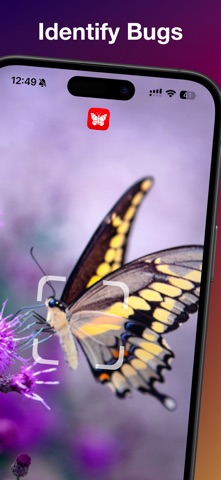
Photo Insect is your smart bug scanner! The perfect tool for any entomologist or insect lover.
It is able to detect any kind of insect, from spiders to mantids!

EASY AND EDUCATIONAL
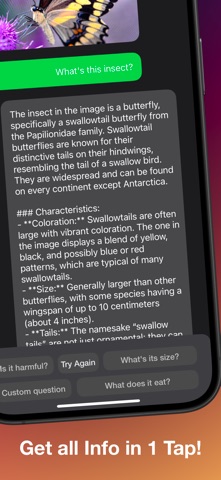
Find out everything about any insect!
Just upload a photo or snap a new one.

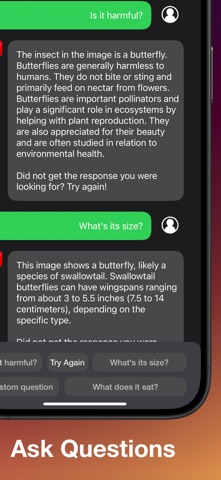
ASK ANY QUESTION
You can ask any question to our intelligent AI!

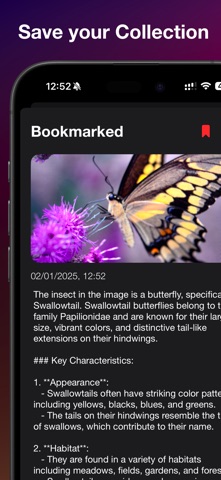
SAVE YOUR FINDINGS
Bookmark the results you get from your researches in your collection!

Whether you are a student, a professional entomologist or you just want some information about bugs you have faced you will love this app!


Disclaimer: this app does not replace the advice of a professional, especially for what concerns harmfulness of specific insects, venom or medical procedures.
For more information you can send an email to info@genovasoftworks.com or visit www.genovasoftworks.com.
Terms and Privacy Policy available at https://www.genovasoftworks.com/terms.php.

View screenshots (4)
Photo Insect - Identify Bugs — screenshot 1Photo Insect - Identify Bugs — screenshot 2Photo Insect - Identify Bugs — screenshot 3Photo Insect - Identify Bugs — screenshot 4
Server Status Checker & Uptime

GENOVA SOFTWORKS / APP

Server Status Checker & Uptime

Monitor any server, service or website thanks to Server Status Checker! You will be notified via push notification and email when there's a change, up to 1 minute updates! SUPPORTED MONITORS - Any s…

Read more

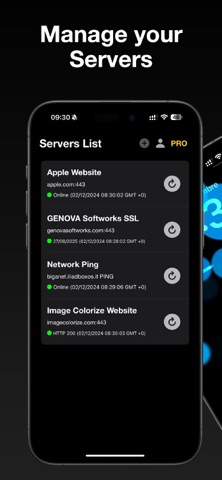
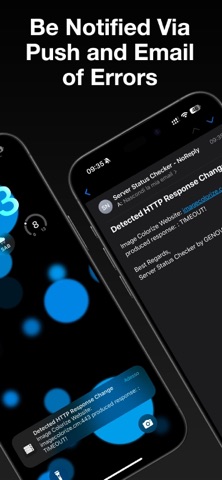
Monitor any server, service or website thanks to Server Status Checker! You will be notified via push notification and email when there's a change, up to 1 minute updates!

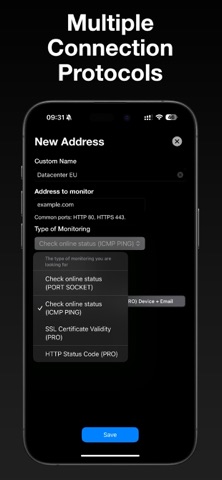
SUPPORTED MONITORS
- Any server with open ports, even game servers;
- Websites (HTTP & HTTPS), you can monitor if a website loses connection or you can check for HTTP 200 positive or negative (400-500) status codes;
- SSL certificates expiration, you will be notified 30 days before the SSL certificate expiration, and when the certificate has expires;
- Network ICMP ping, if a device supports network pings you can monitor it and be notified when it goes down;

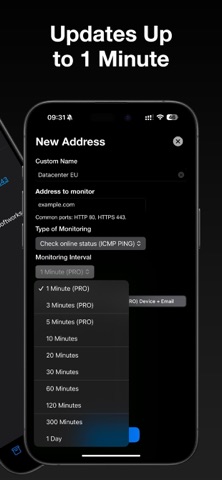
UP TO 1 MINUTE UPDATES
The monitors support multiple update intervals, up to 1 minute!

SIMPLE AND EFFECTIVE
Does not require complex settings, just type in the address, select the desired monitor, interval and you're ready.

GET NOTIFIED
You will receive a push notification on all your devices and an email will be sent to your address.

Terms of Service and Privacy Policy: https://www.genovasoftworks.com/terms.php
The app will require an optional subscription to unlock all its features.

View screenshots (4)
Server Status Checker & Uptime — screenshot 1Server Status Checker & Uptime — screenshot 2Server Status Checker & Uptime — screenshot 3Server Status Checker & Uptime — screenshot 4
Recipe Finder & Calorie AI

GENOVA SOFTWORKS / APP

Recipe Finder & Calorie AI

Find any recipe just by taking a picture!  Get calories count, turn the recipe into a Vegan, Low Calories, Lactose or Gluten Free version! POWERED BY AI Thanks to AI you will be able to get all the …

Read more

Find any recipe just by taking a picture! 
Get calories count, turn the recipe into a Vegan, Low Calories, Lactose or Gluten Free version!

POWERED BY AI
Thanks to AI you will be able to get all the information, ingredients and steps to reproduce the dish!

MORE DISH VERSIONS AND GET CALORIES
Turn any recipe to Gluten Free, Lactose Free, Low Calories or Vegan!
Get the calories count of any recipe.

QUICK AND EASY
Take a picture or import it from your gallery, you will get the result in few seconds!

SAVE YOUR RECIPES
Keep track of the recipes you love, bookmark the results after you get them!

The app requires a Subscription to unlock all of its features.
By using it you accept the Terms of Use and the Privacy Policy available at https://www.genovasoftworks.com/terms.php.

View screenshots (5)
Recipe Finder & Calorie AI — screenshot 1Recipe Finder & Calorie AI — screenshot 2Recipe Finder & Calorie AI — screenshot 3Recipe Finder & Calorie AI — screenshot 4Recipe Finder & Calorie AI — screenshot 5
Dash Cam | Drive Guardian AI

GENOVA SOFTWORKS / APP

Dash Cam | Drive Guardian AI

Drive Guardian lets you turn your device into a smart dash cam! Record your trips and enrich the footage by adding the front camera view, a map and data overlay, such as speed, time and location, gr…

Read more

Drive Guardian lets you turn your device into a smart dash cam!
Record your trips and enrich the footage by adding the front camera view, a map and data overlay, such as speed, time and location, great as insurance proof!

DASHCAM with CarPlay Support
Dash cam recording supports CarPlay and you can save:
• Main back camera (up to 4K)
• Front camera footage overlay
• Map video overlay
• Speed, Location (latitude and longitude), Date and Time text

AI FEATURES
Drive Guardian is packed with AI ADAS features such as:
• Front Collision & Distance Warning: the app detects if the front vehicle distance is too short or if a collision might occur and warns the driver.
• Speed Limit Signs Detection*: speed limits are detected through AI and, if desired, an alert is played when the current limit is exceeded.
• Drowsiness Alerts: the front camera constantly checks for driver's drowsiness and tries to keep him awake by playing multiple alerts.

REMOTE PARKING MODE
The app features a parking mode. If enabled it turns off the screen and lets the user connect to the dash cam in order to view the camera feed in live stream through another device by connecting to a simple link!

FULL CAMERA QUALITY
Drive Guardian offers multiple settings related to the cameras. 
If available, resolutions up to 4K are supported and both ultra wide and wide angle cameras can be set.

BEST SETUP
Place your device horizontally with a standard phone holder, at the center of your dash. 
Front AC is recommended during hot days.

*Currently only speed limits from the following countries are supported: Europe/Australia/Japan/UK/Russia.

A subscription is required in order to fully access the app.
Terms of Service and Privacy Policy available at:
https://www.genovasoftworks.com/terms.php

View screenshots (6)
Dash Cam | Drive Guardian AI — screenshot 1Dash Cam | Drive Guardian AI — screenshot 2Dash Cam | Drive Guardian AI — screenshot 3Dash Cam | Drive Guardian AI — screenshot 4Dash Cam | Drive Guardian AI — screenshot 5Dash Cam | Drive Guardian AI — screenshot 6
Aphasia Talk Help Speak Aid

GENOVA SOFTWORKS / APP

Aphasia Talk Help Speak Aid

Aphasia Talk Help is designed to help patients affected by the aforementioned disease by providing four different ways of communicating. Obviously the app will also work great if you can't speak/tal…

Read more

Aphasia Talk Help is designed to help patients affected by the aforementioned disease by providing four different ways of communicating.

Obviously the app will also work great if you can't speak/talk after an injury and you need to find a way to express yourself.

FOUR DIFFERENT WAYS OF COMMUNICATING
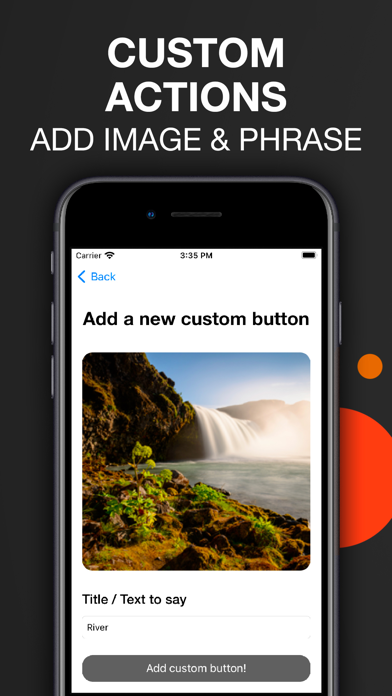
- Visive images with text, by tapping on the image the app will talk. You can also add custom actions and images!
- Draw by hand to communicate;
- Standard Text To Speech, type and the app will talk;
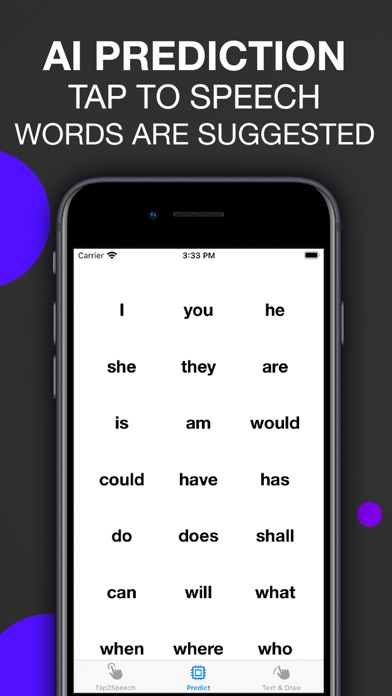
- AI Predictive text: different words are suggested, they can be tapped and consecutive new words will be provided.

NO SUBSCRIPTIONS OR IN APP PURCHASES
This version does not include any additional subscription.
You pay once, you use it forever!

Make sure your ringtone is turned on and that your volume is not muted or the app will not talk!

For any question or information you can get in touch with us by sending an email to:
info@genovasoftworks.com

By using the app you accept the Terms of Use and Privacy Policy available at:
https://www.genovasoftworks.com/terms.php.

View screenshots (4)
Aphasia Talk Help Speak Aid — screenshot 1Aphasia Talk Help Speak Aid — screenshot 2Aphasia Talk Help Speak Aid — screenshot 3Aphasia Talk Help Speak Aid — screenshot 4
Aphasia Talk Help Text Speech

GENOVA SOFTWORKS / APP

Aphasia Talk Help Text Speech

Aphasia Talk Help is designed to help patients affected by the aforementioned disease by providing four different ways of communicating. Obviously the app will also work great if you can't speak/tal…

Read more

Aphasia Talk Help is designed to help patients affected by the aforementioned disease by providing four different ways of communicating.

Obviously the app will also work great if you can't speak/talk after an injury and you need to find a way to express yourself.

FOUR DIFFERENT WAYS OF COMMUNICATING
- Visive images with text, by tapping on the image the app will talk. You can also add custom actions and images!
- Draw by hand to communicate;
- Standard Text To Speech, type and the app will talk;
- AI Predictive text: different words are suggested, they can be tapped and consecutive new words will be provided.

Make sure your ringtone is turned on and that your volume is not muted or the app will not talk!

For any question or information you can get in touch with us by sending an email to:
info@genovasoftworks.com

By using the app you accept the Terms of Use and Privacy Policy available at:
https://www.genovasoftworks.com/terms.php.

View screenshots (4)
Aphasia Talk Help Text Speech — screenshot 1Aphasia Talk Help Text Speech — screenshot 2Aphasia Talk Help Text Speech — screenshot 3Aphasia Talk Help Text Speech — screenshot 4
Damaged Photo Restore 2026 AI

GENOVA SOFTWORKS / APP

Damaged Photo Restore 2026 AI

Repair any kind of damage in your photos: scratches, rips, cuts, stains. Rebuild missing parts with the Replicator tool. Erase any unwanted object or text.  This app is the ultimate professional tool…

Read more

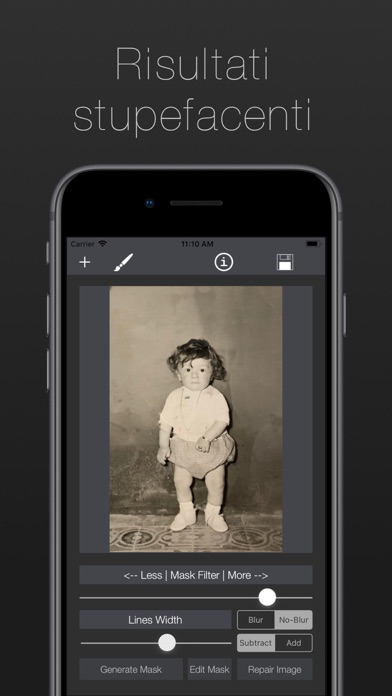
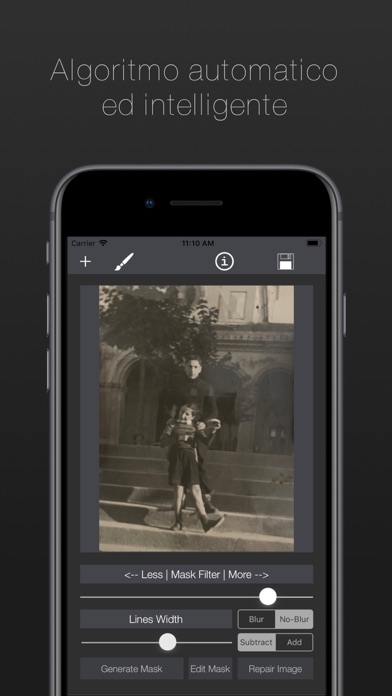
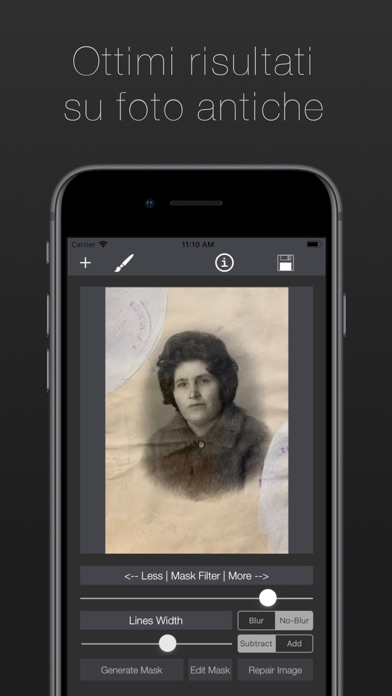
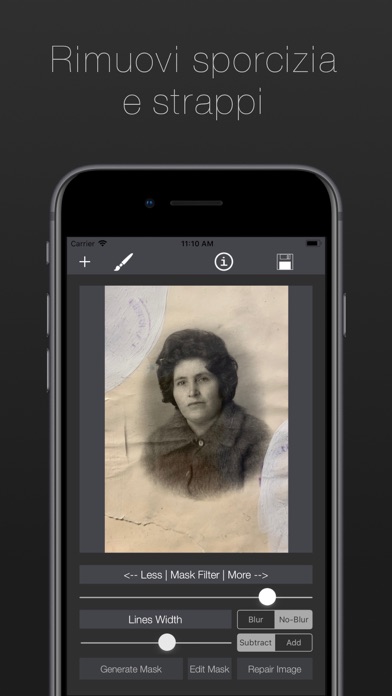
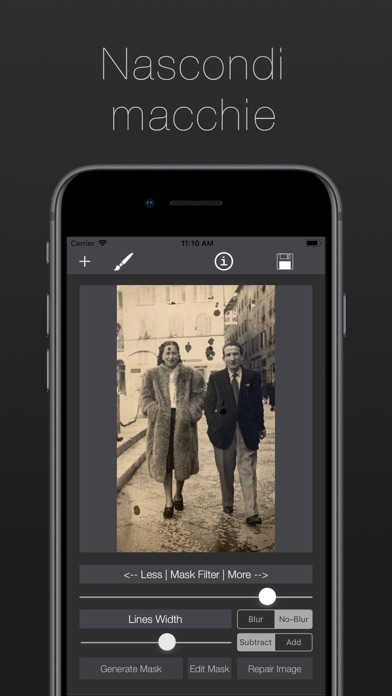
Repair any kind of damage in your photos: scratches, rips, cuts, stains. Rebuild missing parts with the Replicator tool. Erase any unwanted object or text. 
This app is the ultimate professional tool, packed with advanced powerful algorithms, able to bring your damaged photos back to their original condition. 
The way it works is really simple: For a quick fix just set the image you want to fix and, automatically, the app will do it for you. Otherwise If you are an user who wants even better results and precision you can follow the entire process manually.

10 PROFESSIONAL TOOLS ABLE TO:
- Colorize black and white photos;
- Increase quality and faces resolution;
- Remove cuts and rips from photos;
- Rebuild missing parts;
- Remove scratches, marks and stains;
- Repair old photos which got damaged over time;
- Remove imperfections from any image;
- Hide text or objects from any image;
- Smoothen areas and create a depth of field effect;
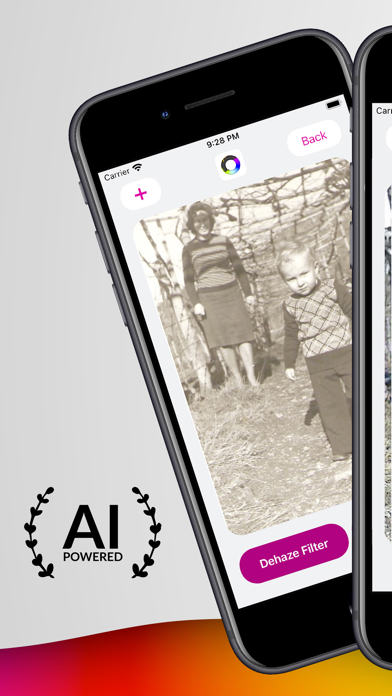
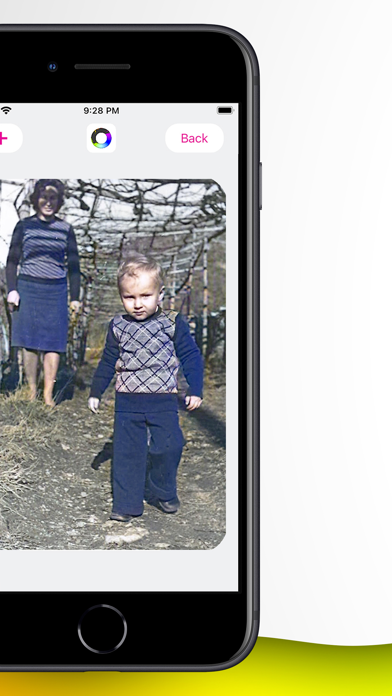
- Dehaze foggy and faded images;

PACKED WITH:
- Simple and intuitive interface;
- High precision mode (A magnifier shows you where you are editing);
- Advanced AI Machine Learning algorithms;

EASY TO USE:
The app provides several in-app tutorials to help you learn how to use it correctly.

YOU WILL NOT NEED ANYTHING ELSE!
This app packs all the tools needed to fix your damaged photos from any kind of degradation!

Please be aware that this is a professional tool, follow the in-app explanation in order to learn how to use it correctly.
The app requires a subscription in order to use some premium tools.
For more information you can send an email to info@genovasoftworks.com or visit www.genovasoftworks.com.
Terms and Privacy Policy available at https://www.genovasoftworks.com/terms.php.

View screenshots (6)
Damaged Photo Restore 2026 AI — screenshot 1Damaged Photo Restore 2026 AI — screenshot 2Damaged Photo Restore 2026 AI — screenshot 3Damaged Photo Restore 2026 AI — screenshot 4Damaged Photo Restore 2026 AI — screenshot 5Damaged Photo Restore 2026 AI — screenshot 6
Improve Photo Quality - Phance

GENOVA SOFTWORKS / APP

Improve Photo Quality - Phance

Phance - Photo Enhance is a professional photo editor which provides you with a suite of easy to use tools with the goal of restoring different kinds of degradations on images. ONE TAP AUTOMATIC MAG…

Read more

Phance - Photo Enhance is a professional photo editor which provides you with a suite of easy to use tools with the goal of restoring different kinds of degradations on images.

ONE TAP AUTOMATIC MAGIC
Photo Enhance is based on efficiency and ease of use.
With this goal in mind almost all the tools in the app requires you to just input the image and select the filter!

ARTIFICIAL INTELLIGENCE (AI) POWER
The app is built onto machine learning algorithms able to:
- Colorize Black and White images;
- Sharpen Faces;
- Increase Resolution and Fix Blurry photos;
- Remove Unwanted Objects and Text;
- Remove Background;
- Repair Damage;
- Increase global photos quality such as ISO noise;
- Dehaze images by suppressing fog and haze;

WORKS ON ANY KIND OF IMAGE
The filters work on any kind of image: black and white, old, damaged?
Don't worry, you will find the right filter.

Got questions?
Drop an email to support@genovasoftworks.com.
By using the app you accept the Terms of Use and the Privacy Policy available at https://www.genovasoftworks.com/terms.php.
The app requires a subscription in order to access all the features.

View screenshots (8)
Improve Photo Quality - Phance — screenshot 1Improve Photo Quality - Phance — screenshot 2Improve Photo Quality - Phance — screenshot 3Improve Photo Quality - Phance — screenshot 4Improve Photo Quality - Phance — screenshot 5Improve Photo Quality - Phance — screenshot 6Improve Photo Quality - Phance — screenshot 7Improve Photo Quality - Phance — screenshot 8
Ricalko: Camera Lucida Drawing

GENOVA SOFTWORKS / APP

Ricalko: Camera Lucida Drawing

Ricalko lets you create incredible artwork, see how your drawings take shape, like magic! It is great for beginners who want to learn drawing and it is perfect for advanced users who want to improve …

Read more

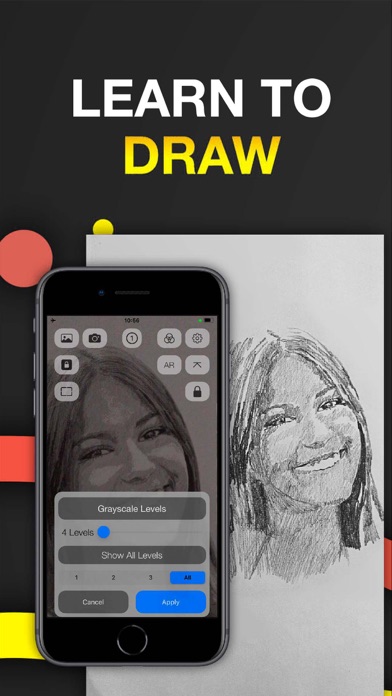
Ricalko lets you create incredible artwork, see how your drawings take shape, like magic! It is great for beginners who want to learn drawing and it is perfect for advanced users who want to improve even more!

Ricalko has many smart features that let you achieve the results your aiming to, but in few words it is able to virtually project photos, so you can trace them on a paper sheet, an easel or on any other surface! You don't have to be a professional artist to reach amazing results.
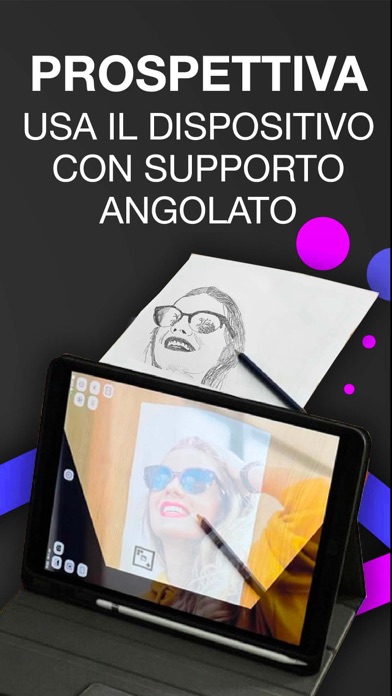
How is it able to do that? In normal mode you have to put your device onto a stand (DIY works too, like a simple glass), with the camera pointing to a sheet of paper below for example. On your screen an overlay will be shown and you will be able to see both the photo and your hand below so you can trace it! See below for more details...

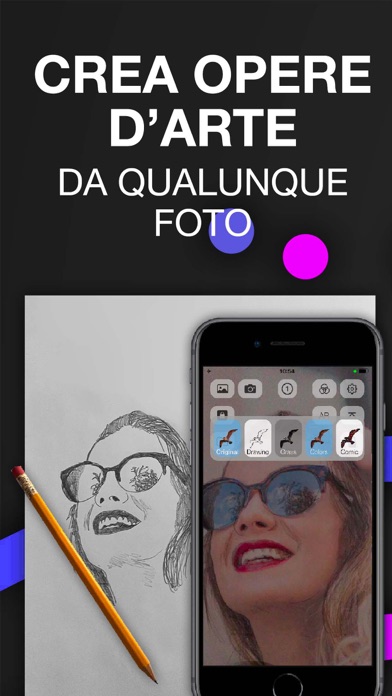
CRAFT REALISTIC ARTWORK FROM ANY PHOTO
You can choose any photo and then create art from it.
Pencil and paper? Brush and watercolours?
You choose!

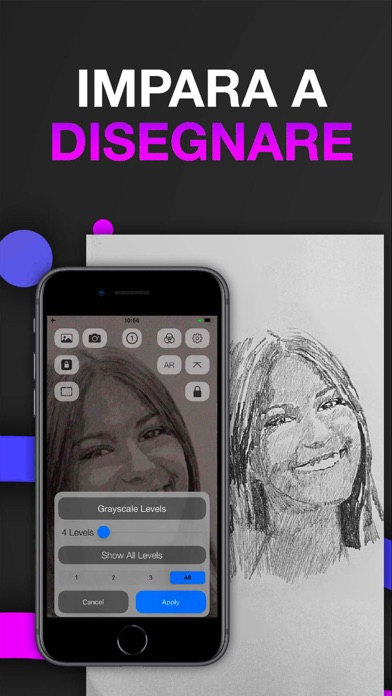
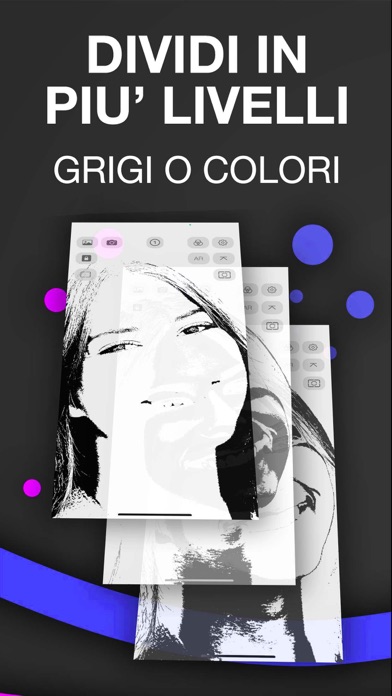
LEARN TO DRAW AND SEPARATE LAYERS
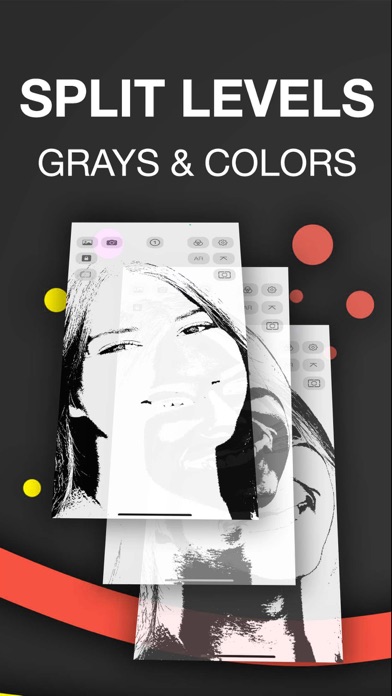
Split photos to different layers, in colors or grayscale, see them one by one individually and trace them on your art to create the final result.
Perfect for learning!

CREATIVE FILTERS
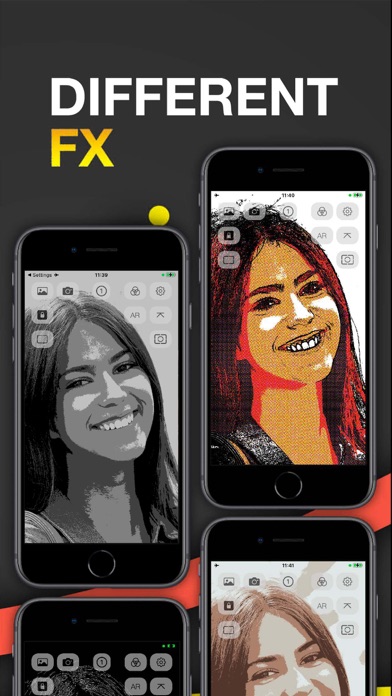
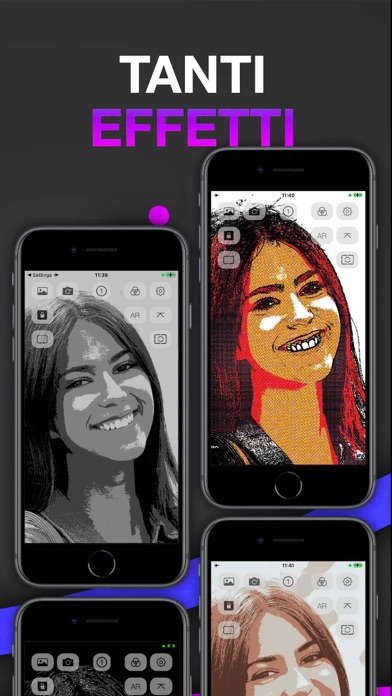
Turn your photo into a drawing, a comic or apply a posterisation, Ricalko filters are great for creativity.

PERSPECTIVE MODE
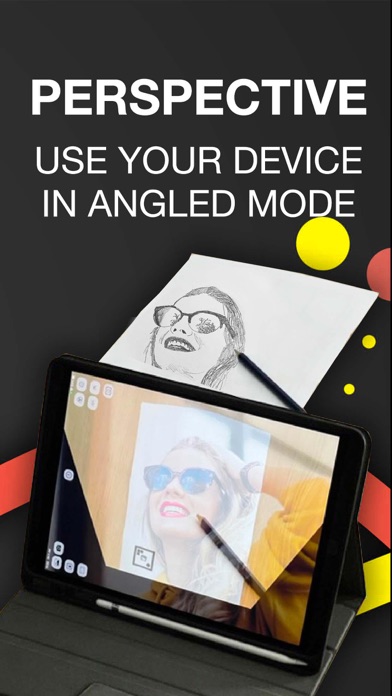
You don't have to keep your device perpendicularly if you don't have a stand, you can also keep it angled, perspective mode will remove any distortion and you will be able to create your artworks without any particular effort. You just have to set it with the guidelines helper image!

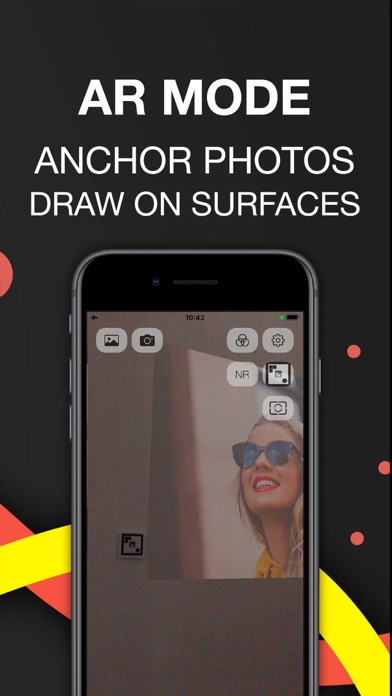
AR MODE
Don't like keeping your device still?
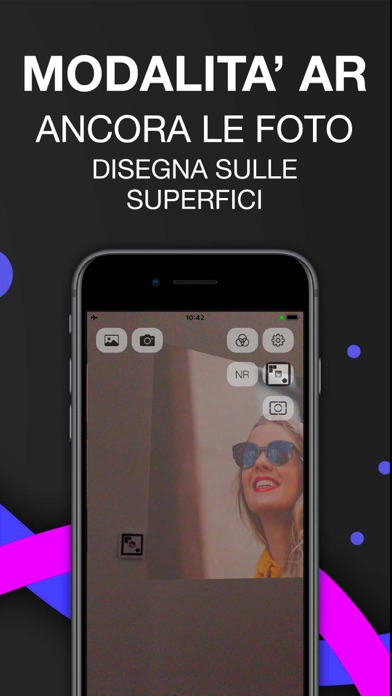
You don't have to with the augmented reality. You can select a marker, the app will recognise it and place your photo virtually next to it, so you can trace it!

USE ANY CAMERA
You can use any camera on your device, wide angle, zoom lens, ultra wide angle or even the front camera, this one with the perspective mode and a reflector (to be purchased in online stores, such as OSMO and not included).

ZOOM TO BE PRECISE
After you have setup your environment you can zoom on the area where you are drawing to see even more clearly, with natural gestures like pinch to zoom or by moving your device closer in AR Mode.

NO SUBSCRIPTIONS AND NO IN APP PURCHASES
You get what you see, there are no in app purchases or additional subscriptions!
Buy the app once and keep it forever.

PREMIUM CUSTOMER SUPPORT
Need help? Have a suggestion? See it included in future releases and drop an email to support@genovasoftworks.com

REQUIREMENTS
Ricalko does not have any particular requirement since supports iOS 14+ devices only. If you can download it, it will work on your device.
A printer is suggested in order to print markers for AR Mode and the guidelines image for Perspective mode, even if they could also be displayed on an additional supporting device.

View screenshots (6)
Ricalko: Camera Lucida Drawing — screenshot 1Ricalko: Camera Lucida Drawing — screenshot 2Ricalko: Camera Lucida Drawing — screenshot 3Ricalko: Camera Lucida Drawing — screenshot 4Ricalko: Camera Lucida Drawing — screenshot 5Ricalko: Camera Lucida Drawing — screenshot 6
Ricalko: Camera Lucida Artwork

GENOVA SOFTWORKS / APP

Ricalko: Camera Lucida Artwork

Ricalko lets you create incredible artwork, see how your drawings take shape, like magic! It is great for beginners who want to learn drawing and it is perfect for advanced users who want to improve …

Read more

Ricalko lets you create incredible artwork, see how your drawings take shape, like magic! It is great for beginners who want to learn drawing and it is perfect for advanced users who want to improve even more!

Ricalko has many smart features that let you achieve the results your aiming to, but in few words it is able to virtually project photos, so you can trace them on a paper sheet, an easel or on any other surface! You don't have to be a professional artist to reach amazing results. 
How is it able to do that? In normal mode you have to put your device onto a stand (DIY works too, like a simple glass), with the camera pointing to a sheet of paper below for example. On your screen an overlay will be shown and you will be able to see both the photo and your hand below so you can trace it! See below for more details...

CRAFT REALISTIC ARTWORK FROM ANY PHOTO
You can choose any photo and then create art from it.
Pencil and paper? Brush and watercolours?
You choose!

LEARN TO DRAW AND SEPARATE LAYERS
Split photos to different layers, in colors or grayscale, see them one by one individually and trace them on your art to create the final result.
Perfect for learning!

CREATIVE FILTERS
Turn your photo into a drawing, a comic or apply a posterisation, Ricalko filters are great for creativity.

PERSPECTIVE MODE
You don't have to keep your device perpendicularly if you don't have a stand, you can also keep it angled, perspective mode will remove any distortion and you will be able to create your artworks without any particular effort. You just have to set it with the guidelines helper image!

AR MODE
Don't like keeping your device still?
You don't have to with the augmented reality. You can select a marker, the app will recognise it and place your photo virtually next to it, so you can trace it!

USE ANY CAMERA
You can use any camera on your device, wide angle, zoom lens, ultra wide angle or even the front camera, this one with the perspective mode and a reflector (to be purchased in online stores, such as OSMO and not included).

ZOOM TO BE PRECISE
After you have setup your environment you can zoom on the area where you are drawing to see even more clearly, with natural gestures like pinch to zoom or by moving your device closer in AR Mode.

PREMIUM CUSTOMER SUPPORT
Need help? Have a suggestion? See it included in future releases and drop an email to support@genovasoftworks.com

REQUIREMENTS
Ricalko does not have any particular requirement since supports iOS 14+ devices only. If you can download it, it will work on your device.
A printer is suggested in order to print markers for AR Mode and the guidelines image for Perspective mode, even if they could also be displayed on an additional supporting device.

A subscription is required.
Terms and Privacy Policy can be found at https://www.genovasoftworks.com/terms.php.
For any question or help drop an email to support@genovasoftworks.com.

View screenshots (6)
Ricalko: Camera Lucida Artwork — screenshot 1Ricalko: Camera Lucida Artwork — screenshot 2Ricalko: Camera Lucida Artwork — screenshot 3Ricalko: Camera Lucida Artwork — screenshot 4Ricalko: Camera Lucida Artwork — screenshot 5Ricalko: Camera Lucida Artwork — screenshot 6
RCON Game Server Admin 2022

GENOVA SOFTWORKS / APP

RCON Game Server Admin 2022

RCON App for Minecraft, Ark, Rust, Counter Strike: GO, Counter Strike: S., Team Fortress 2, Insurgency, Day of Defeat: S., Garry's Mod, Half Life 2, Left 4 Dead 2 & more! If you're running a game se…

Read more

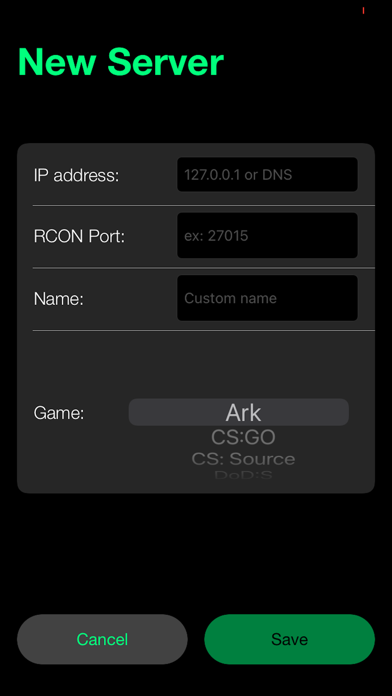
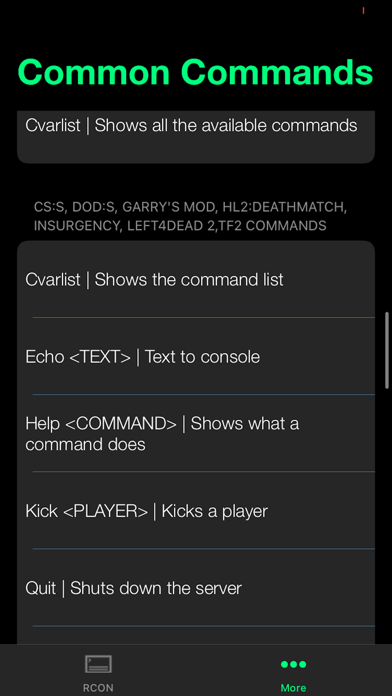
RCON App for Minecraft, Ark, Rust, Counter Strike: GO, Counter Strike: S., Team Fortress 2, Insurgency, Day of Defeat: S., Garry's Mod, Half Life 2, Left 4 Dead 2 & more!

If you're running a game server and you are an admin this is the app for you. Send commands remotely through the RCON, be updated on what happens on the server, manage everything thanks to your mobile device.

Supported Game Servers:
• Minecraft;
• Ark: Survival Evolved (supports the GetChat)*;
• Rust** (works with web 0 RCON only);
• SRCDS Servers (Source RCON Protocol);
• Counter Strike: Global Offensive;
• Counter Strike: Source;
• Team Fortress 2;
• Insurgency;
• Day of Defeat: Source;
• Garry's Mod;
• Half Life 2: Deathmatch;
• Left 4 Dead 2;
• Conan Exiles;
• Reflex;

What does the app offer?
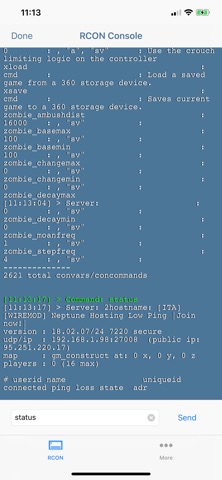
You will be able to manage your server sending commands remotely through the RCON just like if you were typing on the server console.
This includes any command supported by the game server.

After the command is typed you will see the server response, for example if you have typed "status" in a Garry's Mod server you would receive all the information regarding the server status including name, players, etc.

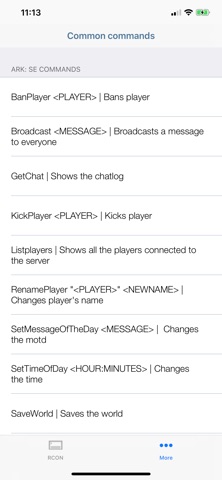
The app supports any command supported by the game server. You will also be able to kick, ban and send broadcast messages!

*The port parameter refers to the Rcon port chosen using the ?RCONPort=xxxxx? command at the server startup.

**Add +rcon.web 0 at server startup or the authentication will not work.
Port refers to the rcon.port value (default 28016) which can be set at the server startup, not the server port.

The app has been tested on pc game servers and works with TCP RCONs only, it is not guaranteed that it will also work for console games.

For any question don't hesitate to drop an email to info@genovasoftworks.com.

The app requires a subscription in order to unlock all the features.
By using the app you agree the Terms of Service and the Privacy Policy available at:
https://www.genovasoftworks.com/terms.php

View screenshots (4)
RCON Game Server Admin 2022 — screenshot 1RCON Game Server Admin 2022 — screenshot 2RCON Game Server Admin 2022 — screenshot 3RCON Game Server Admin 2022 — screenshot 4
Text Summary Tool Automatic AI

GENOVA SOFTWORKS / APP

Text Summary Tool Automatic AI

Shorten any document (ex. PDF, DOC, PPT), link and text in order to get a fast summary with the most important information! You will be able to read more in less time, at a chosen percentage. Main f…

Read more

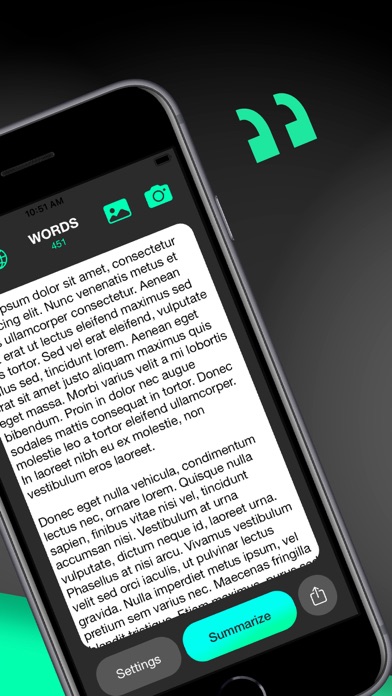
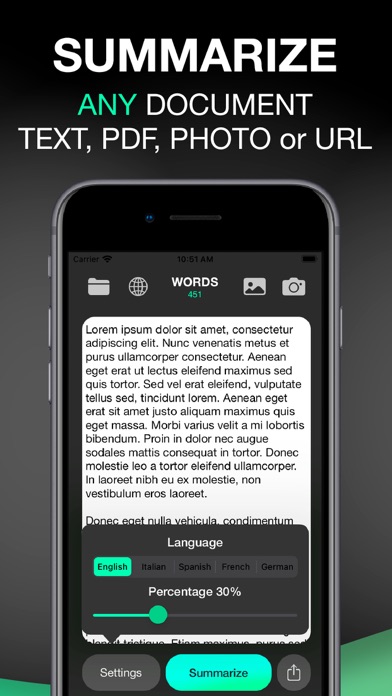
Shorten any document (ex. PDF, DOC, PPT), link and text in order to get a fast summary with the most important information!
You will be able to read more in less time, at a chosen percentage.

Main features:
- Fast intelligent text summary that extracts the most important information from a document;
- Supports PDF, Word documents (doc, docx), Powerpoint (PPT) and more!
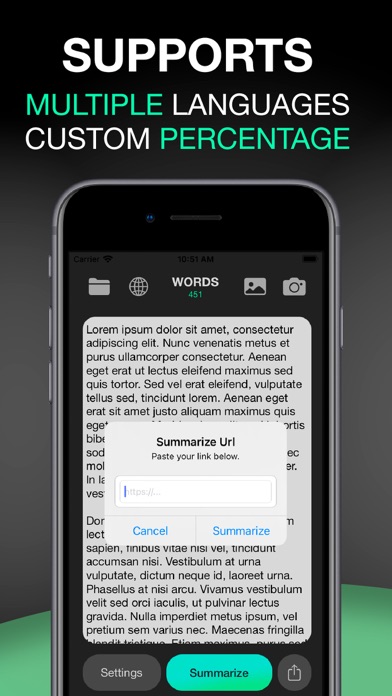
- You can grab the text from a link you provide, such as a Wikipedia article and then summarize it;
- Supports English, Italian, French, German and Spanish;
- Custom length summary, you can select how much you would like to summarize the text;
- Export to clipboard.

By using the app you accept the Terms of Use and the Privacy Policy available at https://www.genovasoftworks.com/terms.php.

View screenshots (4)
Text Summary Tool Automatic AI — screenshot 1Text Summary Tool Automatic AI — screenshot 2Text Summary Tool Automatic AI — screenshot 3Text Summary Tool Automatic AI — screenshot 4
Phone IP Camera Life Surveil

GENOVA SOFTWORKS / APP

Phone IP Camera Life Surveil

Phone IP Camera lets you turn your device into a remove camera (IP Cam) in order to surveil, spy and check whatever you want, i.e. your house, your pet, your baby and similar. It is also a good anti-…

Read more

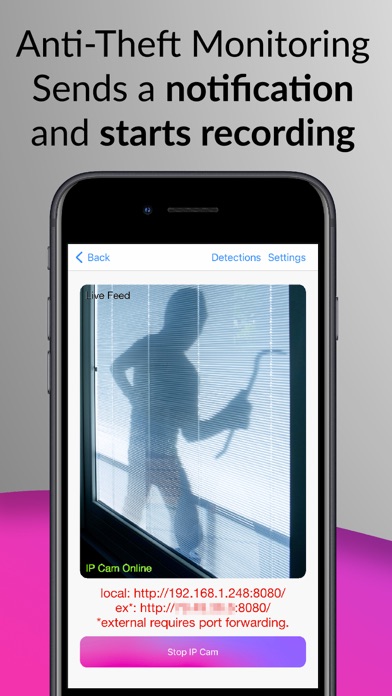
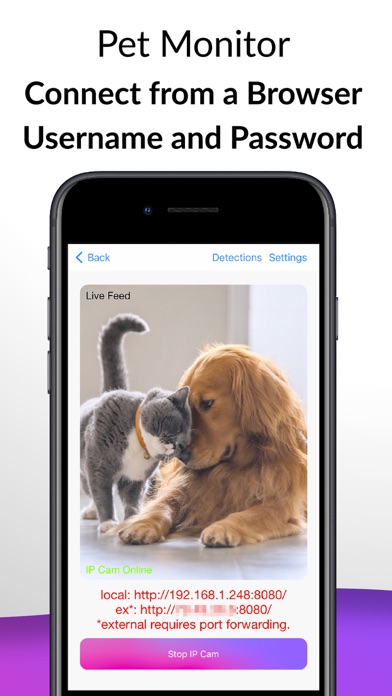
Phone IP Camera lets you turn your device into a remove camera (IP Cam) in order to surveil, spy and check whatever you want, i.e. your house, your pet, your baby and similar.
It is also a good anti-theft device thanks to its motion detection feature.

This version does NOT require any subscription, this is a LIFE license.

Main features:
- Turns your devices into a remote camera;
- Access the camera from any device through a browser*;
- Video + Audio feed;
- Motion Detection: after a detection the camera will start recording and will send you a push notification to all the enabled devices;
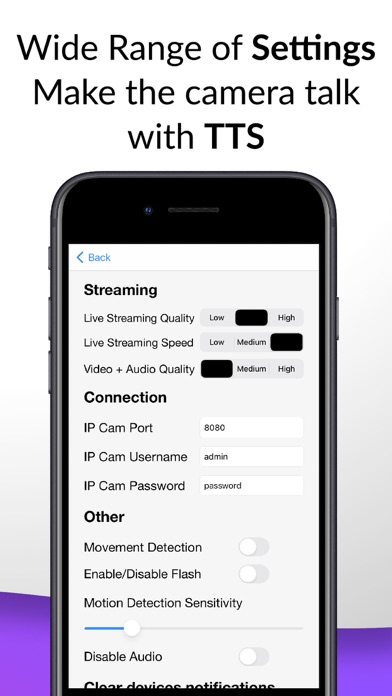
- Remote TTS, make the camera talk;
- Support for slow connections, change quality and speed settings;
- Enable/Disable Flash remotely;
- Username + Password login;
- Disable audio for privacy;
- Good security level, only you know your address, your username and your password!
- Works also both in portrait and landscape modes;
- No registration and no subscriptions required.

* In order to access the camera from external connections you will need to perform a port forwarding on your router otherwise it will work in lan mode only.

View screenshots (4)
Phone IP Camera Life Surveil — screenshot 1Phone IP Camera Life Surveil — screenshot 2Phone IP Camera Life Surveil — screenshot 3Phone IP Camera Life Surveil — screenshot 4
Automatic Hashtags Generator

GENOVA SOFTWORKS / APP

Automatic Hashtags Generator

Check the most popular tags of the week & generate hashtags automatically from any photo, use them in your favourite social networks, such as Instagram and Facebook. AUTOMATIC HASHTAGS GENERATION A…

Read more

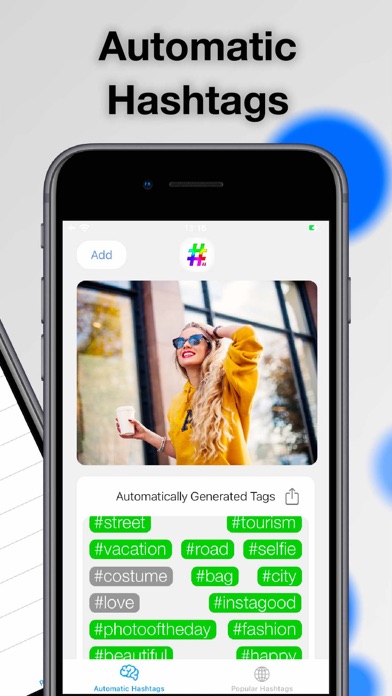
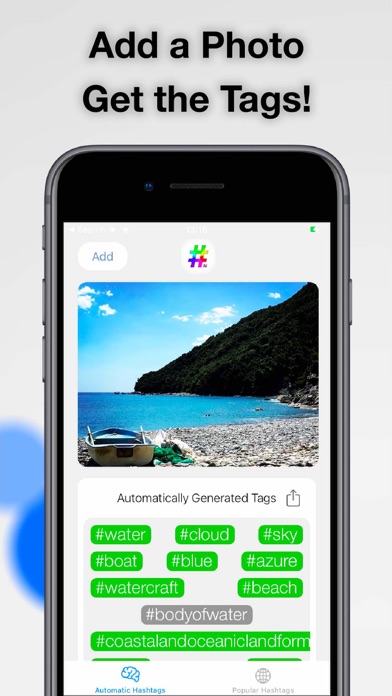
Check the most popular tags of the week & generate hashtags automatically from any photo, use them in your favourite social networks, such as Instagram and Facebook.

AUTOMATIC HASHTAGS GENERATION
Add the photo and get the hashtags!
It's easy and convenient, for any kind of photo!

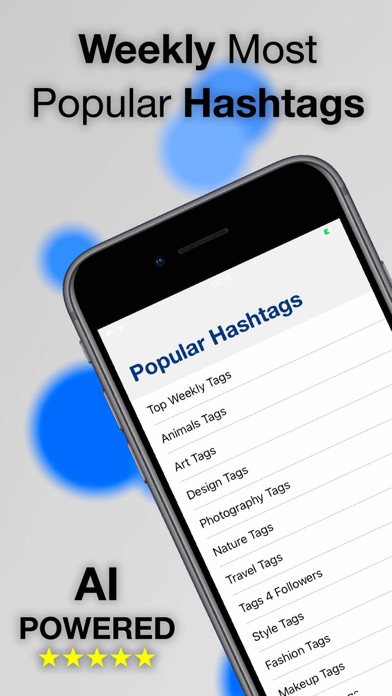
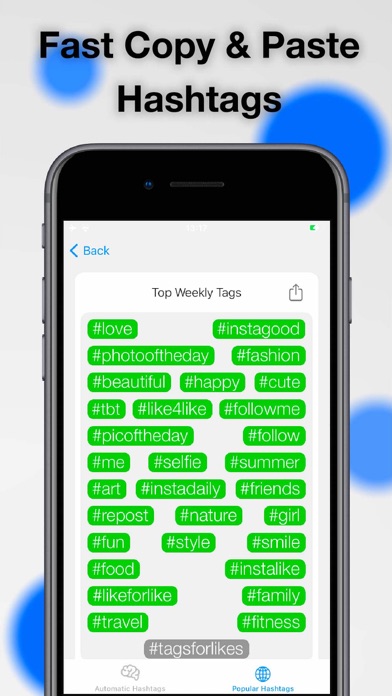
WEEKLY MOST POPULAR HASHTAGS
You can browse the most popular hashtags of the week organised in categories.

FAST HASHTAGS COPY & PASTE
Get the hashtags, select the ones you want and the ones you don't, tap share and you can paste them wherever you want!

HAND PICKED HASHTAGS
Weekly hashtags are picked by hand and are not generated in order to guarantee words related to the category.

For any question you can drop an email at support@genovasoftworks.com
By using the app you agree the Terms of Use and the Privacy Policy available at:
www.genovasoftworks.com/terms.php.

View screenshots (4)
Automatic Hashtags Generator — screenshot 1Automatic Hashtags Generator — screenshot 2Automatic Hashtags Generator — screenshot 3Automatic Hashtags Generator — screenshot 4
Cut Sage: Create Product Photo

GENOVA SOFTWORKS / APP

Cut Sage: Create Product Photo

AUTOMATICALLY REMOVE BACKGROUND & OBJECTS WITH AI Removes the background or any object in a glance, just add the photo, tap remove and the app will do everything by itself! Everything is done by Arti…

Read more

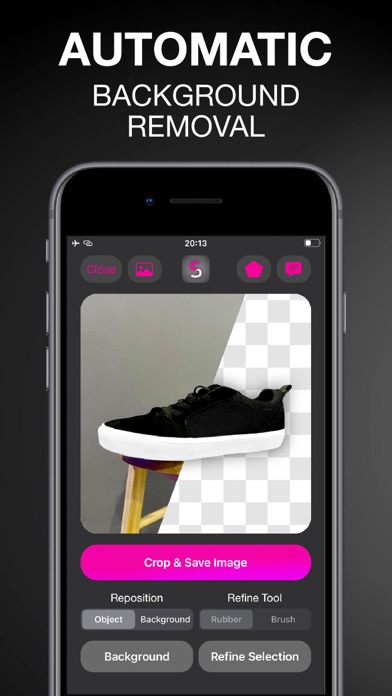
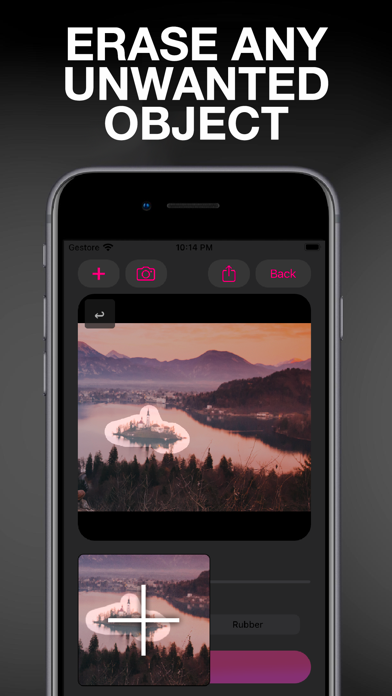
AUTOMATICALLY REMOVE BACKGROUND & OBJECTS WITH AI
Removes the background or any object in a glance, just add the photo, tap remove and the app will do everything by itself!
Everything is done by Artificial Intelligence. Not only it is perfect for ECOMMERCE products, INSTAGRAM and SHOPIFY professional listings but also for STICKERS!

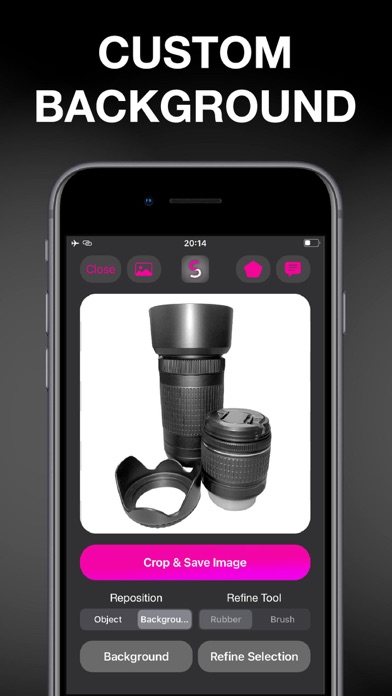
COLOR, IMAGES, WHITE AND GRADIENT BACKGROUNDS
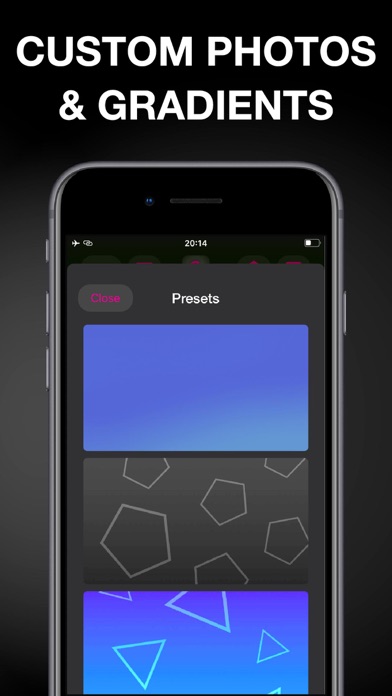
Change the new background to a custom color, white, another image, a gradient or a preset!

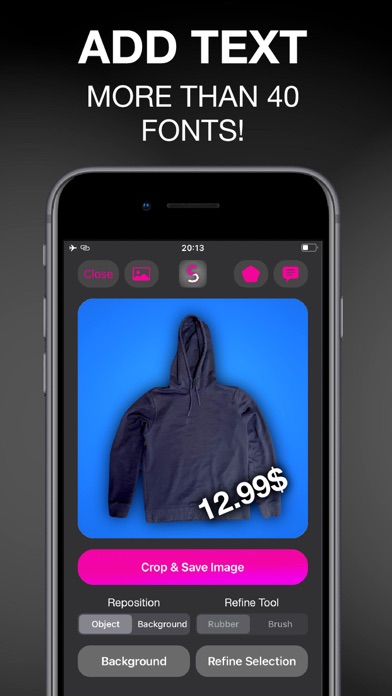
ADD TEXT, SHAPES AND PHOTOS
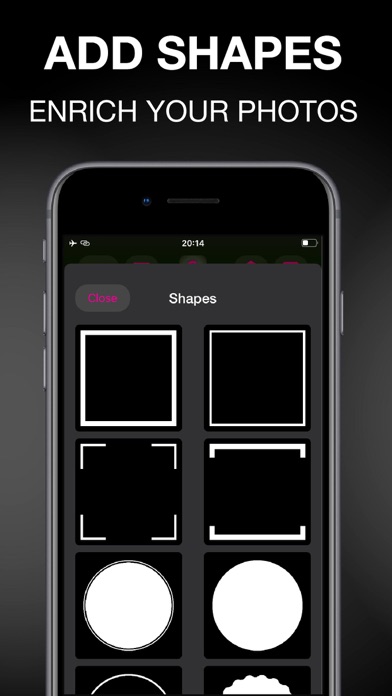
Add text and shapes to enrich your result!

CUSTOM STYLES
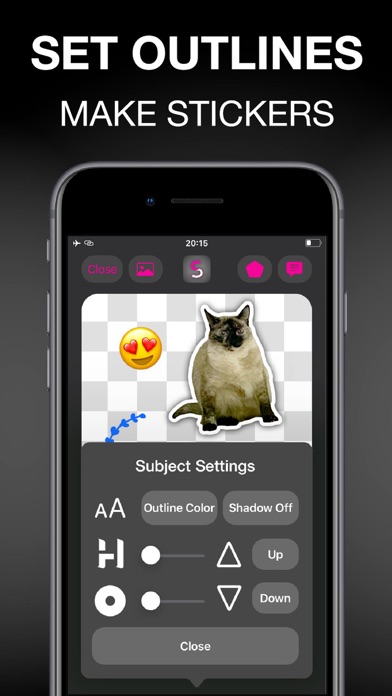
Edit the outlines, the colors and the shadows!

PERFECT FOR COMMERCIAL USES
Make professional results to improve your sales on platforms like Instagram, Shopify, Poshmark and Ebay!

MAKE STICKER PACKS
Bring your results to WhatsApp by adding them to Sticker Packs!

THE BEST AUTO-REMOVER
It uses the latest technologies for auto background removal.
Don't believe it? Give it a try, for free!

By using the app you accept the Terms of Use and the Privacy Policy available at https://www.genovasoftworks.com/terms.php.

View screenshots (7)
Cut Sage: Create Product Photo — screenshot 1Cut Sage: Create Product Photo — screenshot 2Cut Sage: Create Product Photo — screenshot 3Cut Sage: Create Product Photo — screenshot 4Cut Sage: Create Product Photo — screenshot 5Cut Sage: Create Product Photo — screenshot 6Cut Sage: Create Product Photo — screenshot 7
Damaged Photo Restore Suite

GENOVA SOFTWORKS / APP

Damaged Photo Restore Suite

Fix your damaged photos, remove cracks, rips, imperfections, stains, any kind of damage and rebuild missing parts, not only on old black and white photos but also on recent colored ones, in few taps!…

Read more

Fix your damaged photos, remove cracks, rips, imperfections, stains, any kind of damage and rebuild missing parts, not only on old black and white photos but also on recent colored ones, in few taps!
Damaged Photo Restore Suite provides you with all the loved features from the Damaged Photo Restore apps series, upgraded, improved and with additional tools!
The app is suitable both for beginners and pro users thanks to its wide range of tools.

A POWERFUL SUITE OF 8 TOOLS
- Advanced Replicator: The most loved tool, clone parts of the photo and paste them where the damage is located, blending it, you will be astonished by it. This version lets you also rotate and flip the cloned parts!
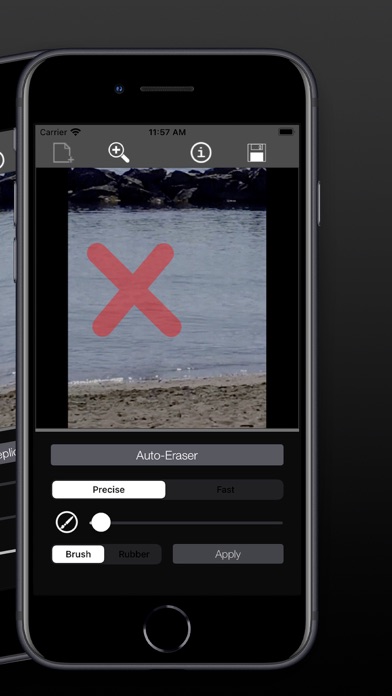
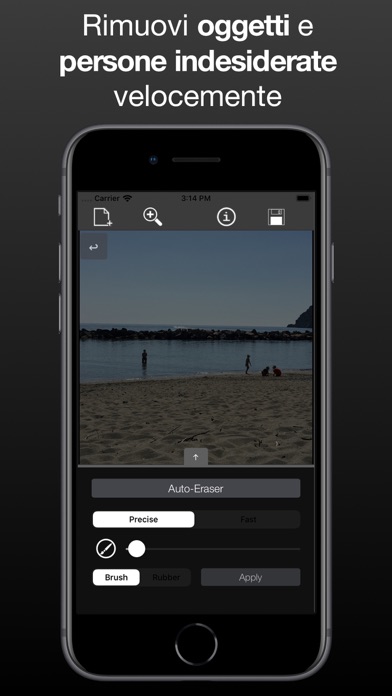
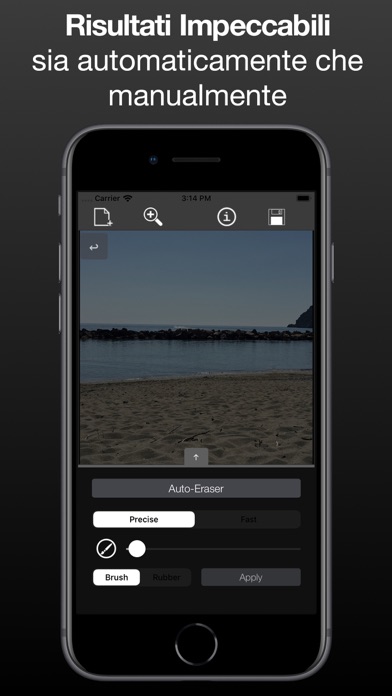
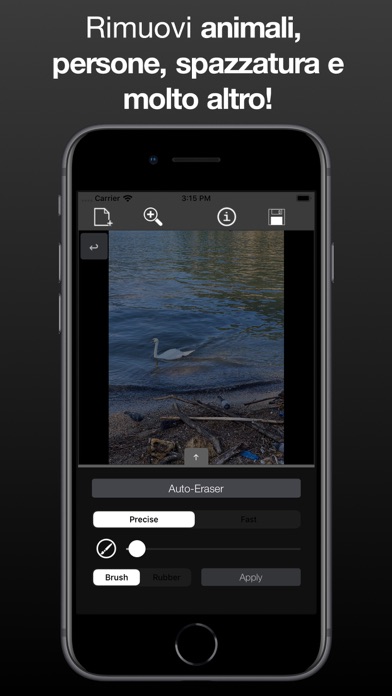
- Automatic Eraser: Remove unwanted objects, people, imperfections, stains, just by highlighting them, also works on damage!
- Auto Mode: Fixes the photo in a glance and automatically, perfect for quick improvements and lightly degraded images.
- Manual Mask: Make a mask manually and fix the highlighted areas.
- Smooth Tool: Smooth part of the image by drawing on it.
- Dehaze Tool: Remove the haze/fading effect caused by time on certain old photos.
- Sharpen Tool: Increase your photos sharpness.
- Denoise Tool: Remove noise on the image, such as lint, spots and similar.

AUTOMATICALLY OR MANUALLY
You can restore the photo automatically using the Auto tool or manually through any other tool!
Perfect for both beginners and pros.

UNLIMITED RESTORATIONS
You can restore all the photos you want, there is no limit, you won't need an external studio to fix them anymore.
All at just one cost.

NO SUBSCRIPTIONS, NO HIDDEN COSTS
Buy the app and keep it forever without any additional costs.
What you see is what you get.

IN-APP TUTORIAL
The app features a step-by-step tutorial to guide you through the interface and a video showing a full restoration from scratch!

DEDICATED SUPPORT
Need help? Just drop an email to support@genovasoftworks.com or visit the website, you will receive dedicated support and we will help you restoring your photos!

UPDATED 2023 AND WORKING WITH APPLE PENCIL
Always updated, working on your favourite devices and on iOS 17.
Designed for long sessions: you will not lose your work if you unintentionally close the app since it automatically stores it.

Got questions?
Drop an email to support@genovasoftworks.com.

Don't need all these features?
Check out the lighter version: Damaged Photo Restore 2 Repair!

View screenshots (6)
Damaged Photo Restore Suite — screenshot 1Damaged Photo Restore Suite — screenshot 2Damaged Photo Restore Suite — screenshot 3Damaged Photo Restore Suite — screenshot 4Damaged Photo Restore Suite — screenshot 5Damaged Photo Restore Suite — screenshot 6
Watch Repair Accuracy Tuner AI

GENOVA SOFTWORKS / APP

Watch Repair Accuracy Tuner AI

Thanks to this app you can easily manage your Watches Collection by adding them to the app and you can keep track of their Accuracy by using a Digital AI bpH Checker for Mechanical Watches or by Sett…

Read more

Thanks to this app you can easily manage your Watches Collection by adding them to the app and you can keep track of their Accuracy by using a Digital AI bpH Checker for Mechanical Watches or by Setting Checkpoints Manually for Quartz and Mechanical ones.

HOW DOES IT WORK?
You can add a watch or a customer's watch to your collection by providing a name, a manufacturer, its mechanism type, some notes and a photo.
Then you can access it from the collection tab.

HOW CAN I TRACK WATCHES ACCURACY?
Instantly, for mechanical watches, an advanced algorithm automatically detects bpH and outputs the watch accuracy in seconds per day.
Manually, for both mechanical and quartz watches, you set checkpoints at hours distance and the app outputs an average of how much your watch is accurate, in s/d.

WHY IS IT DIFFERENT?
No only you can both manage your watches collection and their accuracy but the implemented auto algorithm provides an advanced noise suppression feature and it is able to capture the accuracy of mechanical watches running at 14400, 16200, 18000, 19800, 21600, 25200, 28800 and 36000 bpH.

UP TO DATE
The app is updated for the latest devices and works with iOS 15.

Need support?
Visit www.genovasoftworks.com/support.php or send an email to support@genovasoftworks.com.

View screenshots (4)
Watch Repair Accuracy Tuner AI — screenshot 1Watch Repair Accuracy Tuner AI — screenshot 2Watch Repair Accuracy Tuner AI — screenshot 3Watch Repair Accuracy Tuner AI — screenshot 4
Underwater & Aquarium Camera

GENOVA SOFTWORKS / APP

Underwater & Aquarium Camera

Thanks to this app you will be able to give your Aquarium or Underwater photos a new look by reducing blue light presence and by restoring colors in underwater shots. Features: - Photo filters, you …

Read more

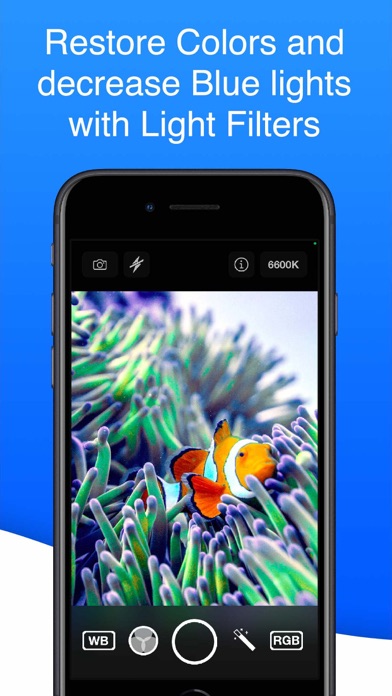
Thanks to this app you will be able to give your Aquarium or Underwater photos a new look by reducing blue light presence and by restoring colors in underwater shots.

Features:
- Photo filters, you can apply a color filter as you would do on a physical camera lens, in order to reduce certain lights color, such as blue light with the orange color filter.
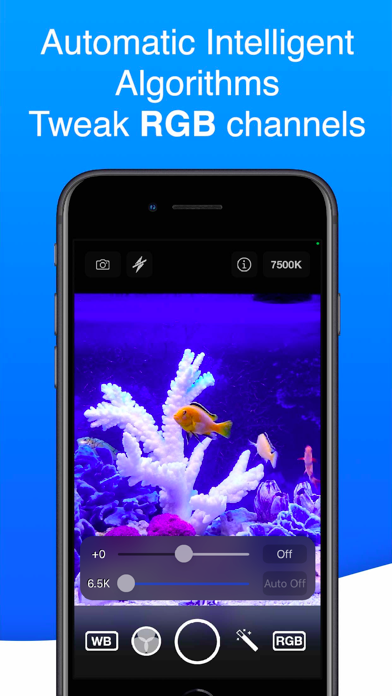
- Automatic and Manual White Balance, with K temperature detection and manual tint adjustments.
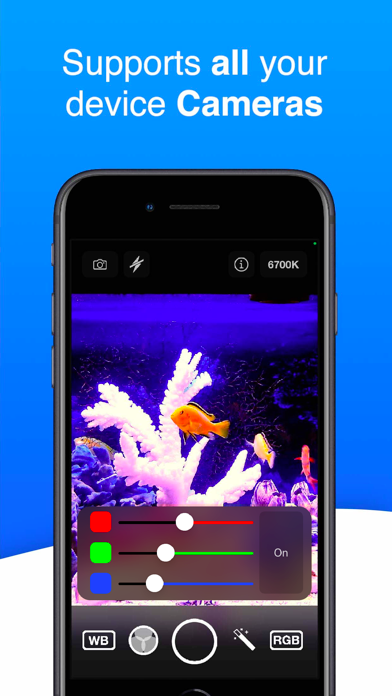
- RGB channels setup, you can manually adjust each color channel in order to improve the colors.
- Intelligent Enhance*: an automatic algorithm which will restore photo colors, enhancing it for you, with just one tap!
- Camera change: supports all your device cameras, such as ultra wide, telephoto and wide angle!
- Camera/Video mode.

For questions or support you can visit www.genovasoftworks.com or you can send an email to support@genovasoftworks.com.

*available in photo mode only.

By using the app you accept the Terms of Use and the Privacy Policy available at https://www.genovasoftworks.com/terms.php.

View screenshots (4)
Underwater & Aquarium Camera — screenshot 1Underwater & Aquarium Camera — screenshot 2Underwater & Aquarium Camera — screenshot 3Underwater & Aquarium Camera — screenshot 4
Colorize Photos AI - Old Pics

GENOVA SOFTWORKS / APP

Colorize Photos AI - Old Pics

If you want to recolour your black and white photos, give them a fresh new look and do all of this easily and quickly, with just ONE TAP, you have found the app for you. Color Old Black & White Phot…

Read more

If you want to recolour your black and white photos, give them a fresh new look and do all of this easily and quickly, with just ONE TAP, you have found the app for you.

Color Old Black & White Photos is the evolution of GENOVA Softworks' well known Image Colorize app and it is packed with a suite of image improvement oriented tools for the users who want even more.

SIMPLE AND POWERFUL WORKFLOW
- Add a Black & White (or brownish) photo.
- Press Colorize.
And the photo is ready to be saved, colorised AUTOMATICALLY.

SUITE OF PRO TOOLS
If you want more you can improve the photo before the colorisation process.
The suite of tools is made up by:
- Haze removal tool.
- Noise reduction tool.
- Sharpness improvement.
- Auto equalisation tool.
- Brightness & Contrast adjustments.
- Auto-Crop feature: one tap and the photo is automatically cropped.

AI POWERED
As its predecessor, the app features the latest machine learning algorithms and optimisations for image colorization!
Get your results in a short time thanks to our top niche servers.

By using the app you accept the Terms of Use and the Privacy Policy available at https://www.genovasoftworks.com/terms.php.

View screenshots (8)
Colorize Photos AI - Old Pics — screenshot 1Colorize Photos AI - Old Pics — screenshot 2Colorize Photos AI - Old Pics — screenshot 3Colorize Photos AI - Old Pics — screenshot 4Colorize Photos AI - Old Pics — screenshot 5Colorize Photos AI - Old Pics — screenshot 6Colorize Photos AI - Old Pics — screenshot 7Colorize Photos AI - Old Pics — screenshot 8
Phone IP Camera Surveillance

GENOVA SOFTWORKS / APP

Phone IP Camera Surveillance

Phone IP Camera lets you turn your device into a remove camera (IP Cam) in order to surveil, spy and check whatever you want, i.e. your house, your pet, your baby and similar. It is also a good anti-…

Read more

Phone IP Camera lets you turn your device into a remove camera (IP Cam) in order to surveil, spy and check whatever you want, i.e. your house, your pet, your baby and similar.
It is also a good anti-theft device thanks to its motion detection feature.

Main features:
- Turns your device into a remote camera;
- Access the camera from any device through a browser*;
- Video + Audio feed**;
- Motion Detection: after a detection the camera will start recording and will send you a push notification to all the enabled devices;
- Remote TTS, make the camera talk;
- Support for slow connections, change quality and speed settings;
- Enable/Disable Flash remotely;
- Username + Password login;
- Disable audio for privacy;
- Good security level, only you know your address, your username and your password!
- Works also both in portrait and landscape modes.

For any question you can drop an email to info@genovasoftworks.com.
Using the app you accept the privacy policy and terms available at www.genovasoftworks.com/terms.php.
The app requires a subscription to work. You can cancel anytime from your account settings.
* You can access the IP Cam from any device on the local network. To access it from outside your local network you will need to forward the port the ip cam is using.
Motion detection push notifications do not require port forwarding.
** Video only feed has no delay, while Video + Audio feed has 20s delay.

View screenshots (4)
Phone IP Camera Surveillance — screenshot 1Phone IP Camera Surveillance — screenshot 2Phone IP Camera Surveillance — screenshot 3Phone IP Camera Surveillance — screenshot 4
AI Teleprompter Voice & Remote

GENOVA SOFTWORKS / APP

AI Teleprompter Voice & Remote

Thanks to AI Teleprompter you will be able to perform your speeches without any issues! Main features: - Two scrolling modes: Timed or by Voice (with audio calibration and background noise suppressi…

Read more

Thanks to AI Teleprompter you will be able to perform your speeches without any issues!

Main features:
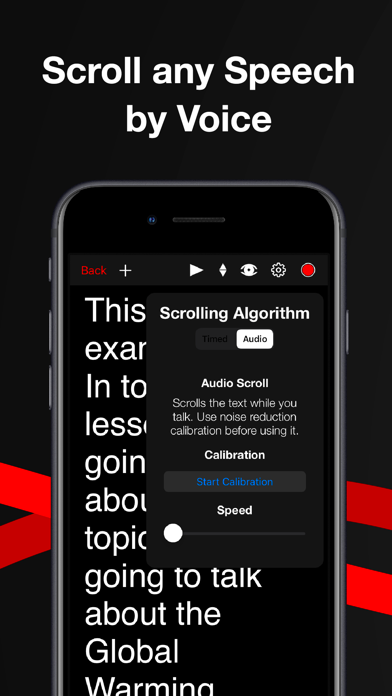
- Two scrolling modes: Timed or by Voice (with audio calibration and background noise suppression);
- Custom Speed setting;
- Import scripts from your device, from iCloud or by pasting them into the app;
- Smart Gestures: Tilt your head to scroll, smile to pause/play;
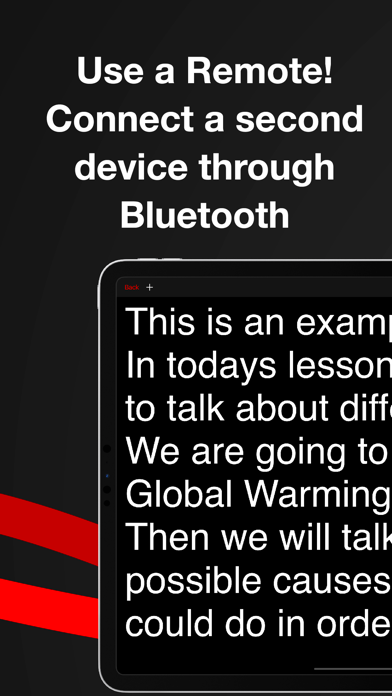
- Bluetooth Remote: Use another device as a remote to scroll, play and pause;
- Customize the Teleprompter text and background;
- Record videos while scrolling the script;
- Mirror mode.

View screenshots (6)
AI Teleprompter Voice & Remote — screenshot 1AI Teleprompter Voice & Remote — screenshot 2AI Teleprompter Voice & Remote — screenshot 3AI Teleprompter Voice & Remote — screenshot 4AI Teleprompter Voice & Remote — screenshot 5AI Teleprompter Voice & Remote — screenshot 6
Custom Widget Creator

GENOVA SOFTWORKS / APP

Custom Widget Creator

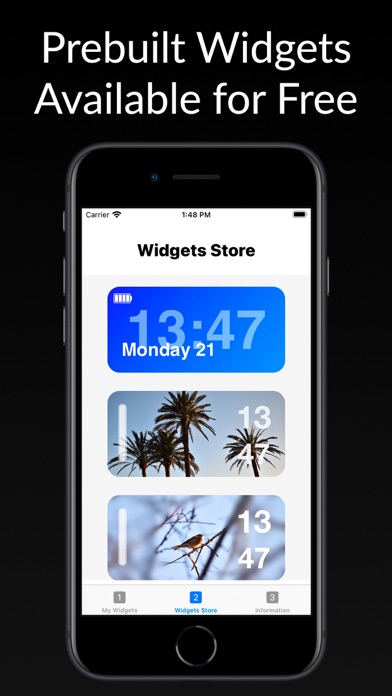
It lets you create custom widgets by adding time, date, RSS feeds, custom text, custom images and more. They can be customised as you like! The app also includes a free prebuilt widgets collection w…

Read more

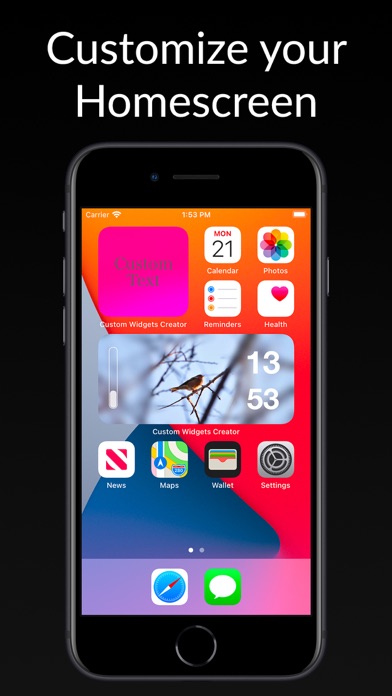
It lets you create custom widgets by adding time, date, RSS feeds, custom text, custom images and more. They can be customised as you like!

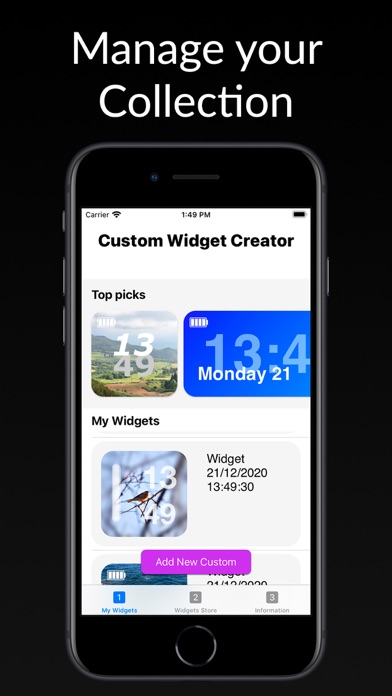
The app also includes a free prebuilt widgets collection which you can add to your widgets library.

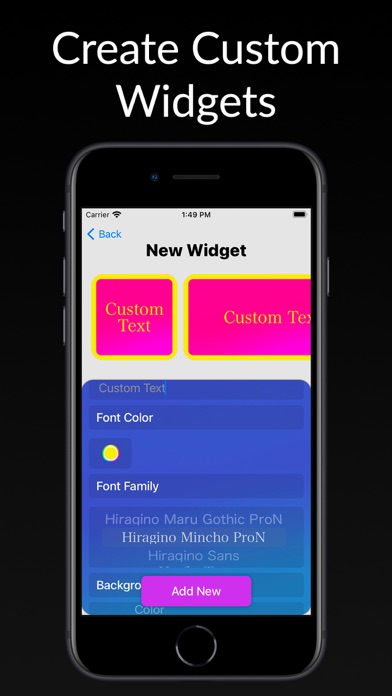
You can customise:
- Date;
- Time;
- Background Color;
- Background Image;
- Font size, many font families and colors;
- Border;
- Battery indicator, position, orientation and color;
- Custom text;
- RSS feed.

View screenshots (4)
Custom Widget Creator — screenshot 1Custom Widget Creator — screenshot 2Custom Widget Creator — screenshot 3Custom Widget Creator — screenshot 4
Image Colorize - Old Photos AI

GENOVA SOFTWORKS / APP

Image Colorize - Old Photos AI

Bring your photo memories to a new life. It's automatic, just press one button and it will do everything by itself.  It is also able to remove or reduce the faded / dull effect affecting some old pho…

Read more

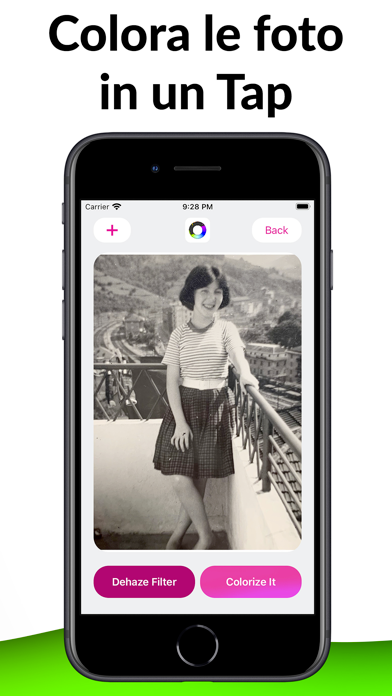
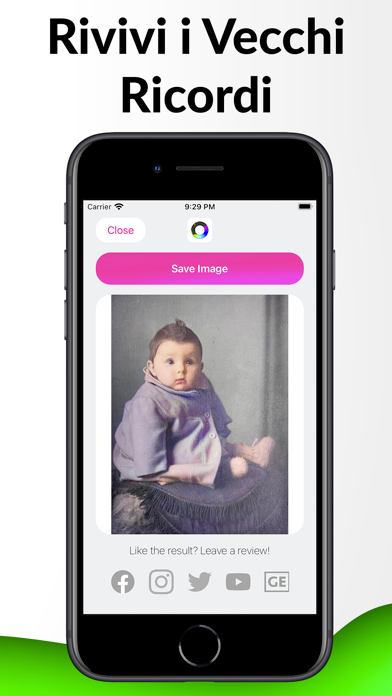
Bring your photo memories to a new life.
It's automatic, just press one button and it will do everything by itself. 
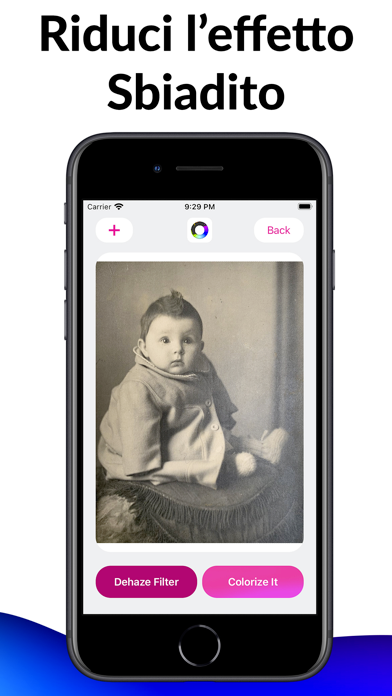
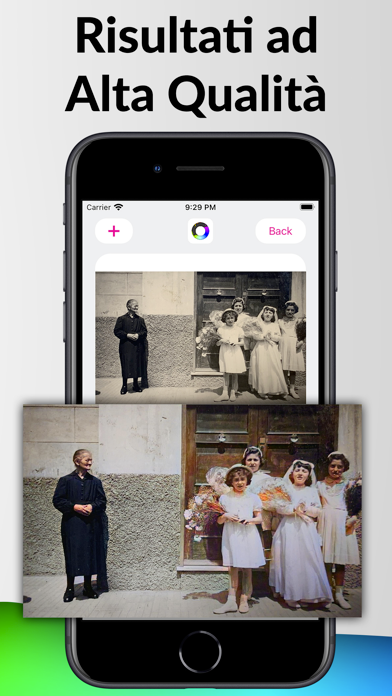
It is also able to remove or reduce the faded / dull effect affecting some old photos and it outputs high resolution results!
Also works on any kind of black and white photo, it doesn't have to be old.

FLAWLESS AUTOMATIC AI PHOTO COLORIZATION AND RESTORATION:
- Add a black and white or faded photo;
- (Optional) Reduce or remove the haze / faded effect thanks to the Dehaze Filter;
- Tap on Colorize/Repair and get your result!
It's like magic. You'll not believe your eyes.

WORKS ON ANY KIND OF IMAGE!
The app works on any kind of black and white photo, it doesn't have to be old, you can easily restore a black and white filtered photo back to colors.

AI POWERED
Features the latest machine learning algorithms and optimisations for image colorization and restoration!
Get your results in a short time thanks to our top niche servers.

By using the app you accept the Terms of Use and the Privacy Policy available at https://www.genovasoftworks.com/terms.php.

View screenshots (7)
Image Colorize - Old Photos AI — screenshot 1Image Colorize - Old Photos AI — screenshot 2Image Colorize - Old Photos AI — screenshot 3Image Colorize - Old Photos AI — screenshot 4Image Colorize - Old Photos AI — screenshot 5Image Colorize - Old Photos AI — screenshot 6Image Colorize - Old Photos AI — screenshot 7
Replicator Tool - Clone Stamp

GENOVA SOFTWORKS / APP

Replicator Tool - Clone Stamp

The Replicator tool is GENOVA Softworks' well appreciated clone stamp tool.  This is the most advanced version of it and it lets you copy any parts of an image and paste them wherever you want.  Wha…

Read more

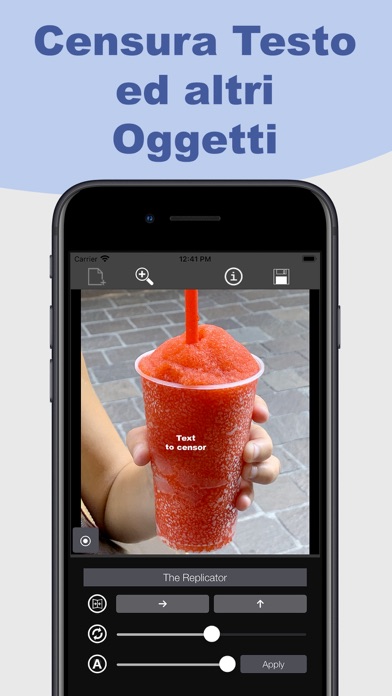
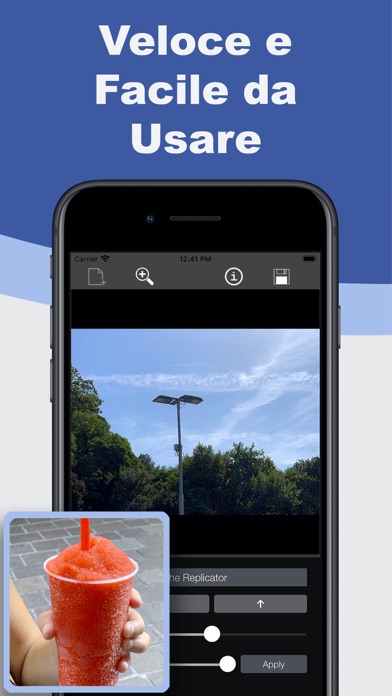
The Replicator tool is GENOVA Softworks' well appreciated clone stamp tool. 
This is the most advanced version of it and it lets you copy any parts of an image and paste them wherever you want. 

What can you achieve with this tool?
You can:
- Censor text, objects, etc;
- Hide and completely remove objects, people, etc;
- Fill in the gaps in images, such as missing parts;
- Clone objects and paste them wherever you want.

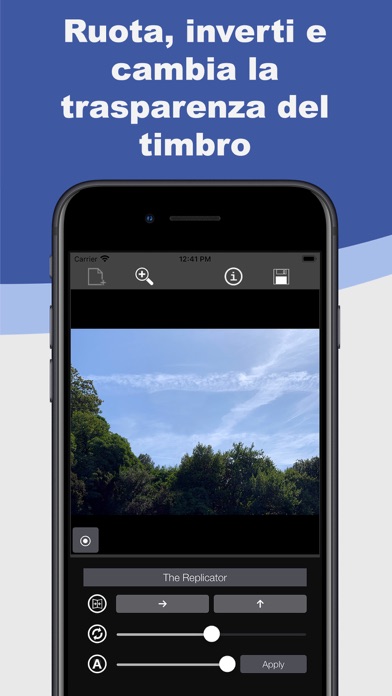
You can define the part to copy just by drawing on the image and you can adjust the settings in order to better melt it with the photo, you can also rotate and flip it.

Why is it special?
Its particular feature to draw the part to copy lets you copy any shaped part of image.
If you want to copy an object with a particular shape you can do it, with the precision you need.

Compatible with Apple Pencil.

You can also find The Replicator Tool in Damaged Photo Restore 2 and in Photo Declutter.

View screenshots (6)
Replicator Tool - Clone Stamp — screenshot 1Replicator Tool - Clone Stamp — screenshot 2Replicator Tool - Clone Stamp — screenshot 3Replicator Tool - Clone Stamp — screenshot 4Replicator Tool - Clone Stamp — screenshot 5Replicator Tool - Clone Stamp — screenshot 6
Light Suite - RAW Photo Editor

GENOVA SOFTWORKS / APP

Light Suite - RAW Photo Editor

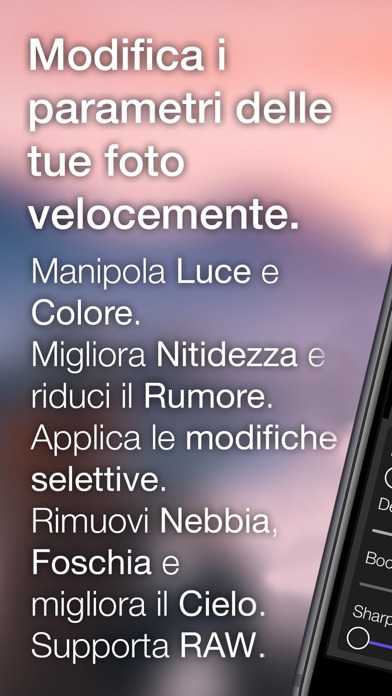
Main Features: • Edit Light: Exposure, Contrast, Highlights, Shadows, Whites and Blacks; • Color Edits: Saturation, Vibrance, Hue and Temperature; • Intelligent Haze and Fog removal Filter; • RAW fil…

Read more

Main Features:
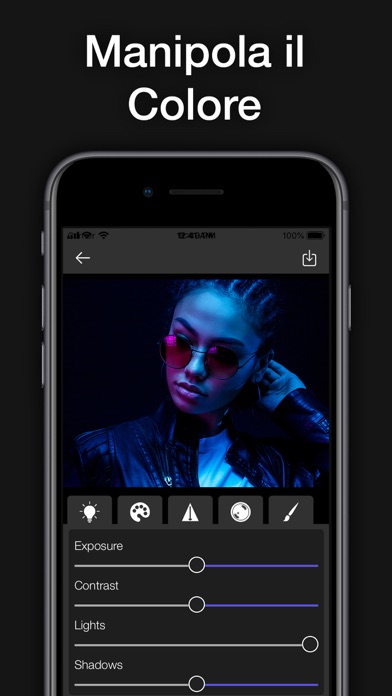
• Edit Light: Exposure, Contrast, Highlights, Shadows, Whites and Blacks;
• Color Edits: Saturation, Vibrance, Hue and Temperature;
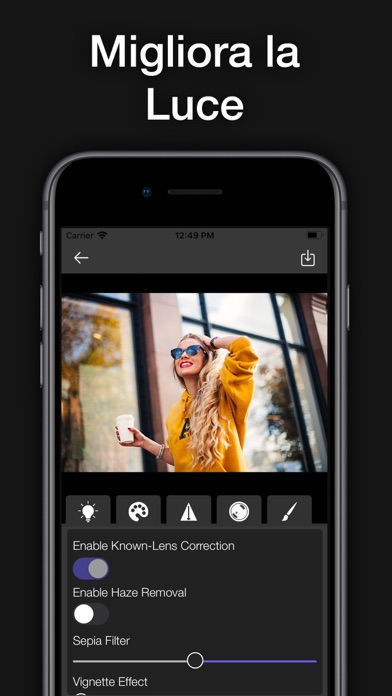
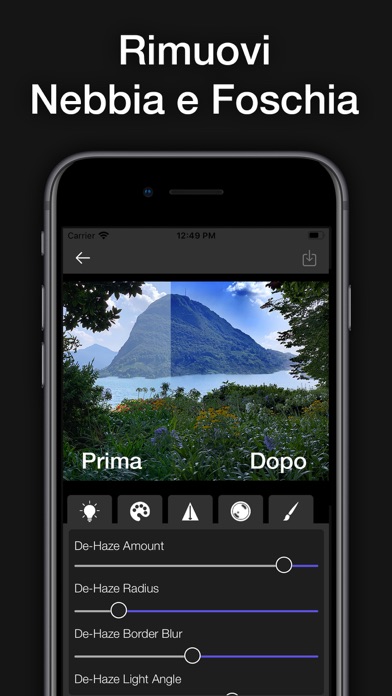
• Intelligent Haze and Fog removal Filter;
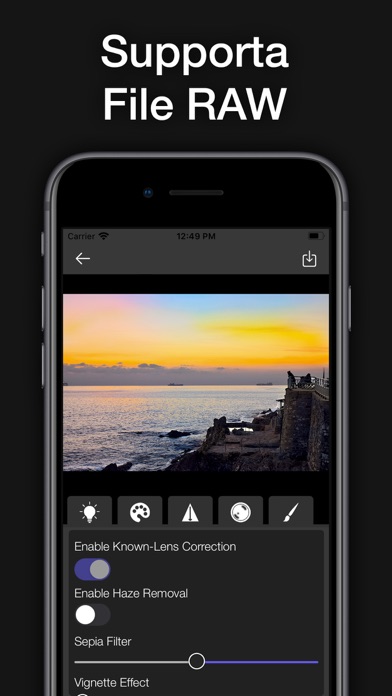
• RAW file support (such as Nikon NEF, Canon CR2, Sony ARW, iOS DNG, etc. file formats);
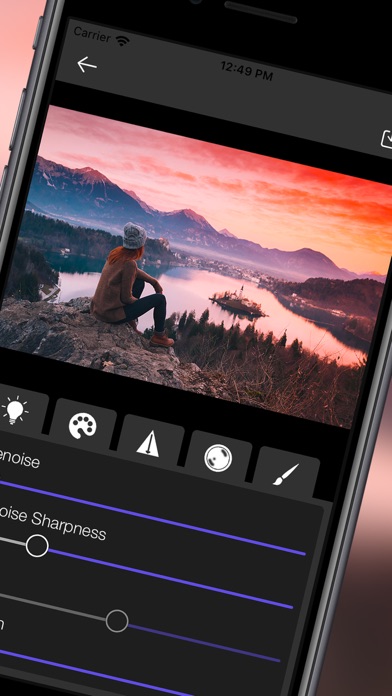
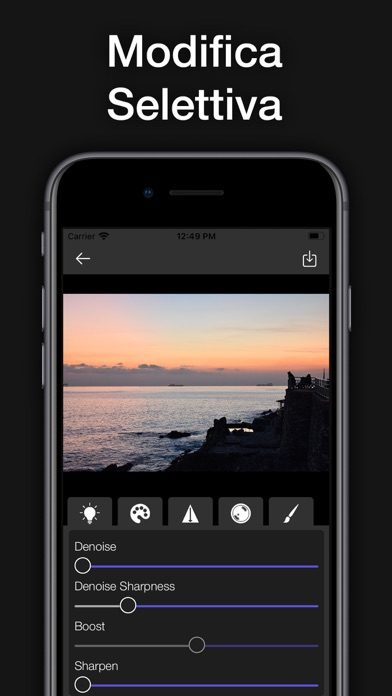
• Denoise Filter;
• Sharpen your photos with the Sharpen filter;
• Vignette Filter;
• Sepia Filter;
• Selective Brush Edit: You can edit the whole photo or you can also draw on the areas where you want to apply the edits and filters.
• Apple Pencil support;

An in-app subscription is required to unlock all the app features.
By using the app you agree the Terms of Use and the Privacy Policy available at: www.genovasoftworks.com/terms.php.

View screenshots (7)
Light Suite - RAW Photo Editor — screenshot 1Light Suite - RAW Photo Editor — screenshot 2Light Suite - RAW Photo Editor — screenshot 3Light Suite - RAW Photo Editor — screenshot 4Light Suite - RAW Photo Editor — screenshot 5Light Suite - RAW Photo Editor — screenshot 6Light Suite - RAW Photo Editor — screenshot 7
Photo Declutter Objects Eraser

GENOVA SOFTWORKS / APP

Photo Declutter Objects Eraser

Photo Declutter lets you remove undesired objects from your photos in a glance, by providing a set of powerful tools. Which objects can you remove? • Unwanted people; • Animals; • Lines, wires, cabl…

Read more

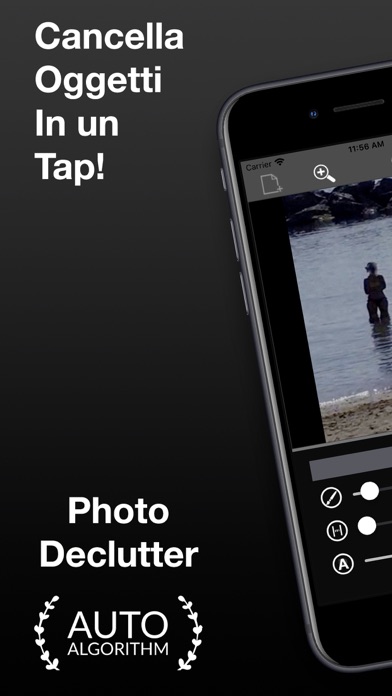
Photo Declutter lets you remove undesired objects from your photos in a glance, by providing a set of powerful tools.

Which objects can you remove?
• Unwanted people;
• Animals;
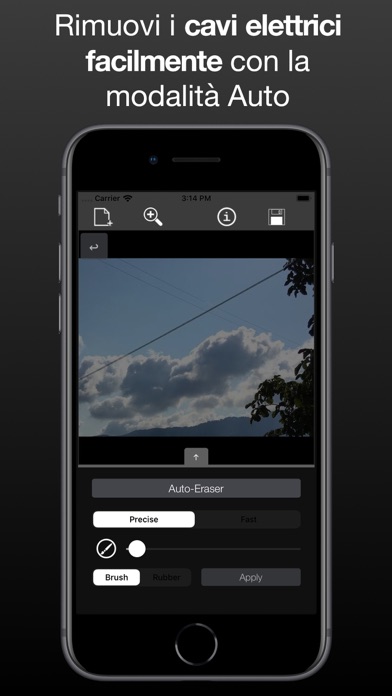
• Lines, wires, cables, and similar;
• Street signs, cars, bycicles;
• Fences, railings, etc.;
• Imperfections such as cracks, scratches, rips;
• Face imperfections such as pimples;
• And more!

These are just some examples.
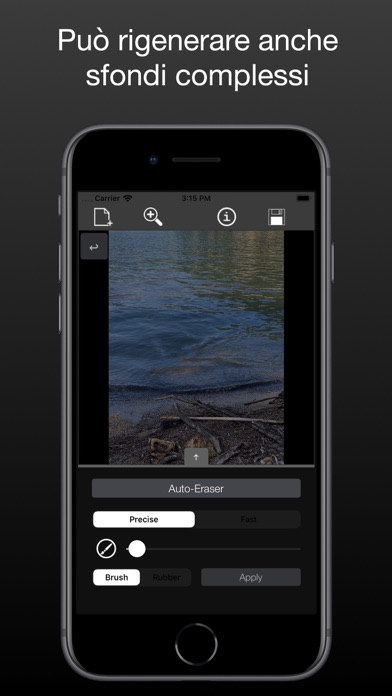
You can remove almost any object in a photo since, thanks to its powerful algorithm, the app reconstructs the background automatically and, for the experienced users, it also lets you rebuild it manually through its manual tool.

What tools are provided?
Photo Declutter features 3 main tools:
• The Auto-Eraser:
This is a tool that automatically removes the objects you don't want, right after you have selected it.
• The Replicator:
A great manual tool that lets you clone a part of the image just by drawing on it and then to paste it wherever you want, perfect to rebuild the background manually. You can also adjust various parameters to generate a better result.
• The Smooth Tool:
This simple tool lets you smooth a part of the image. It is great if you want to refine your result, or maybe if you even want to add some blur effect to the photo.

In-App Tutorials
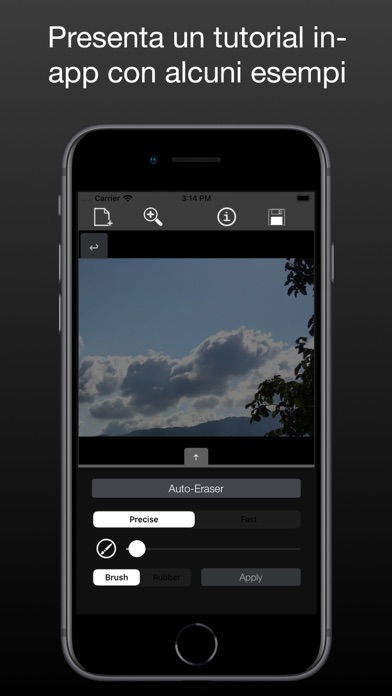
The app features an introductory tutorial which explains you how to use every tool.
At the end of it you can also take a look at some short video examples to learn how to remove certain kinds of objects easily.

No subscriptions
The app does not require any subscription, when you buy it you can use it whenever you want.

iPhone 6s or better and iPad (5th generation) or better recommended for an optimal usage experience.
For more information you can send an email at info@genovasoftworks.com.

View screenshots (8)
Photo Declutter Objects Eraser — screenshot 1Photo Declutter Objects Eraser — screenshot 2Photo Declutter Objects Eraser — screenshot 3Photo Declutter Objects Eraser — screenshot 4Photo Declutter Objects Eraser — screenshot 5Photo Declutter Objects Eraser — screenshot 6Photo Declutter Objects Eraser — screenshot 7Photo Declutter Objects Eraser — screenshot 8
Fix Old Photos - Damage Repair

GENOVA SOFTWORKS / APP

Fix Old Photos - Damage Repair

Repair your damaged photos by removing scratches, rips, even the big ones, cuts, dirt, stains and many other imperfections. If you got damaged photos, even not necessarily old photos, this profession…

Read more

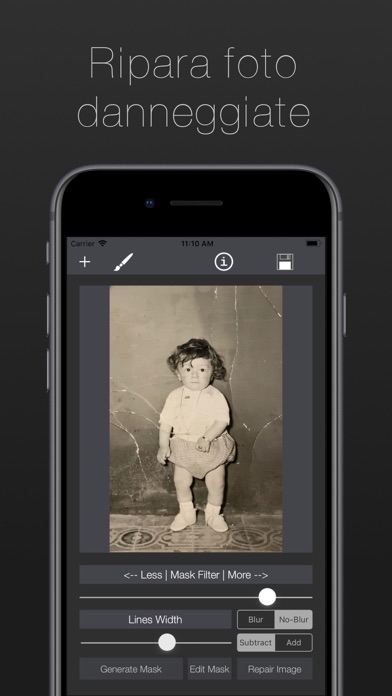
Repair your damaged photos by removing scratches, rips, even the big ones, cuts, dirt, stains and many other imperfections. If you got damaged photos, even not necessarily old photos, this professional tool can restore them to an almost pristine condition by using newer improved algorithms. This new version is easier to understand, faster, more efficient and it is able to remove many more imperfections*.

Remember that the app does not only repair damaged photos, it can even hide objects, text and other unwanted stuff.

# Has been in the Top #10 Utilities in more than 20 countries worldwide!

Features:
- Remove scratches, rips, even the big ones, cuts, dirt, stains and more;
- Can repair both old, aged photos and newer ones;
- Can remove imperfections from any image;
- Can hide objects, text, persons, etc;
- Can repair missing parts from the image (such as walls, landscapes, etc);
- Up to 3x faster processing*;
- 4 Tools**:
-- Replicator;
-- Auto Mask Generator;
-- Manual Mask Editor;
-- Smooth Tool;
- Intelligent Auto Mask Generator algorithm able to detect faces;
- Able to Replicate complex background patterns;
- High precision mode;
- Easier to use and to understand with a deep and guided in-app tutorial;

In comparison with Damaged Photo Restore & Repair (1).
This app can repair almost any photo, however if the photo is too much degraded the result might not be optimal.

**A subscription is required to access the app features and tools.
By using the app you accept the Terms of Use and the Privacy Policy available at https://www.genovasoftworks.com/terms.php (EULA).

View screenshots (8)

Fix Old Photos - Damage Repair — screenshot 1Fix Old Photos - Damage Repair — screenshot 2Fix Old Photos - Damage Repair — screenshot 3Fix Old Photos - Damage Repair — screenshot 4Fix Old Photos - Damage Repair — screenshot 5Fix Old Photos - Damage Repair — screenshot 6Fix Old Photos - Damage Repair — screenshot 7Fix Old Photos - Damage Repair — screenshot 8
trovaprofessionisti.com

GENOVA SOFTWORKS / WEB PLATFORM

trovaprofessionisti.com

A web platform connecting people seeking a service with professionals, businesses and freelancers in Italy. Customers can submit a free request with the service, location, description, budget and tim…

Read more

A web platform connecting people seeking a service with professionals, businesses and freelancers in Italy. Customers can submit a free request with the service, location, description, budget and timing, compare quotes and manage responses in their personal account. Professionals can create a profile, select services and covered provinces, receive notifications for relevant requests and reply to potential customers without buying credit packages.

Damaged Photo Restore & Repair

GENOVA SOFTWORKS / APP

Damaged Photo Restore & Repair

Repair your damaged photos, remove cuts, rips, scratches, marks, stains or other imperfections. This app is a professional tool which makes use of advanced powerful algorithms in order to bring your …

Read more

Repair your damaged photos, remove cuts, rips, scratches, marks, stains or other imperfections. This app is a professional tool which makes use of advanced powerful algorithms in order to bring your damaged photos back to their original condition. The way it works is really simple. You set the image you want to fix and, automatically, the app will do it for you. If you are an user who wants even better results and precision you can do the entire process manually.

# Has been in the Top 5 Photo and Video Apps in different countries!

Damaged Photo Restore not only fixes damaged photos, it can even remove imperfections from images and hide text or objects.

Main features:
- Removes cuts and rips from photos;
- Removes scratches, marks and stains;
- Can repair old photos which got damaged over the time;
- Can remove imperfections from any image;
- Can hide text or objects from any image;
- Simple and intuitive interface;
- Advanced users can improve their results even more through the manual edit mode;
- High precision mode (A magnifier shows you where you are editing);
- Export to camera roll;
- In-App tutorial;
- Fast and optimized for iOS 18;

Please be aware that:
- This is a professional tool, follow the in-app explanation in order to learn how to use it correctly;
- The app will work on almost any photo, however in case the photo provided is affected by a high grade of damage the result will not be optimal.

View screenshots (10)
Damaged Photo Restore & Repair — screenshot 1Damaged Photo Restore & Repair — screenshot 2Damaged Photo Restore & Repair — screenshot 3Damaged Photo Restore & Repair — screenshot 4Damaged Photo Restore & Repair — screenshot 5Damaged Photo Restore & Repair — screenshot 6Damaged Photo Restore & Repair — screenshot 7Damaged Photo Restore & Repair — screenshot 8Damaged Photo Restore & Repair — screenshot 9Damaged Photo Restore & Repair — screenshot 10
Image Deblur - Blurred & Shaky

GENOVA SOFTWORKS / APP

Image Deblur - Blurred & Shaky

Image Deblur is a professional tool that lets you remove the blur from your photos. Thanks to its deconvolution algorithm it is possible to bring out the details you are looking for from your photos…

Read more

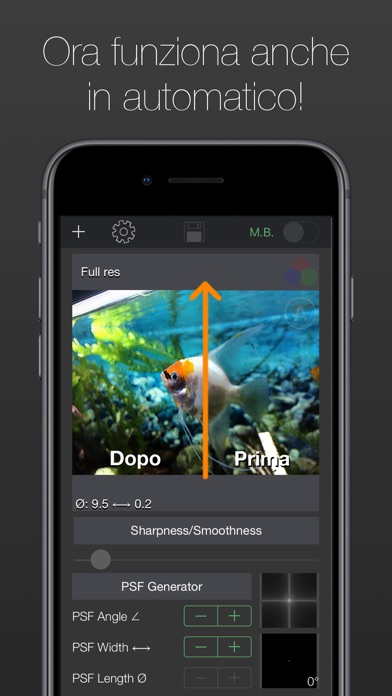
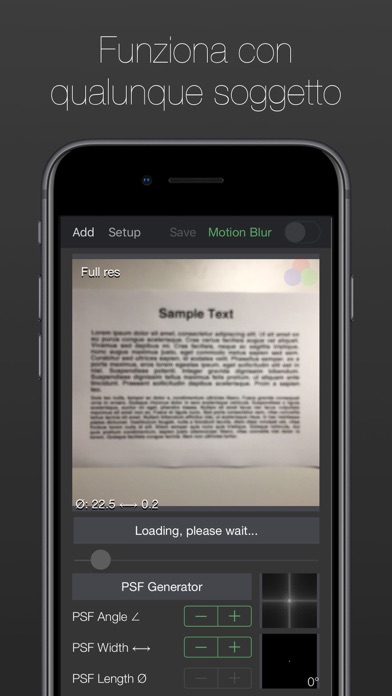
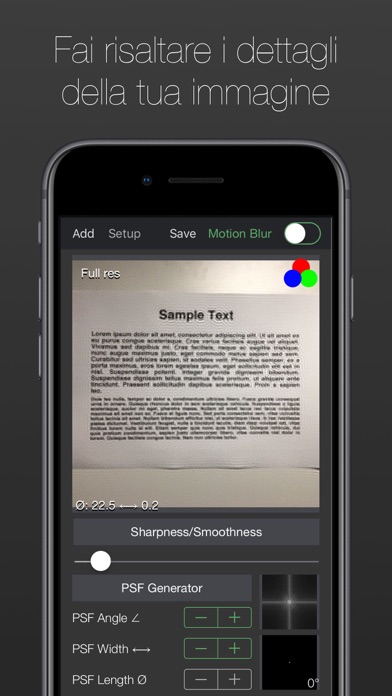
Image Deblur is a professional tool that lets you remove the blur from your photos.
Thanks to its deconvolution algorithm it is possible to bring out the details you are looking for from your photos, with high precision. It is really useful if you need to get important information from your photo!

# Has been in the Top 100 Utilities in 10 different countries in the App Store!
# See the app in action by visiting the website!

What does this tool do?
- Focus defocused photos, letting you see their details such as text or blurred subjects;
- Remove motion blur from your photos, generated by fast moving subjects or your camera (following a simple motion trajectory), such as shaky hands;
- Tune the focus and motion blur angle thanks to its high precision controls;
- Fast result computation with preview changes;
- Outputs a color RGB or Grayscale restored image to the camera roll;
- Supports high resolution images;
- Features Auto Mode which automatically gives you some of the possible restorations of your image;

This tool does not only sharpen the image, it literally removes the blur, and reduces it when severe blur is present.

Please be aware that:
- This is a professional tool, follow the in-app explanation in order to learn how to use it correctly;
- High resolution images will be scaled if hardware limits are exceeded;
- The purpose of this tool is to bring out the desired details from your images, such as text or license plates, not to improve the image in its entirety, especially when severe blur is present, also the blur due to low resolution will not be improved.

Don't know if the app is right for your purposes? If you have questions don't hesitate to send an email at support@genovasoftworks.com.

View screenshots (5)
Image Deblur - Blurred & Shaky — screenshot 1Image Deblur - Blurred & Shaky — screenshot 2Image Deblur - Blurred & Shaky — screenshot 3Image Deblur - Blurred & Shaky — screenshot 4Image Deblur - Blurred & Shaky — screenshot 5
Perfect Visage - Face Makeup

GENOVA SOFTWORKS / APP

Perfect Visage - Face Makeup

Quick and easy, only two tools that simplify the usage, remove all the skin imperfections and whiten your teeth. Thanks to its intelligent algorithm it recognizes the perfect settings in order to imp…

Read more

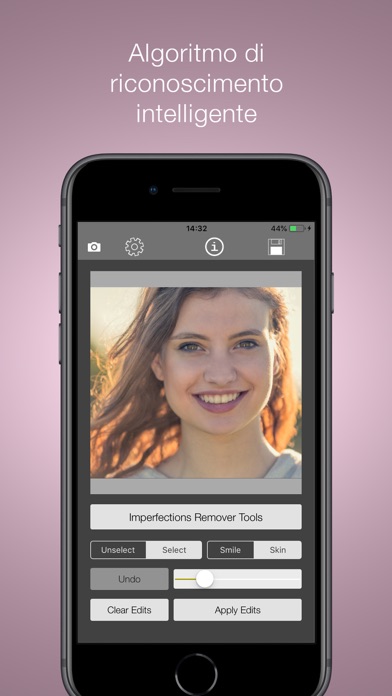
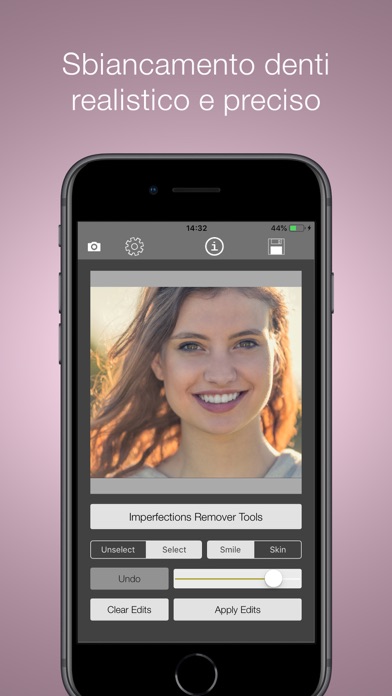
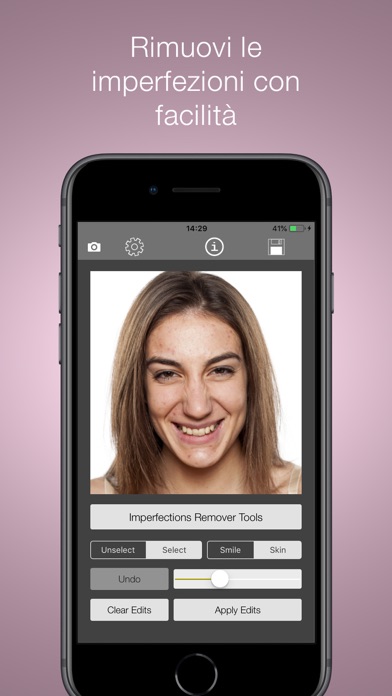
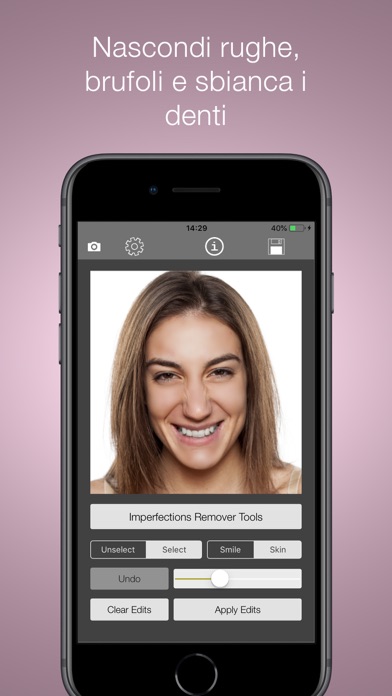
Quick and easy, only two tools that simplify the usage, remove all the skin imperfections and whiten your teeth. Thanks to its intelligent algorithm it recognizes the perfect settings in order to improve the makeup and make it look real.

Main features:
- Quick and easy: start the app, load a photo, apply the makeup and save!
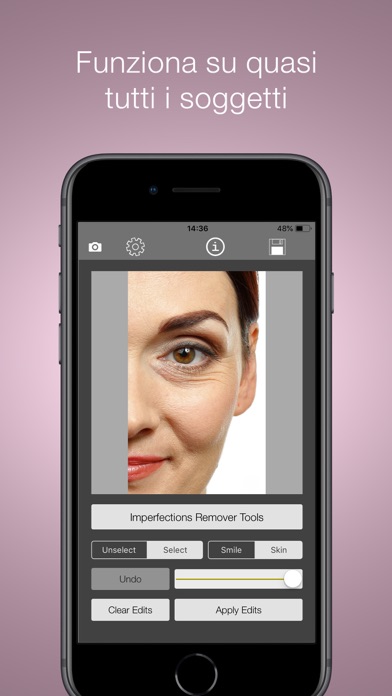
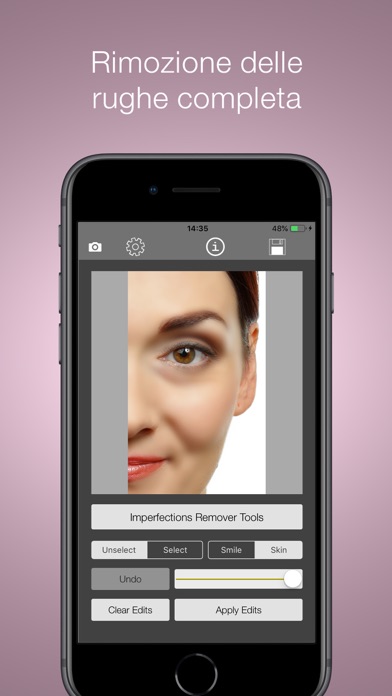
- Hide pimples, wrinkles and other skin imperfections;
- Whiten your teeth;
- Two simple tools: one to remove skin imperfections and one to whiten your teeth;
- The makeup looks real under any kind of light;
- You can change the teeth whitening level;
- Smart smile detection;
- Pinch to zoom;
- Optimized for iPhone X, Xs, Xs Max and XR!

View screenshots (6)
Perfect Visage - Face Makeup — screenshot 1Perfect Visage - Face Makeup — screenshot 2Perfect Visage - Face Makeup — screenshot 3Perfect Visage - Face Makeup — screenshot 4Perfect Visage - Face Makeup — screenshot 5Perfect Visage - Face Makeup — screenshot 6
SLR RAW Camera

GENOVA SOFTWORKS / APP

SLR RAW Camera

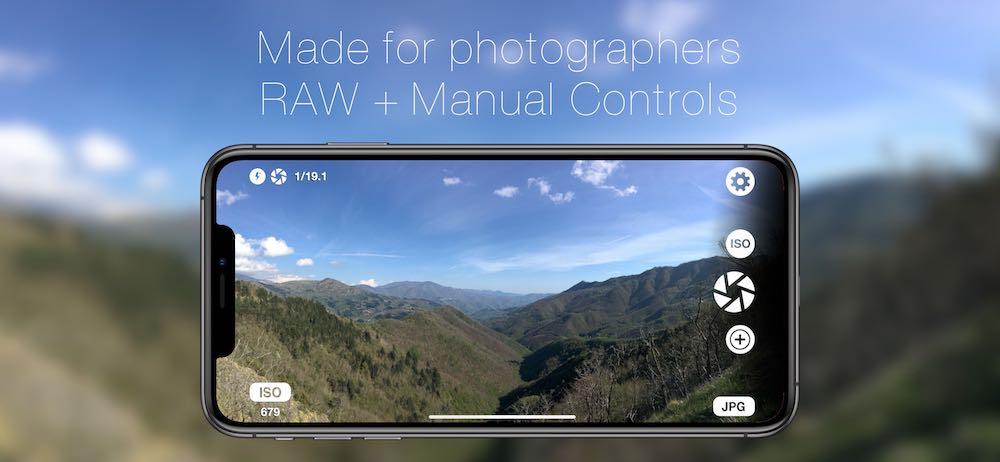
SLR RAW Camera enables all the camera manual settings on your device. You will be able to take amazing pictures, even in night time, and export them to RAW or JPG, just like if you were using a DSLR.…

Read more

SLR RAW Camera enables all the camera manual settings on your device. You will be able to take amazing pictures, even in night time, and export them to RAW or JPG, just like if you were using a DSLR.


Main features:

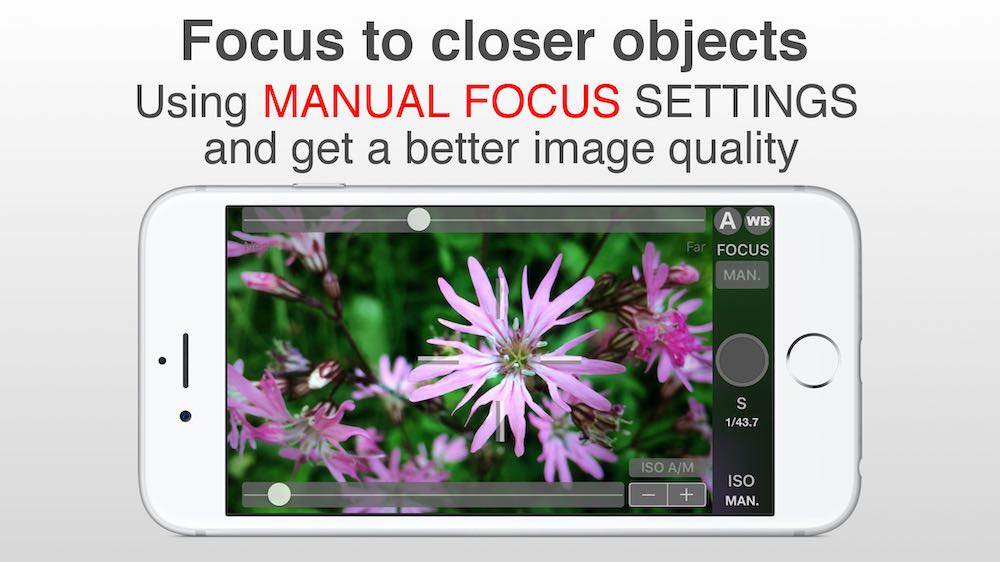
• Manual ISO;

• Manual Shutter speed (Perfect for amazing night shots);

• Manual Focus;

• RAW and JPG support*;

• Pinch to Zoom;

• White Balance: with RGB channels settings;

• Grid overlay;

• Flash settings;

• Easy, fast and convenient interface: just swipe to adjust the settings!


*RAW is available only on iPhones SE, 6s, 6s Plus, 7, 7 Plus, 8, 8 Plus, X or better and iPad Pro.

Neptune: Arena FPS

GENOVA SOFTWORKS / APP

Neptune: Arena FPS

Classic arena style gameplay mixed with modern and futuristic elements, where the only thing that matters is the skill. - Set into a futuristic environment, you will have to fight against the AI in o…

Read more

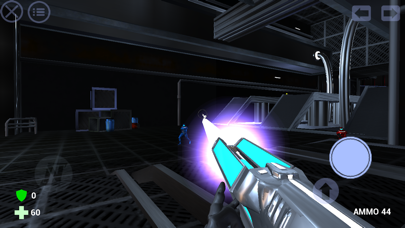
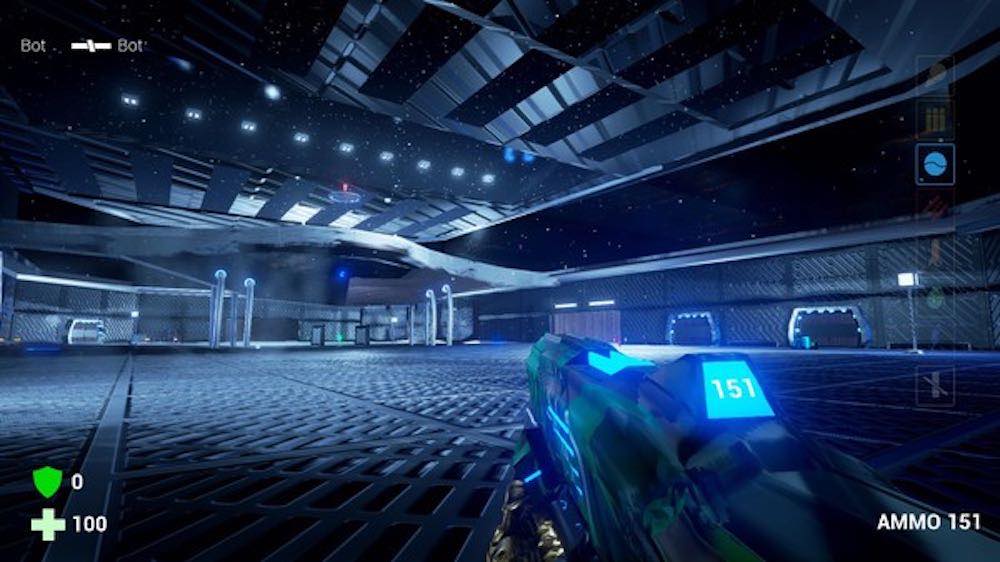
Classic arena style gameplay mixed with modern and futuristic elements, where the only thing that matters is the skill.
- Set into a futuristic environment, you will have to fight against the AI in order to win!
- Fast paced, tricky, breathtaking matches;
- 5 Beautiful arenas;
- Many jump pads! Melt your movement skills with in-air fights;
- Traps! Every map has its own way to endanger the player;
- Master 8 futuristic but classic arena style weapons;
- Ranks and Skins:
Earn XP playing and spend it into Skins for your favorite weapons!
Game modes:
- Deathmatch: shoot at anything that moves!
- Instagib: play one shot one kill with your faithful Raygun!

*iPhone 5s/iPad Air minimum required*

View screenshots (4)
Neptune: Arena FPS — screenshot 1Neptune: Arena FPS — screenshot 2Neptune: Arena FPS — screenshot 3Neptune: Arena FPS — screenshot 4
SLR Pro Camera

GENOVA SOFTWORKS / APP

SLR Pro Camera

SLR Pro Camera was developed to help professional photographers have a better time with their own personal device unlocking all of its functions such as manual focus, iso and shutter priority. Using…

Read more

SLR Pro Camera was developed to help professional photographers have a better time with their own personal device unlocking all of its functions such as manual focus, iso and shutter priority.

Using the latest APIs it has been possible to unlock important features, turning the usual device camera into a new powerful one similar to a professional SLR one.


Thanks to a simple but yet useful interface it is possible to adjust all the settings on the go, being able to see the changes in real time.


The user can also set the white balance (WB) as he prefers, settings the RGB values individually.


By setting these parameters you will be able to shoot much better looking photos!
SLR will let you shot Low light/night photos, thanks to low shutter speeds, and you will be able to improve the quality of high speed moving objects using higher shutter speeds!


Main features:

• Manual and Auto controls;

• ISO setting;

• Shutter priority setting;

• Manual/Auto Focus;

• White Balance settings including RGB values;

• Flash On/Off/Auto;

• Maximum image quality output;

• Improved Zoom;

Chroma Key FX - Green Screen

GENOVA SOFTWORKS / APP

Chroma Key FX - Green Screen

Thanks to this app applying the chroma key effect will be easier! Just add the image where you want to apply it and a background, adjust the screen color and place, rotate and scale it as you wish! Y…

Read more

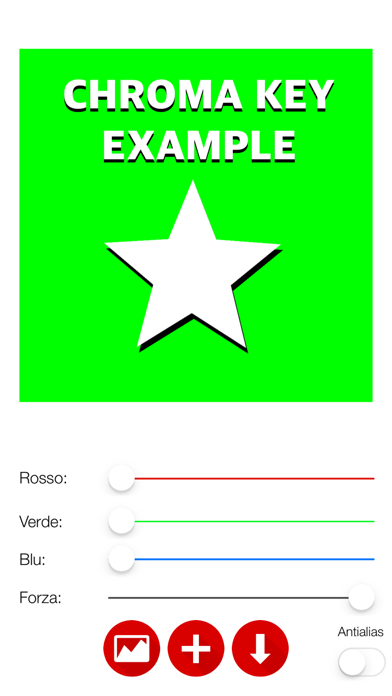
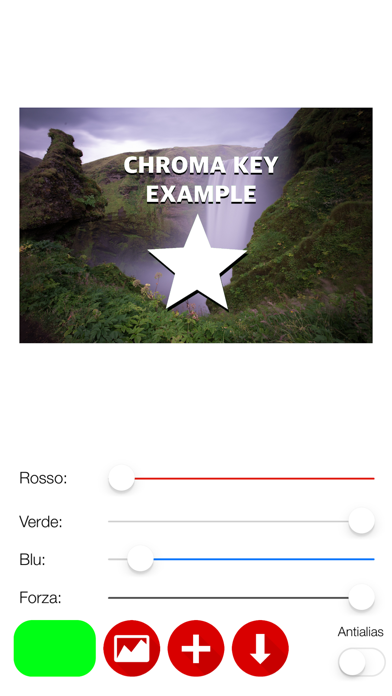
Thanks to this app applying the chroma key effect will be easier! Just add the image where you want to apply it and a background, adjust the screen color and place, rotate and scale it as you wish! You can also apply the chroma key to just one image and export it to the camera roll, keeping the transparency.

Features:
- Apply the chroma key using any color;
- Adjust the image by rotating it, scaling it and moving it!
- Create transparent images and save them to the camera roll;
- Different strength values and antialias option;

View screenshots (2)
Chroma Key FX - Green Screen — screenshot 1Chroma Key FX - Green Screen — screenshot 2
AR Laser Meter Measuring Tape

GENOVA SOFTWORKS / APP

AR Laser Meter Measuring Tape

Thanks to this app you will be able to measure objects and distances quickly and with ease, just using your device! It can measure horizontal objects and it also works in low light conditions thanks …

Read more

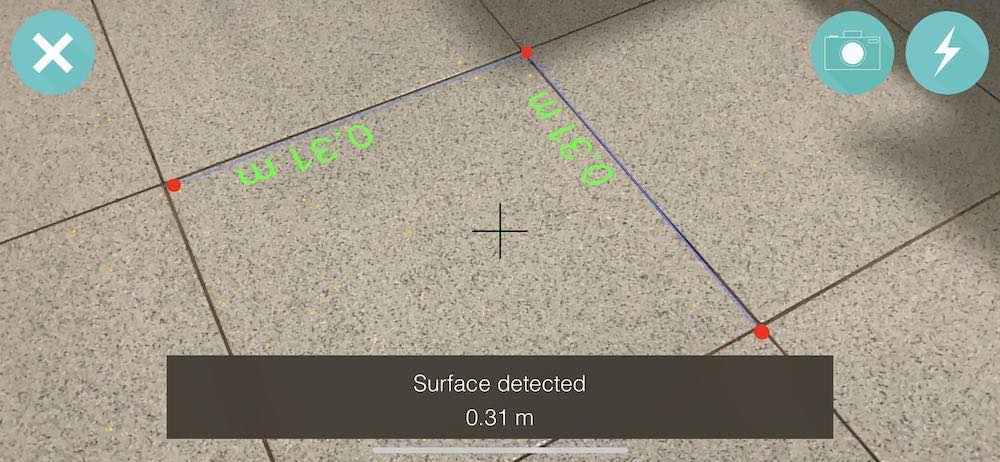
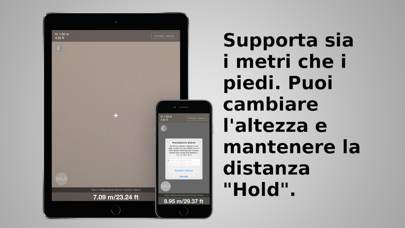
Thanks to this app you will be able to measure objects and distances quickly and with ease, just using your device! It can measure horizontal objects and it also works in low light conditions thanks to the flash. Since it uses the AR you can safely move without losing the measurements you have taken, in order to see better.


Main features:

- Measure objects and distances;

- Low error percentage;

- Works in low light conditions thanks to the flash (where available);

- Supports both meters and feet;

- Move wherever you want thanks to the AR;

- Save the measurements;

Plan from Camera - PDF AR Scan

GENOVA SOFTWORKS / APP

Plan from Camera - PDF AR Scan

Thanks to this app drawing plans will be easy, quick and all done automatically. It also works in low light thanks to the flash and it lets you export your plans as image, PDF and PDF share to social…

Read more

Thanks to this app drawing plans will be easy, quick and all done automatically. It also works in low light thanks to the flash and it lets you export your plans as image, PDF and PDF share to social networks, messages or other sharing channels.

You will also be able to take measures of surfaces, calculate the perimeter, not only of closed areas but also of open ones. It supports both meters and feet and it is possible to set your plan as you wish, changing the lines width, the zoom and the presence of the measured dimensions!

Features:
- Draw the plan automatically;
- Set it as you wish by changing the width of lines, adding or removing the dimensions and changing the zoom;
- Export your plan as image, PDF or PDF share to social networks, messages or other sharing channels;
- Also works in low light thanks to the flash!;
- It measures the horizontal surfaces, with a maximum error of 1% in optimal conditions;
- It measures and draws both open and closed areas;
- While your measure you can move in order to get closer to the point and get higher precision measurements;

By using the app you accept the Terms of Use and the Privacy Policy available at https://www.genovasoftworks.com/terms.php.

View screenshots (2)
Plan from Camera - PDF AR Scan — screenshot 1Plan from Camera - PDF AR Scan — screenshot 2
RCON Game Server Admin Manager

GENOVA SOFTWORKS / APP

RCON Game Server Admin Manager

If you're running a game server this app will be a must have! Send commands remotely through the RCON, be updated on what happens on the server, manage everything thanks to your mobile device. Suppo…

Read more

If you're running a game server this app will be a must have! Send commands remotely through the RCON, be updated on what happens on the server, manage everything thanks to your mobile device.

Supported Game Servers:
• Minecraft;
• Ark: Survival Evolved (supports the GetChat)*;
• Rust**;
• SRCDS Servers (Source RCON Protocol);
• Counter Strike: Global Offensive;
• Counter Strike: Source;
• Team Fortress 2;
• Insurgency;
• Day of Defeat: Source;
• Garry's Mod;
• Half Life 2: Deathmatch;
• Left 4 Dead 2;
• Conan Exiles;
• Reflex;

What does the app offer?
You will be able to manage your server sending commands remotely through the RCON just like if you were typing on the server console.
This includes any command supported by the game server.

After the command is typed you will see the server response, for example if you have typed "status" in a Garry's Mod server you would receive all the information regarding the server status including name, players, etc.

The app supports any command supported by the game server. You will also be able to kick, ban and send broadcast messages!

*The port parameter refers to the Rcon port chosen using the ?RCONPort=xxxxx? command at the server startup.

**Add +rcon.web 0 at server startup or the authentication will not work.
Port refers to the rcon.port value (default 28016) which can be set at the server startup, not the server port.

The app has been tested on pc game servers, it is not guaranteed that it will also work for console games.

For any question don't hesitate to contact the support.

View screenshots (5)
RCON Game Server Admin Manager — screenshot 1RCON Game Server Admin Manager — screenshot 2RCON Game Server Admin Manager — screenshot 3RCON Game Server Admin Manager — screenshot 4RCON Game Server Admin Manager — screenshot 5
Outfit Manager - Dress Advisor

GENOVA SOFTWORKS / APP

Outfit Manager - Dress Advisor

Organize your clothes, try new combinations and get suggestions on how to dress today! Thanks to this app and its easy interface everything will be easier, you will be able to: - Organize your clothe…

Read more

Organize your clothes, try new combinations and get suggestions on how to dress today! Thanks to this app and its easy interface everything will be easier, you will be able to:
- Organize your clothes without any limit;
- Add them into categories;
- Save your Outfits and share them;
- Select your clothes from the gallery or by taking a picture at the moment;
- Prepare yourself for the summer thanks to the bikini category and try new combinations;
- Show your clothes in stack, just like putting them on a virtual mannequin!

By using the app you agree the Terms of Use and the Privacy Policy available at:
www.genovasoftworks.com/terms.php.

View screenshots (4)
Outfit Manager - Dress Advisor — screenshot 1Outfit Manager - Dress Advisor — screenshot 2Outfit Manager - Dress Advisor — screenshot 3Outfit Manager - Dress Advisor — screenshot 4
Camera Effects - 25+ Filters

GENOVA SOFTWORKS / APP

Camera Effects - 25+ Filters

Camera Effects is an useful app which lets you apply camera filters and effects to your pictures. You can select pictures from your gallery or you can take them using your camera. You can apply multi…

Read more

Camera Effects is an useful app which lets you apply camera filters and effects to your pictures. You can select pictures from your gallery or you can take them using your camera. You can apply multiple effects to a photo, increase the effects intensity by adding them multiple times and restore the default image without effects if you want to change them.

Filters available:
• Sepia
• Noir
• Posterize
• Chrome
• Vintage
• Vignette
• Negative
• Blur
• Burn
• Exposure
• Blue
• Yellow
• Red
• Nostalgy
• Contrasted
• Vibrance
• Green Jelly
• Bloom
• Gloom
• Pixellate
• Dull
• Warm
• Sunlight
• Circles
• Round Lines
• Lines

The edited images will be saved to the Camera Roll.

View screenshots (3)
Camera Effects - 25+ Filters — screenshot 1Camera Effects - 25+ Filters — screenshot 2Camera Effects - 25+ Filters — screenshot 3
iDashboard Acceleration Speed and HUD for Car

GENOVA SOFTWORKS / APP

iDashboard Acceleration Speed and HUD for Car

You need to measure your car acceleration or you simply want an utility which will attend you during your travel? iDashboard will be the perfect app for these purposes! Using the GPS it will let you…

Read more

You need to measure your car acceleration or you simply want an utility which will attend you during your travel? iDashboard will be the perfect app for these purposes!

Using the GPS it will let you know the effective speed both in mph or in km/h and the altitude at the same time. You will also be able to measure the 0-60 and 0-100 acceleration both in mph or km/h, you will just have to stop the car, press the test button and start accelerating, the app will start the timer once the car will move.

The HUD mode will help you read the display in low light conditions, such as at night. After you enable it, you will have to place the device below the windscreen on the dashboard, the app will reflect the display on the glass.


Features:

- Measure the car acceleration 0-60 and 0-100;

- Effective GPS speed;

- Night HUD mode;

- Realtime altitude;

- MPH or KM/H;

Motion Alarm Anti Theft Device

GENOVA SOFTWORKS / APP

Motion Alarm Anti Theft Device

Need a quick anti-theft alarm? This app is for you! Simple and easy to use, just arm and lock the device, place it in something you don't want to be stolen or moved and it will be safe. After arming …

Read more

Need a quick anti-theft alarm? This app is for you! Simple and easy to use, just arm and lock the device, place it in something you don't want to be stolen or moved and it will be safe. After arming the app you will have 10 seconds to place the device and when ready it will let you know. Works on both tablet and smartphone and even in background, with device locked! When moved it will start ringing and vibrating and it will stop only if disabled by you.

Main features:
- Quick and easy to use, arm and lock the device, place it where you want;
- Works both on tablet and smartphone;
- Works in background with device locked, until you disable it;
- 10 seconds timer before arming;

Be sure to let the app access the Location Services or it won't work in background.

View screenshots (3)
Motion Alarm Anti Theft Device — screenshot 1Motion Alarm Anti Theft Device — screenshot 2Motion Alarm Anti Theft Device — screenshot 3
Disco Music Strobe Light

GENOVA SOFTWORKS / APP

Disco Music Strobe Light

At a party, concert or with friends, this app will be your perfect companion! Disco Music Strobe Light shows on screen effects following the music rhythm, helping you enliven your parties. The app do…

Read more

At a party, concert or with friends, this app will be your perfect companion!
Disco Music Strobe Light shows on screen effects following the music rhythm, helping you enliven your parties.
The app does not only show on screen effects, if you own a device which supports the camera flash it will turn it on and off following the song rhythm, synchronized with the on screen effects. The Music mode lets you calibrate the sensivity on your own or, if you prefer, you can enable the autocalibration mode which makes the app calibrate itself automatically in real time. If you want you can also enable the classic Strobe mode, which lets you increase or decrease the strobe speed. Disco Music Strobe Light is recommended for uses regarding music, but you can also use it as a normal flashlight or sos. Check the website for more information.

Remember to let the app access the microphone or the Music mode will not work.
The application will work on both smartphones and tablets.

View screenshots (3)
Disco Music Strobe Light — screenshot 1Disco Music Strobe Light — screenshot 2Disco Music Strobe Light — screenshot 3
Pin Game - Pinball Bowling

GENOVA SOFTWORKS / APP

Pin Game - Pinball Bowling

Ever wanted an enhanced bowling experience? If yes this game is for you! Pin Game is a really simple but yet addicting game, where a flipper style game meets bowling. You will have to kick down ever…

Read more

Ever wanted an enhanced bowling experience? If yes this game is for you!
Pin Game is a really simple but yet addicting game, where a flipper style game meets bowling.
You will have to kick down every skittle to get to the next level, where the difficulty will increase and where you will meet new kinds of obstacles.
Global leaderboards and achievements fully integrated in Game Center will improve the gameplay and addict you even more, and yes you will be able to earn coins, unlock new shiny skins and buy explosive balls!

Everything is packed with new generation graphics and effects for newer devices.

Main features:
-Infinite gameplay with various kinds of obstacles;
-Earn coins, unlock skins and buy explosive balls to help you reach a higher score!;
-Game Center Leaderboards and Achievements;
-New generation graphics for high end devices including Ambient Occlusion, HDR, Depth of Field, Real Time Shadows and Destructible Props;
iPad 2, iPhone 4S or newer required.

View screenshots (4)
Pin Game - Pinball Bowling — screenshot 1Pin Game - Pinball Bowling — screenshot 2Pin Game - Pinball Bowling — screenshot 3Pin Game - Pinball Bowling — screenshot 4
Head Tilt Browser Face Scroll

GENOVA SOFTWORKS / APP

Head Tilt Browser Face Scroll

Head Tilt Browser is a simple Web Browser which lets you scroll web pages without using your hands, just by rotating your head. It is quick, fast and easy to setup and supports all your favorite web …

Read more

Head Tilt Browser is a simple Web Browser which lets you scroll web pages without using your hands, just by rotating your head. It is quick, fast and easy to setup and supports all your favorite web pages including PDF pages.
Main features:
• Scroll pages by rotating your head;
• Quick and simple;
• Disable Javascript to make the browser even faster;
• Save/delete History;

View screenshots (2)
Head Tilt Browser Face Scroll — screenshot 1Head Tilt Browser Face Scroll — screenshot 2
Multiplication Tables

GENOVA SOFTWORKS / APP

Multiplication Tables

Thanks to this game, learning and studying the multiplication tables will be much easier! You can find tables from 1 to 10 and also a Random mode, where the multiplications are random, suggested to …

Read more

Thanks to this game, learning and studying the multiplication tables will be much easier!

You can find tables from 1 to 10 and also a Random mode, where the multiplications are random, suggested to the ones who have already learned all the tables.

Every level is characterized by a multiplication table and random multiplications (belonging to the selected multiplication table), the player will have to beat the highscore, previously obtained, trying to push himself further and to get better.

The game mechanic is really simple, the requested multiplication is visible in the bottom right corner and the player will have to tap on the cloud containing the right result, trying to not make mistakes.

If he chooses the right result, the requested multiplication will change increasing the score, while if he makes a mistake an attempt will be subtracted.

The attempts left are visible by checking the happy faces on the bottom middle/right corner.

If the player makes three mistakes the game will end and he will be able to see the score.

Pocket Telemeter Range Finder

GENOVA SOFTWORKS / APP

Pocket Telemeter Range Finder

Pocket Telemeter - Range Finder is an application that will let you calculate the distance between you and an object and its height. It is simple and quick to use, just type the height at which you h…

Read more

Pocket Telemeter - Range Finder is an application that will let you calculate the distance between you and an object and its height. It is simple and quick to use, just type the height at which you hold your device, aim at the base of the object and you will get the distance, you can also use the distance to get the object height.

The application uses some mathematical formulas so the error percentage is very low and it supports both m. and ft. units of measurement. Also you can keep the current distance by pressing the hold button.

View screenshots (2)
Pocket Telemeter Range Finder — screenshot 1Pocket Telemeter Range Finder — screenshot 2
Neptune: Arena FPS on Steam

GENOVA SOFTWORKS / APP

Neptune: Arena FPS on Steam

Welcome to Neptune: Arena FPS Classic arena style gameplay mixed with modern and futuristic elements, where the only thing that matters is the skill. Features: Set into a futuristic environment,…

Read more

Welcome to Neptune: Arena FPS


Classic arena style gameplay mixed with modern and futuristic elements, where the only thing that matters is the skill.


Features:

Set into a futuristic environment, you will have to fight the other players climbing the leaderboard and becoming the best;

Fast paced, tricky, get quick into the action without having to wait for the matches to end;

Beautiful arenas where only the best players will be able to dominate;

Many jump pads! Melt your movement skills with in-air fights;

Traps! Every map has its own way to endanger the player;

Master 9 futuristic but classic arena style weapons;

Offline single player BOT Practice;

Classic Deathmatch and Instagib mode;

05 / THE NEXT STEP

Have an idea?
Let’s start there.

Tell us what you would like to build. We’ll find the right solution for your business, with no obligation.