Vai al contenuto
GENOVA Softworks
← Home

SELECTED WORK / APPS & SOFTWARE

Progetti, app e possibilità.

Idee che abbiamo trasformato in strumenti, esperienze e app disponibili sul mercato.

54 progetti da esplorare

Site Audit Report Pro - PDF

GENOVA SOFTWORKS / APP

Site Audit Report Pro - PDF

Elevate your audits from paperwork to powerful insights. Audit Report Pro helps teams plan, execute, and share professional audit reports in minutes—on-site or on the go. Why you’ll love it Stop wre…

Leggi di più

Elevate your audits from paperwork to powerful insights. Audit Report Pro helps teams plan, execute, and share professional audit reports in minutes—on-site or on the go.

Why you’ll love it
Stop wrestling with spreadsheets and scattered photos. With Audit Report Pro, you get a fast, structured workflow that captures evidence, assigns actions, and exports polished reports your stakeholders will trust.

Key features
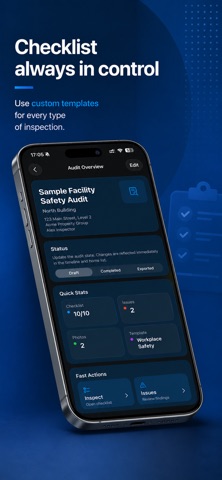
• Customizable checklists: Build your own templates or adapt existing ones for any standard or industry.
• Works OFFLINE.
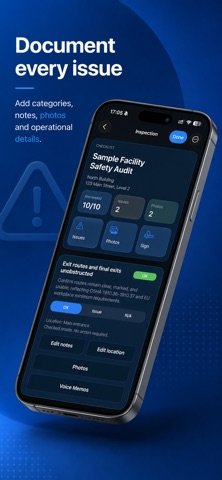
• Smart evidence capture: Attach photos, annotations, and voice notes directly to findings.
• Corrective actions (CAPA): Assign owners, due dates, and priorities; track status to closure.
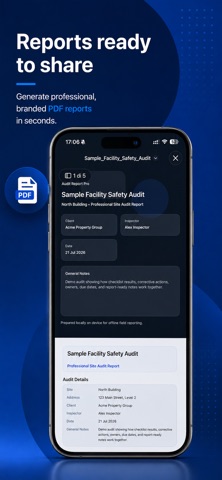
• Professional exports: Generate branded PDF in one tap—ready to share.
• Editable exports: Export to Microsoft Word .doc in order to manually edit the report on your PC/Mac.
• Sign‑offs and approvals: Capture digital signatures and maintain a clear audit trail.
• Flexible customization: Add your logo, fields, and terminology to match your organization.

Perfect for
• Quality, safety, and compliance audits
• Site inspections, facility walkthroughs, and field operations
• Internal audits, supplier assessments, and pre‑qualification checks
• Checklists for maintenance, housekeeping, and retail standards

Get results faster
• Standardize your process: Ensure every audit follows the same high‑quality steps.
• Capture once, use everywhere: Evidence automatically flows into your reports.
• Close the loop: Keep corrective actions visible until they’re done—no more loose ends.

The app requires a subscription.
Terms and Privacy Policy at
https://www.genovasoftworks.com/terms.php

Guarda gli screenshot (4)
Site Audit Report Pro - PDF — screenshot 1Site Audit Report Pro - PDF — screenshot 2Site Audit Report Pro - PDF — screenshot 3Site Audit Report Pro - PDF — screenshot 4
Even Share - Split Expenses

GENOVA SOFTWORKS / APP

Even Share - Split Expenses

Even Share is the easiest way to manage shared expenses with friends, partners, and roommates. Add an expense in seconds, choose how to split it (equal, custom amounts, or percentages), and instantly…

Leggi di più

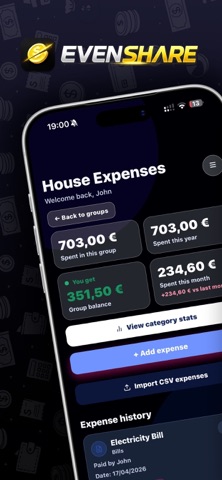
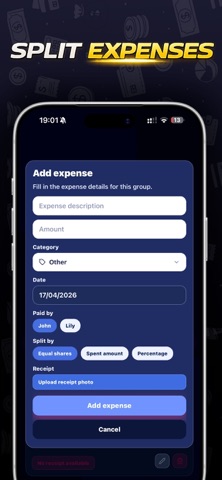
Even Share is the easiest way to manage shared expenses with friends, partners, and roommates.
Add an expense in seconds, choose how to split it (equal, custom amounts, or percentages), and instantly see who owes what.

From shared rent and bills to trips, dinners, and everyday costs, Even Share keeps everything organized without spreadsheets or confusion.

With Even Share you can:
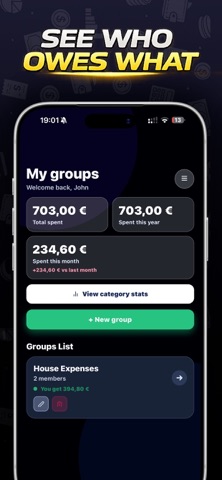
- Create groups and invite members in a few taps;
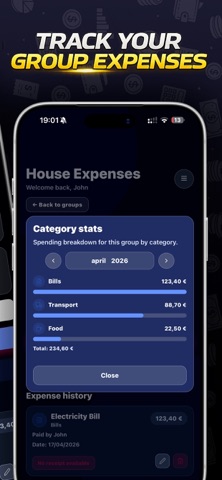
- Track expenses with categories and dates;
- Attach receipts so nothing gets lost;
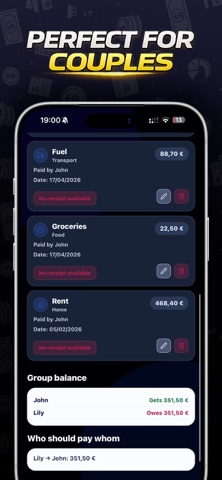
- Monitor net balances with clear summaries;
- Import expenses from CSV files;
- View spending insights to understand where money goes.

Clean design, fast sync, and full control: less chaos, more clarity for group spending.
By using the app you accept the Terms of Use and the Privacy Policy available at https://www.genovasoftworks.com/terms.php.

Guarda gli screenshot (5)
Even Share - Split Expenses — screenshot 1Even Share - Split Expenses — screenshot 2Even Share - Split Expenses — screenshot 3Even Share - Split Expenses — screenshot 4Even Share - Split Expenses — screenshot 5
Bar Stock Manager & Inventory

GENOVA SOFTWORKS / APP

Bar Stock Manager & Inventory

Bar Stock Manager is the smart way to manage your bar inventory with speed and precision. Easily track your stock, organize your beverages, and stay in control of your bar at all times. Browse and a…

Leggi di più

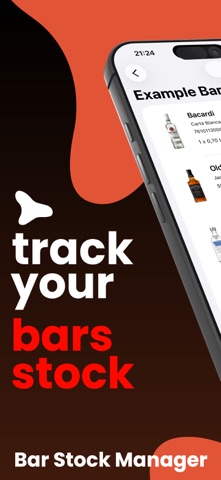
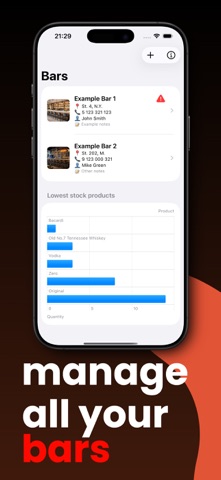
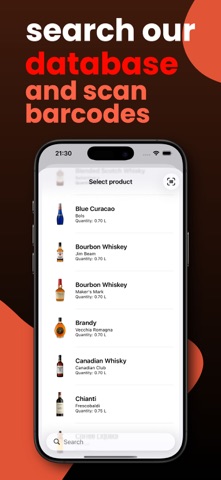
Bar Stock Manager is the smart way to manage your bar inventory with speed and precision. Easily track your stock, organize your beverages, and stay in control of your bar at all times.

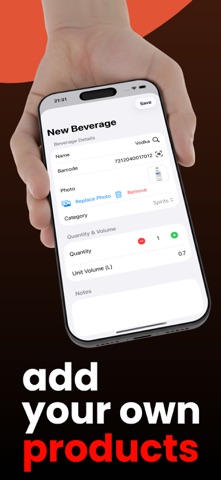
Browse and add drinks from our extensive built-in database, or simply scan barcodes to instantly add products to your inventory. Whether you manage a single bar or multiple locations, Bar Stock Manager helps you monitor quantities, avoid shortages, and keep everything organized in one place.
Designed for bar owners, bartenders, and beverage enthusiasts, the app makes inventory management simple, fast, and reliable—so you can focus on what matters most.

Key features:
- Manage one or multiple bars in one app
- Add drinks quickly from our integrated database
- Scan barcodes for instant product recognition
- Track stock levels and stay organized
- Clean, intuitive, and easy-to-use interface

Take full control of your bar inventory with Bar Stock Manager.

All product names, trademarks, brands, and images are the property of their respective owners. They are used for identification and informational purposes only. This app is not affiliated with, endorsed by, or sponsored by any brand owners.

By using the app you accept the Terms of Use and the Privacy Policy available at https://www.genovasoftworks.com/terms.php.
A subscription is required to access app features.

Guarda gli screenshot (5)
Bar Stock Manager & Inventory — screenshot 1Bar Stock Manager & Inventory — screenshot 2Bar Stock Manager & Inventory — screenshot 3Bar Stock Manager & Inventory — screenshot 4Bar Stock Manager & Inventory — screenshot 5
Portable IP Cam CCTV Monitor

GENOVA SOFTWORKS / APP

Portable IP Cam CCTV Monitor

Turn your iPhone or iPad into a smart IP camera! Keep an eye on what matters most—home, office, pets, or loved ones—with a simple, reliable, and powerful IP camera app. Transform your device into a p…

Leggi di più

Turn your iPhone or iPad into a smart IP camera!
Keep an eye on what matters most—home, office, pets, or loved ones—with a simple, reliable, and powerful IP camera app. Transform your device into a professional monitoring tool in seconds.

Live streaming anywhere
Watch your camera feed in real-time from any device. Stay connected whether you’re across the room or across the globe.

Picture-in-Picture mode
Keep your camera view visible while using other apps. Multitasking has never been this secure.

Flash support for dark areas
Illuminate low-light environments for clearer, sharper monitoring—even at night.

Instant motion & sound alerts
Receive notifications when movement or sudden sounds are detected. Stay informed and take action instantly.

Event recording & playback
Automatically record detected motion and review events anytime. Keep track of everything that happens.

Easy remote access
Monitor your IP camera from anywhere in the world. Peace of mind is just a tap away.

Perfect for multiple uses:
- Home security
- Baby monitoring
- Pet care
- Office and business surveillance

Why you’ll love it:
It’s more than a camera—it’s your personal security system. Set it up in seconds, customize alerts, and watch over what matters most without extra devices or complicated setups.
Transform your iPhone or iPad into a smart, reliable IP camera and enjoy peace of mind anytime, anywhere.

Terms and Privacy Policy:
https://www.genovasoftworks.com/terms.php
A subscription will be required in order to access premium features.

Guarda gli screenshot (5)
Portable IP Cam CCTV Monitor — screenshot 1Portable IP Cam CCTV Monitor — screenshot 2Portable IP Cam CCTV Monitor — screenshot 3Portable IP Cam CCTV Monitor — screenshot 4Portable IP Cam CCTV Monitor — screenshot 5
Baby Monitor - Remote Camera

GENOVA SOFTWORKS / APP

Baby Monitor - Remote Camera

Baby Monitor AI allows you to turn your iPhone or iPad into a live baby monitor, accessible from any other device through 3G/4G/5G or WiFi networks, with unlimited range! It supports Picture in Pictu…

Leggi di più

Baby Monitor AI allows you to turn your iPhone or iPad into a live baby monitor, accessible from any other device through 3G/4G/5G or WiFi networks, with unlimited range!
It supports Picture in Picture monitoring, to let you do other things while viewing the stream.
Receive noise and motion notifications on your devices!

It is perfect for travelling and home environments!

Main features:
- 3G/4G/5G & WiFi CLOUD LIVE STREAM;
- PICTURE IN PICTURE (BACKGROUND MONITORING);
- SECURE AND EASY TO USE;
- NOISE AND MOTION NOTIFICATIONS;
- MONITOR ON ANY DEVICE OR WEB BROWSER;
- TALK AND SHOW YOUR FACE;
- PLAY LULLABIES;
- MULTI DEVICE SUPPORT;
- NIGHT LIGHT;
- BATTERY STATUS;
- CAM HISTORY;
- HIGH QUALITY VIDEO STREAM.

3G/4G/5G & WiFi CLOUD LIVE STREAM
Turn your iPhone or iPad into a baby monitor and connect to it from anywhere and through any network!

SECURE AND EASY TO USE
Baby Monitor uses secure protocols and is really easy to setup, just turn on the monitor and share/scan the code to your other devices!
You will also receive a notification when a parent connects to the cam!

PICTURE IN PICTURE (BACKGROUND)
You can do other things while monitoring the cam thanks to PiP, the stream will appear on your device screen corner.

NOISE AND MOTION NOTIFICATIONS
Receive awake alerts as soon as the cam detects motion or a loud noise!

MONITOR ON ANY DEVICE OR WEB BROWSER
You can access the monitor from any other device, iPhone, iPad, Any Smartphone, Mac, Windows and PC.

TALK AND SHOW YOUR FACE
The monitoring is bidirectional so you can enable your camera and microphone allowing the baby to see and hear you!

PLAY LULLABIES
Play a custom recorded sound or a classic lullaby.

MULTI DEVICE SUPPORT
You can share the cam to any device and even to other people, they don't even have to install the app to view the stream.
Multiple cams can be added to the parent device!

NIGHT LIGHT
The app supports a night light with brightness settings.

BATTERY STATUS
You can see the baby cam device battery percentage.

CAM HISTORY
Every monitor keeps track of its activities, and you can access the history remotely!

HIGH QUALITY VIDEO STREAM
The streaming uses the latest video protocols along with top tier servers in order to provide high video quality during the monitoring.


A subscription is required in order to fully access the app.
Terms of Service and Privacy Policy available at:
https://www.genovasoftworks.com/terms.php

Guarda gli screenshot (6)
Baby Monitor - Remote Camera — screenshot 1Baby Monitor - Remote Camera — screenshot 2Baby Monitor - Remote Camera — screenshot 3Baby Monitor - Remote Camera — screenshot 4Baby Monitor - Remote Camera — screenshot 5Baby Monitor - Remote Camera — screenshot 6
Photo Insect - Identify Bugs

GENOVA SOFTWORKS / APP

Photo Insect - Identify Bugs

Photo Insect is your smart bug scanner! The perfect tool for any entomologist or insect lover. It is able to detect any kind of insect, from spiders to mantids! EASY AND EDUCATIONAL Find out everyth…

Leggi di più

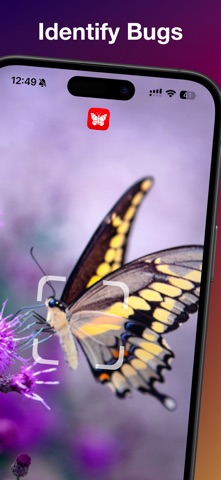
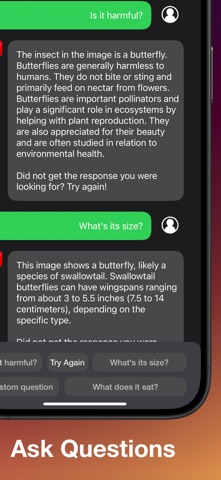
Photo Insect is your smart bug scanner! The perfect tool for any entomologist or insect lover.
It is able to detect any kind of insect, from spiders to mantids!

EASY AND EDUCATIONAL
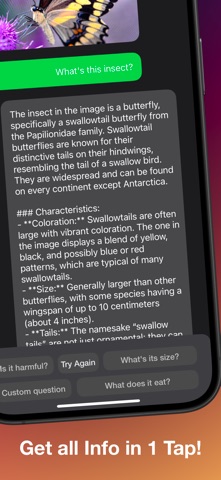
Find out everything about any insect!
Just upload a photo or snap a new one.

ASK ANY QUESTION
You can ask any question to our intelligent AI!

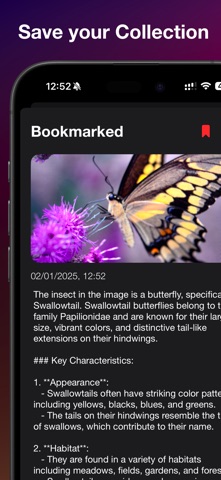
SAVE YOUR FINDINGS
Bookmark the results you get from your researches in your collection!

Whether you are a student, a professional entomologist or you just want some information about bugs you have faced you will love this app!


Disclaimer: this app does not replace the advice of a professional, especially for what concerns harmfulness of specific insects, venom or medical procedures.
For more information you can send an email to info@genovasoftworks.com or visit www.genovasoftworks.com.
Terms and Privacy Policy available at https://www.genovasoftworks.com/terms.php.

Guarda gli screenshot (4)
Photo Insect - Identify Bugs — screenshot 1Photo Insect - Identify Bugs — screenshot 2Photo Insect - Identify Bugs — screenshot 3Photo Insect - Identify Bugs — screenshot 4
Server Status Checker & Uptime

GENOVA SOFTWORKS / APP

Server Status Checker & Uptime

Monitor any server, service or website thanks to Server Status Checker! You will be notified via push notification and email when there's a change, up to 1 minute updates! SUPPORTED MONITORS - Any s…

Leggi di più

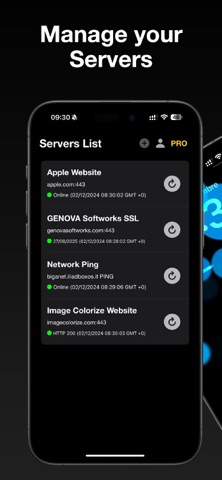
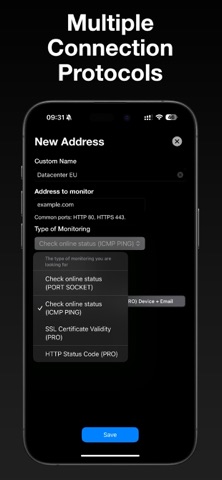
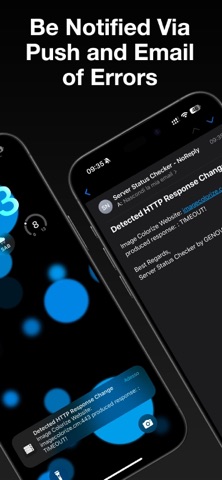
Monitor any server, service or website thanks to Server Status Checker! You will be notified via push notification and email when there's a change, up to 1 minute updates!

SUPPORTED MONITORS
- Any server with open ports, even game servers;
- Websites (HTTP & HTTPS), you can monitor if a website loses connection or you can check for HTTP 200 positive or negative (400-500) status codes;
- SSL certificates expiration, you will be notified 30 days before the SSL certificate expiration, and when the certificate has expires;
- Network ICMP ping, if a device supports network pings you can monitor it and be notified when it goes down;

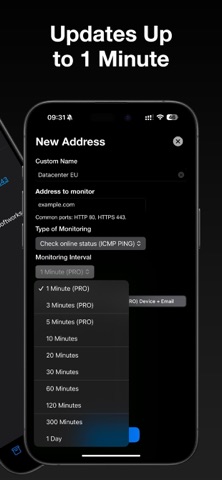
UP TO 1 MINUTE UPDATES
The monitors support multiple update intervals, up to 1 minute!

SIMPLE AND EFFECTIVE
Does not require complex settings, just type in the address, select the desired monitor, interval and you're ready.

GET NOTIFIED
You will receive a push notification on all your devices and an email will be sent to your address.

Terms of Service and Privacy Policy: https://www.genovasoftworks.com/terms.php
The app will require an optional subscription to unlock all its features.

Guarda gli screenshot (4)
Server Status Checker & Uptime — screenshot 1Server Status Checker & Uptime — screenshot 2Server Status Checker & Uptime — screenshot 3Server Status Checker & Uptime — screenshot 4
Recipe Finder & Calorie AI

GENOVA SOFTWORKS / APP

Recipe Finder & Calorie AI

Find any recipe just by taking a picture!  Get calories count, turn the recipe into a Vegan, Low Calories, Lactose or Gluten Free version! POWERED BY AI Thanks to AI you will be able to get all the …

Leggi di più

Find any recipe just by taking a picture! 
Get calories count, turn the recipe into a Vegan, Low Calories, Lactose or Gluten Free version!

POWERED BY AI
Thanks to AI you will be able to get all the information, ingredients and steps to reproduce the dish!

MORE DISH VERSIONS AND GET CALORIES
Turn any recipe to Gluten Free, Lactose Free, Low Calories or Vegan!
Get the calories count of any recipe.

QUICK AND EASY
Take a picture or import it from your gallery, you will get the result in few seconds!

SAVE YOUR RECIPES
Keep track of the recipes you love, bookmark the results after you get them!

The app requires a Subscription to unlock all of its features.
By using it you accept the Terms of Use and the Privacy Policy available at https://www.genovasoftworks.com/terms.php.

Guarda gli screenshot (5)
Recipe Finder & Calorie AI — screenshot 1Recipe Finder & Calorie AI — screenshot 2Recipe Finder & Calorie AI — screenshot 3Recipe Finder & Calorie AI — screenshot 4Recipe Finder & Calorie AI — screenshot 5
Dash Cam | Drive Guardian AI

GENOVA SOFTWORKS / APP

Dash Cam | Drive Guardian AI

Drive Guardian lets you turn your device into a smart dash cam! Record your trips and enrich the footage by adding the front camera view, a map and data overlay, such as speed, time and location, gr…

Leggi di più

Drive Guardian lets you turn your device into a smart dash cam!
Record your trips and enrich the footage by adding the front camera view, a map and data overlay, such as speed, time and location, great as insurance proof!

DASHCAM with CarPlay Support
Dash cam recording supports CarPlay and you can save:
• Main back camera (up to 4K)
• Front camera footage overlay
• Map video overlay
• Speed, Location (latitude and longitude), Date and Time text

AI FEATURES
Drive Guardian is packed with AI ADAS features such as:
• Front Collision & Distance Warning: the app detects if the front vehicle distance is too short or if a collision might occur and warns the driver.
• Speed Limit Signs Detection*: speed limits are detected through AI and, if desired, an alert is played when the current limit is exceeded.
• Drowsiness Alerts: the front camera constantly checks for driver's drowsiness and tries to keep him awake by playing multiple alerts.

REMOTE PARKING MODE
The app features a parking mode. If enabled it turns off the screen and lets the user connect to the dash cam in order to view the camera feed in live stream through another device by connecting to a simple link!

FULL CAMERA QUALITY
Drive Guardian offers multiple settings related to the cameras. 
If available, resolutions up to 4K are supported and both ultra wide and wide angle cameras can be set.

BEST SETUP
Place your device horizontally with a standard phone holder, at the center of your dash. 
Front AC is recommended during hot days.

*Currently only speed limits from the following countries are supported: Europe/Australia/Japan/UK/Russia.

A subscription is required in order to fully access the app.
Terms of Service and Privacy Policy available at:
https://www.genovasoftworks.com/terms.php

Guarda gli screenshot (6)
Dash Cam | Drive Guardian AI — screenshot 1Dash Cam | Drive Guardian AI — screenshot 2Dash Cam | Drive Guardian AI — screenshot 3Dash Cam | Drive Guardian AI — screenshot 4Dash Cam | Drive Guardian AI — screenshot 5Dash Cam | Drive Guardian AI — screenshot 6
Aphasia Talk Help Speak Aid

GENOVA SOFTWORKS / APP

Aphasia Talk Help Speak Aid

Aphasia Talk Help is designed to help patients affected by the aforementioned disease by providing four different ways of communicating. Obviously the app will also work great if you can't speak/tal…

Leggi di più

Aphasia Talk Help is designed to help patients affected by the aforementioned disease by providing four different ways of communicating.

Obviously the app will also work great if you can't speak/talk after an injury and you need to find a way to express yourself.

FOUR DIFFERENT WAYS OF COMMUNICATING
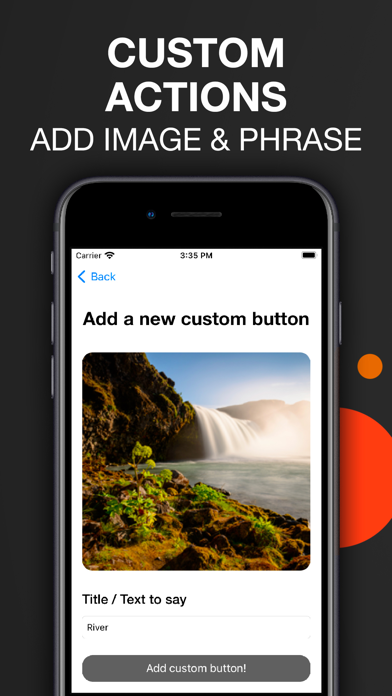
- Visive images with text, by tapping on the image the app will talk. You can also add custom actions and images!
- Draw by hand to communicate;
- Standard Text To Speech, type and the app will talk;
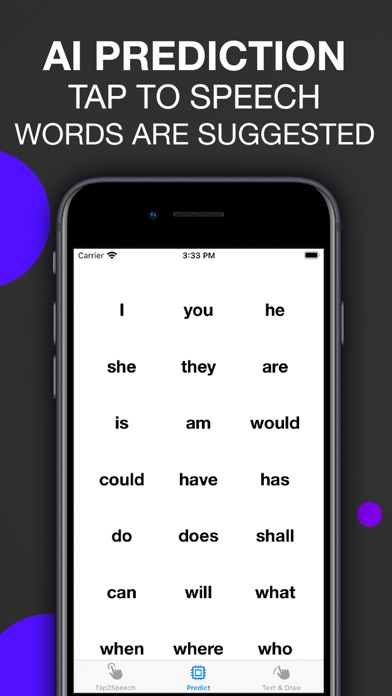
- AI Predictive text: different words are suggested, they can be tapped and consecutive new words will be provided.

NO SUBSCRIPTIONS OR IN APP PURCHASES
This version does not include any additional subscription.
You pay once, you use it forever!

Make sure your ringtone is turned on and that your volume is not muted or the app will not talk!

For any question or information you can get in touch with us by sending an email to:
info@genovasoftworks.com

By using the app you accept the Terms of Use and Privacy Policy available at:
https://www.genovasoftworks.com/terms.php.

Guarda gli screenshot (4)
Aphasia Talk Help Speak Aid — screenshot 1Aphasia Talk Help Speak Aid — screenshot 2Aphasia Talk Help Speak Aid — screenshot 3Aphasia Talk Help Speak Aid — screenshot 4
Aphasia Talk Help Text Speech

GENOVA SOFTWORKS / APP

Aphasia Talk Help Text Speech

Aphasia Talk Help is designed to help patients affected by the aforementioned disease by providing four different ways of communicating. Obviously the app will also work great if you can't speak/tal…

Leggi di più

Aphasia Talk Help is designed to help patients affected by the aforementioned disease by providing four different ways of communicating.

Obviously the app will also work great if you can't speak/talk after an injury and you need to find a way to express yourself.

FOUR DIFFERENT WAYS OF COMMUNICATING
- Visive images with text, by tapping on the image the app will talk. You can also add custom actions and images!
- Draw by hand to communicate;
- Standard Text To Speech, type and the app will talk;
- AI Predictive text: different words are suggested, they can be tapped and consecutive new words will be provided.

Make sure your ringtone is turned on and that your volume is not muted or the app will not talk!

For any question or information you can get in touch with us by sending an email to:
info@genovasoftworks.com

By using the app you accept the Terms of Use and Privacy Policy available at:
https://www.genovasoftworks.com/terms.php.

Guarda gli screenshot (4)
Aphasia Talk Help Text Speech — screenshot 1Aphasia Talk Help Text Speech — screenshot 2Aphasia Talk Help Text Speech — screenshot 3Aphasia Talk Help Text Speech — screenshot 4
Damaged Photo Restore 2026 AI

GENOVA SOFTWORKS / APP

Damaged Photo Restore 2026 AI

Repair any kind of damage in your photos: scratches, rips, cuts, stains. Rebuild missing parts with the Replicator tool. Erase any unwanted object or text.  This app is the ultimate professional tool…

Leggi di più

Repair any kind of damage in your photos: scratches, rips, cuts, stains. Rebuild missing parts with the Replicator tool. Erase any unwanted object or text. 
This app is the ultimate professional tool, packed with advanced powerful algorithms, able to bring your damaged photos back to their original condition. 
The way it works is really simple: For a quick fix just set the image you want to fix and, automatically, the app will do it for you. Otherwise If you are an user who wants even better results and precision you can follow the entire process manually.

10 PROFESSIONAL TOOLS ABLE TO:
- Colorize black and white photos;
- Increase quality and faces resolution;
- Remove cuts and rips from photos;
- Rebuild missing parts;
- Remove scratches, marks and stains;
- Repair old photos which got damaged over time;
- Remove imperfections from any image;
- Hide text or objects from any image;
- Smoothen areas and create a depth of field effect;
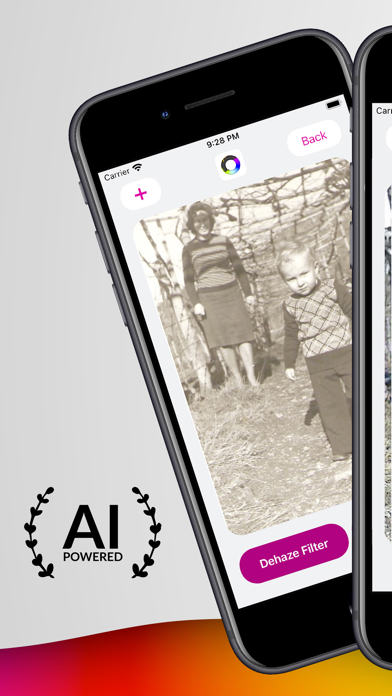
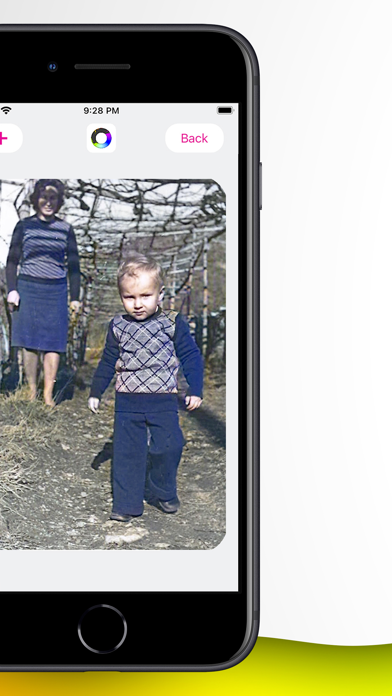
- Dehaze foggy and faded images;

PACKED WITH:
- Simple and intuitive interface;
- High precision mode (A magnifier shows you where you are editing);
- Advanced AI Machine Learning algorithms;

EASY TO USE:
The app provides several in-app tutorials to help you learn how to use it correctly.

YOU WILL NOT NEED ANYTHING ELSE!
This app packs all the tools needed to fix your damaged photos from any kind of degradation!

Please be aware that this is a professional tool, follow the in-app explanation in order to learn how to use it correctly.
The app requires a subscription in order to use some premium tools.
For more information you can send an email to info@genovasoftworks.com or visit www.genovasoftworks.com.
Terms and Privacy Policy available at https://www.genovasoftworks.com/terms.php.

Guarda gli screenshot (6)
Damaged Photo Restore 2026 AI — screenshot 1Damaged Photo Restore 2026 AI — screenshot 2Damaged Photo Restore 2026 AI — screenshot 3Damaged Photo Restore 2026 AI — screenshot 4Damaged Photo Restore 2026 AI — screenshot 5Damaged Photo Restore 2026 AI — screenshot 6
Improve Photo Quality - Phance

GENOVA SOFTWORKS / APP

Improve Photo Quality - Phance

Phance - Photo Enhance is a professional photo editor which provides you with a suite of easy to use tools with the goal of restoring different kinds of degradations on images. ONE TAP AUTOMATIC MAG…

Leggi di più

Phance - Photo Enhance is a professional photo editor which provides you with a suite of easy to use tools with the goal of restoring different kinds of degradations on images.

ONE TAP AUTOMATIC MAGIC
Photo Enhance is based on efficiency and ease of use.
With this goal in mind almost all the tools in the app requires you to just input the image and select the filter!

ARTIFICIAL INTELLIGENCE (AI) POWER
The app is built onto machine learning algorithms able to:
- Colorize Black and White images;
- Sharpen Faces;
- Increase Resolution and Fix Blurry photos;
- Remove Unwanted Objects and Text;
- Remove Background;
- Repair Damage;
- Increase global photos quality such as ISO noise;
- Dehaze images by suppressing fog and haze;

WORKS ON ANY KIND OF IMAGE
The filters work on any kind of image: black and white, old, damaged?
Don't worry, you will find the right filter.

Got questions?
Drop an email to support@genovasoftworks.com.
By using the app you accept the Terms of Use and the Privacy Policy available at https://www.genovasoftworks.com/terms.php.
The app requires a subscription in order to access all the features.

Guarda gli screenshot (8)
Improve Photo Quality - Phance — screenshot 1Improve Photo Quality - Phance — screenshot 2Improve Photo Quality - Phance — screenshot 3Improve Photo Quality - Phance — screenshot 4Improve Photo Quality - Phance — screenshot 5Improve Photo Quality - Phance — screenshot 6Improve Photo Quality - Phance — screenshot 7Improve Photo Quality - Phance — screenshot 8
Ricalko: Camera Lucida Drawing

GENOVA SOFTWORKS / APP

Ricalko: Camera Lucida Drawing

Ricalko lets you create incredible artwork, see how your drawings take shape, like magic! It is great for beginners who want to learn drawing and it is perfect for advanced users who want to improve …

Leggi di più

Ricalko lets you create incredible artwork, see how your drawings take shape, like magic! It is great for beginners who want to learn drawing and it is perfect for advanced users who want to improve even more!

Ricalko has many smart features that let you achieve the results your aiming to, but in few words it is able to virtually project photos, so you can trace them on a paper sheet, an easel or on any other surface! You don't have to be a professional artist to reach amazing results.
How is it able to do that? In normal mode you have to put your device onto a stand (DIY works too, like a simple glass), with the camera pointing to a sheet of paper below for example. On your screen an overlay will be shown and you will be able to see both the photo and your hand below so you can trace it! See below for more details...

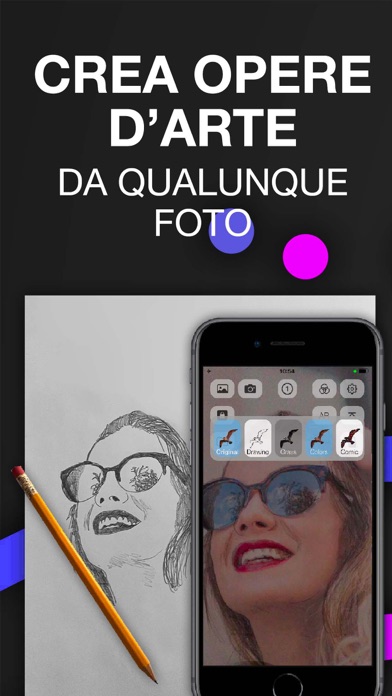
CRAFT REALISTIC ARTWORK FROM ANY PHOTO
You can choose any photo and then create art from it.
Pencil and paper? Brush and watercolours?
You choose!

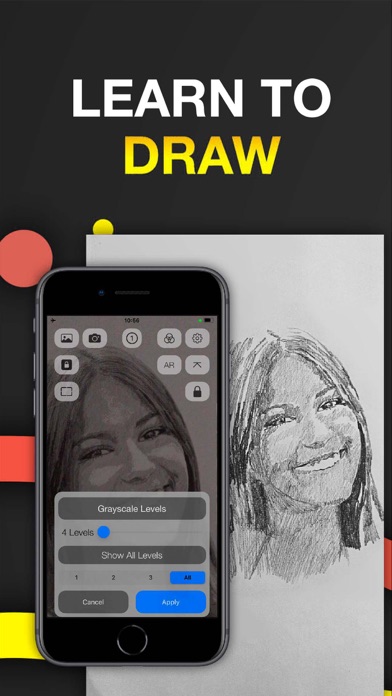
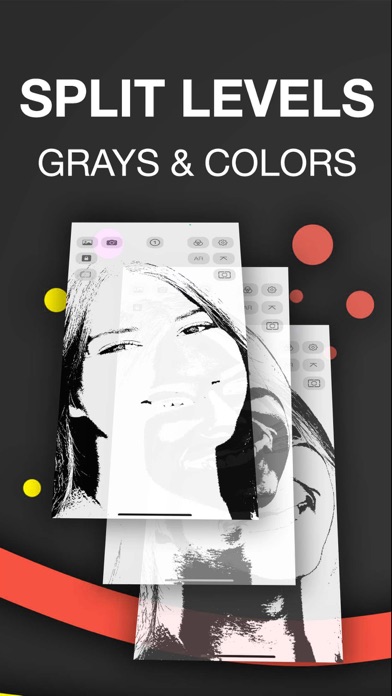
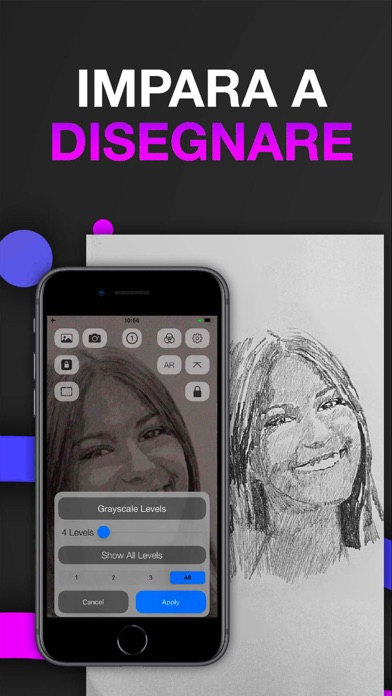
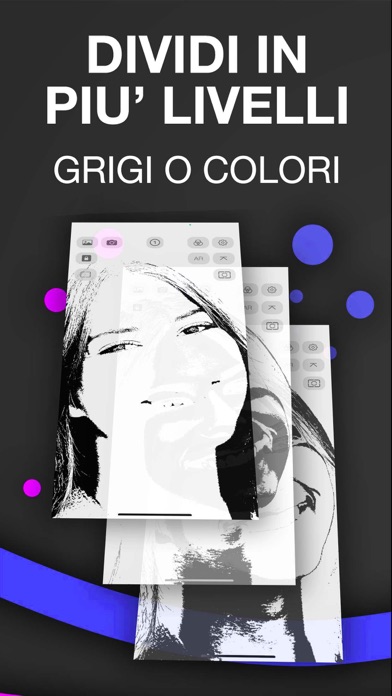
LEARN TO DRAW AND SEPARATE LAYERS
Split photos to different layers, in colors or grayscale, see them one by one individually and trace them on your art to create the final result.
Perfect for learning!

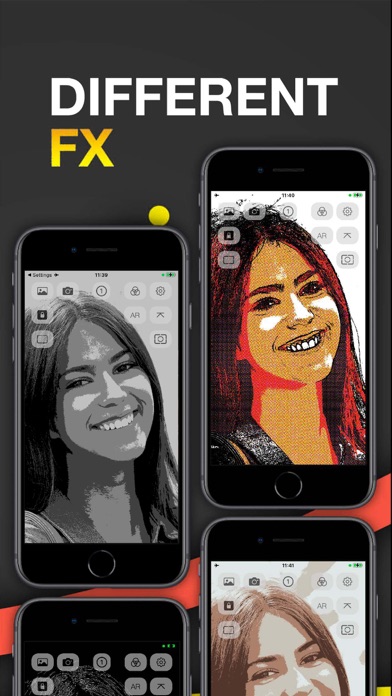
CREATIVE FILTERS
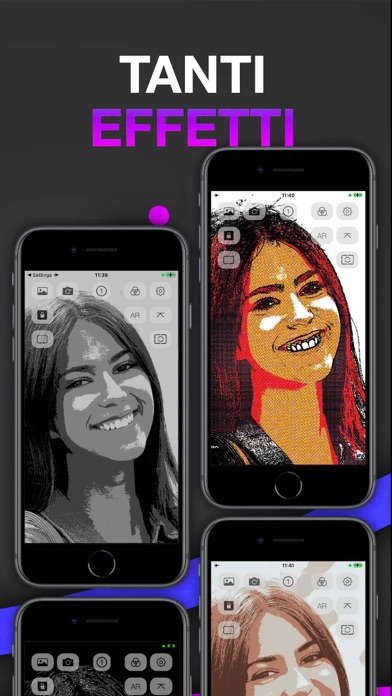
Turn your photo into a drawing, a comic or apply a posterisation, Ricalko filters are great for creativity.

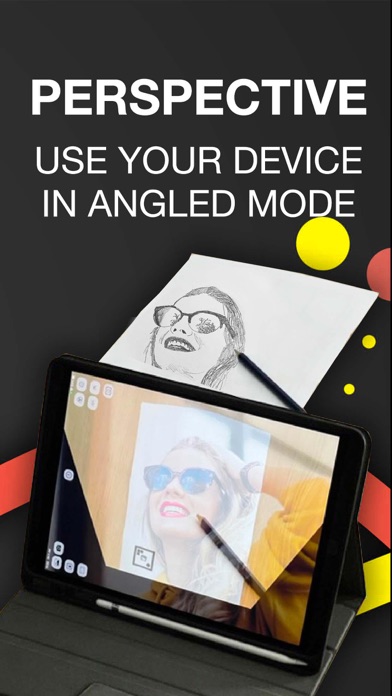
PERSPECTIVE MODE
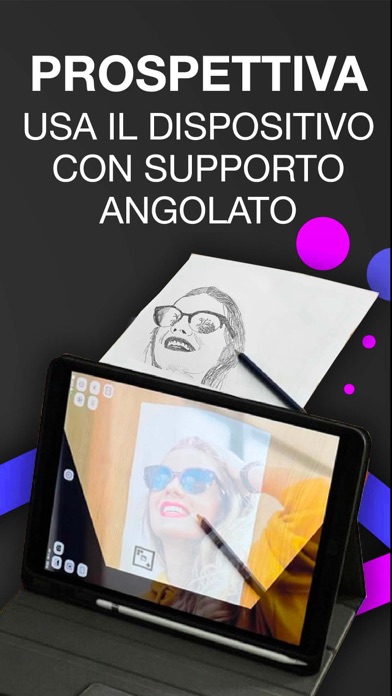
You don't have to keep your device perpendicularly if you don't have a stand, you can also keep it angled, perspective mode will remove any distortion and you will be able to create your artworks without any particular effort. You just have to set it with the guidelines helper image!

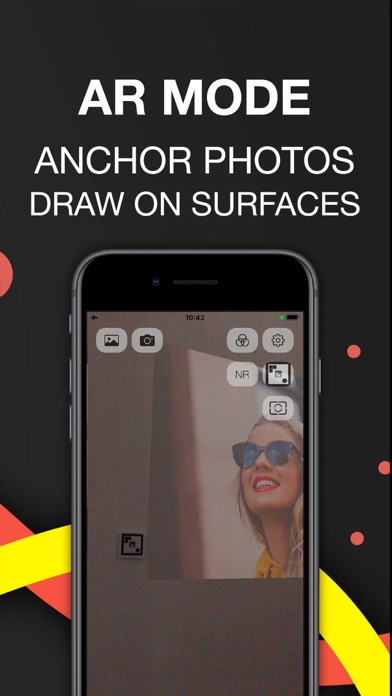
AR MODE
Don't like keeping your device still?
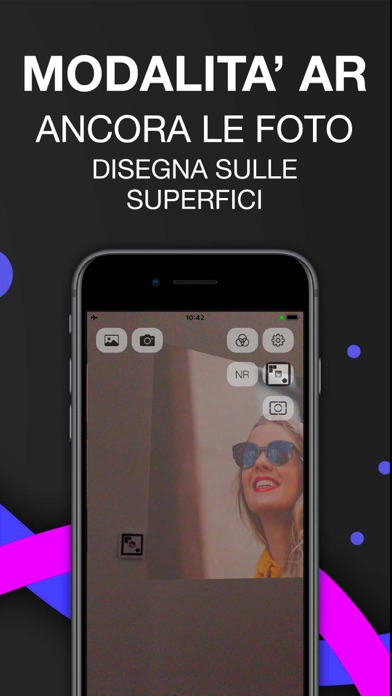
You don't have to with the augmented reality. You can select a marker, the app will recognise it and place your photo virtually next to it, so you can trace it!

USE ANY CAMERA
You can use any camera on your device, wide angle, zoom lens, ultra wide angle or even the front camera, this one with the perspective mode and a reflector (to be purchased in online stores, such as OSMO and not included).

ZOOM TO BE PRECISE
After you have setup your environment you can zoom on the area where you are drawing to see even more clearly, with natural gestures like pinch to zoom or by moving your device closer in AR Mode.

NO SUBSCRIPTIONS AND NO IN APP PURCHASES
You get what you see, there are no in app purchases or additional subscriptions!
Buy the app once and keep it forever.

PREMIUM CUSTOMER SUPPORT
Need help? Have a suggestion? See it included in future releases and drop an email to support@genovasoftworks.com

REQUIREMENTS
Ricalko does not have any particular requirement since supports iOS 14+ devices only. If you can download it, it will work on your device.
A printer is suggested in order to print markers for AR Mode and the guidelines image for Perspective mode, even if they could also be displayed on an additional supporting device.

Guarda gli screenshot (6)
Ricalko: Camera Lucida Drawing — screenshot 1Ricalko: Camera Lucida Drawing — screenshot 2Ricalko: Camera Lucida Drawing — screenshot 3Ricalko: Camera Lucida Drawing — screenshot 4Ricalko: Camera Lucida Drawing — screenshot 5Ricalko: Camera Lucida Drawing — screenshot 6
Ricalko: Camera Lucida Disegno

GENOVA SOFTWORKS / APP

Ricalko: Camera Lucida Disegno

Ricalko ti consente di creare opere d'arte incredibili, vedrai i tuoi disegni prendere forma come per magia! È ottima sia per i principianti che vogliono imparare a disegnare sia per gli utenti avanz…

Leggi di più

Ricalko ti consente di creare opere d'arte incredibili, vedrai i tuoi disegni prendere forma come per magia! È ottima sia per i principianti che vogliono imparare a disegnare sia per gli utenti avanzati che vogliono migliorare ancora di più!

Ricalko ha molte funzioni intelligenti che ti permettono di raggiungere i risultati a cui aspiri, ma in poche parole è in grado di proiettare virtualmente le foto, così puoi tracciarle su un foglio di carta, un cavalletto o su qualsiasi altra superficie! Non devi essere un artista professionista per ottenere risultati sorprendenti.
Come è in grado di farlo? In modalità normale devi posizionare il tuo dispositivo su un supporto (funziona anche il fai-da-te, come un semplice bicchiere), con la fotocamera puntata ad esempio su un foglio di carta sottostante. Sul tuo schermo verrà mostrata una sovrapposizione e potrai vedere sia la foto che la tua mano sotto in modo da poterla tracciare! Vedi sotto per ulteriori dettagli...

CREA UN'OPERA D'ARTE REALISTICA DA QUALSIASI FOTO
Puoi scegliere qualsiasi foto.
Carta e matita? Pennello e acquerelli?
Sta a te scegliere.

IMPARA A DISEGNARE E SUDDIVIDI LE FOTO PER LIVELLI DI COLORE
Dividi le foto in diversi livelli, a colori o in scala di grigi, vedi i livelli uno per uno e tracciali singolarmente per creare il risultato finale.
Perfetto per imparare!

FILTRI CREATIVI
Trasforma la tua foto in un disegno, un fumetto o applica una posterizzazione, i filtri Ricalko sono ottimi per la creatività.

MODALITÀ PROSPETTIVA
Non sei obbligato a tenere il tuo dispositivo perpendicolarmente se non hai un supporto, puoi anche tenerlo angolato, la modalità prospettiva rimuoverà ogni distorsione e potrai creare le tue opere senza particolari sforzi. Devi solo impostarlo seguendo un'immagine con delle linee guida!

MODALITÀ REALTA' AUMENTATA (AR)
Non ti piace tenere fermo il tuo dispositivo?
Puoi selezionare un marker, l'app lo riconoscerà e posizionerà la tua foto virtualmente accanto ad esso, così potrai tracciarlo!

UTILIZZA QUALSIASI FOTOCAMERA
Puoi utilizzare qualsiasi fotocamera del tuo dispositivo, grandangolare, obiettivo zoom, ultra grandangolare o anche la fotocamera frontale, quest'ultima con la modalità prospettica e un riflettore (da acquistare nei negozi online, come per esempio OSMO, e non incluso).

FAI ZOOM PER ESSERE PRECISO
Dopo aver configurato l'app, puoi ingrandire l'area su cui stai disegnando per vedere ancora più chiaramente, con gesti naturali come un pizzico per ingrandire o avvicinando il dispositivo in modalità AR.

ASSISTENZA CLIENTI PREMIUM
Hai bisogno di aiuto? Hai un suggerimento? Invia un'e-mail a support@genovasoftworks.com.

REQUISITI
Ricalko non ha requisiti particolari poiché supporta solo dispositivi iOS 14+. Se puoi scaricarla, funzionerà sul tuo dispositivo.
Si consiglia una stampante per stampare i marker per la modalità AR e l'immagine delle linee guida per la modalità Prospettiva, anche se possono essere visualizzati anche su un dispositivo aggiuntivo.

App in inglese.
È richiesto un abbonamento.
Termini e Informativa sulla privacy sono disponibili su https://www.genovasoftworks.com/terms.php.
Per qualsiasi domanda o aiuto, invia un'e-mail a support@genovasoftworks.com.

Guarda gli screenshot (6)
Ricalko: Camera Lucida Disegno — screenshot 1Ricalko: Camera Lucida Disegno — screenshot 2Ricalko: Camera Lucida Disegno — screenshot 3Ricalko: Camera Lucida Disegno — screenshot 4Ricalko: Camera Lucida Disegno — screenshot 5Ricalko: Camera Lucida Disegno — screenshot 6
RCON Game Server Admin 2022

GENOVA SOFTWORKS / APP

RCON Game Server Admin 2022

RCON App for Minecraft, Ark, Rust, Counter Strike: GO, Counter Strike: S., Team Fortress 2, Insurgency, Day of Defeat: S., Garry's Mod, Half Life 2, Left 4 Dead 2 & more! If you're running a game se…

Leggi di più

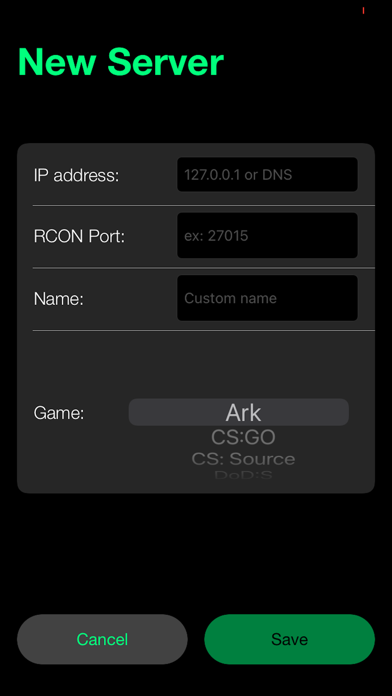
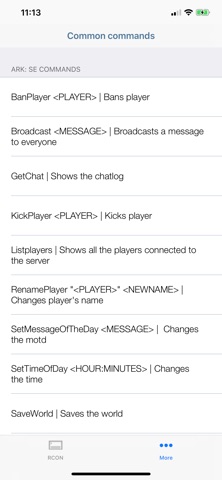
RCON App for Minecraft, Ark, Rust, Counter Strike: GO, Counter Strike: S., Team Fortress 2, Insurgency, Day of Defeat: S., Garry's Mod, Half Life 2, Left 4 Dead 2 & more!

If you're running a game server and you are an admin this is the app for you. Send commands remotely through the RCON, be updated on what happens on the server, manage everything thanks to your mobile device.

Supported Game Servers:
• Minecraft;
• Ark: Survival Evolved (supports the GetChat)*;
• Rust** (works with web 0 RCON only);
• SRCDS Servers (Source RCON Protocol);
• Counter Strike: Global Offensive;
• Counter Strike: Source;
• Team Fortress 2;
• Insurgency;
• Day of Defeat: Source;
• Garry's Mod;
• Half Life 2: Deathmatch;
• Left 4 Dead 2;
• Conan Exiles;
• Reflex;

What does the app offer?
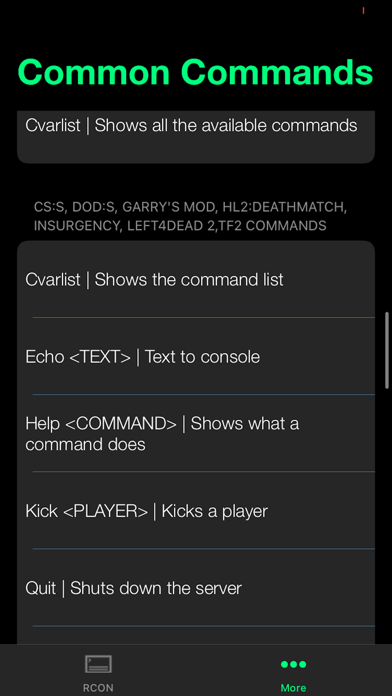
You will be able to manage your server sending commands remotely through the RCON just like if you were typing on the server console.
This includes any command supported by the game server.

After the command is typed you will see the server response, for example if you have typed "status" in a Garry's Mod server you would receive all the information regarding the server status including name, players, etc.

The app supports any command supported by the game server. You will also be able to kick, ban and send broadcast messages!

*The port parameter refers to the Rcon port chosen using the ?RCONPort=xxxxx? command at the server startup.

**Add +rcon.web 0 at server startup or the authentication will not work.
Port refers to the rcon.port value (default 28016) which can be set at the server startup, not the server port.

The app has been tested on pc game servers and works with TCP RCONs only, it is not guaranteed that it will also work for console games.

For any question don't hesitate to drop an email to info@genovasoftworks.com.

The app requires a subscription in order to unlock all the features.
By using the app you agree the Terms of Service and the Privacy Policy available at:
https://www.genovasoftworks.com/terms.php

Guarda gli screenshot (4)
RCON Game Server Admin 2022 — screenshot 1RCON Game Server Admin 2022 — screenshot 2RCON Game Server Admin 2022 — screenshot 3RCON Game Server Admin 2022 — screenshot 4
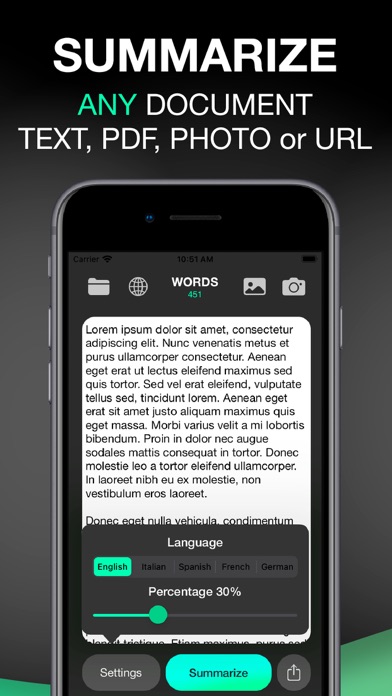
Text Summary Tool Automatic AI

GENOVA SOFTWORKS / APP

Text Summary Tool Automatic AI

Shorten any document (ex. PDF, DOC, PPT), link and text in order to get a fast summary with the most important information! You will be able to read more in less time, at a chosen percentage. Main f…

Leggi di più

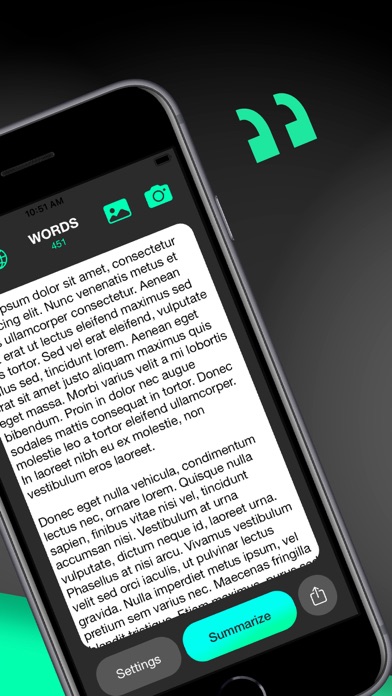
Shorten any document (ex. PDF, DOC, PPT), link and text in order to get a fast summary with the most important information!
You will be able to read more in less time, at a chosen percentage.

Main features:
- Fast intelligent text summary that extracts the most important information from a document;
- Supports PDF, Word documents (doc, docx), Powerpoint (PPT) and more!
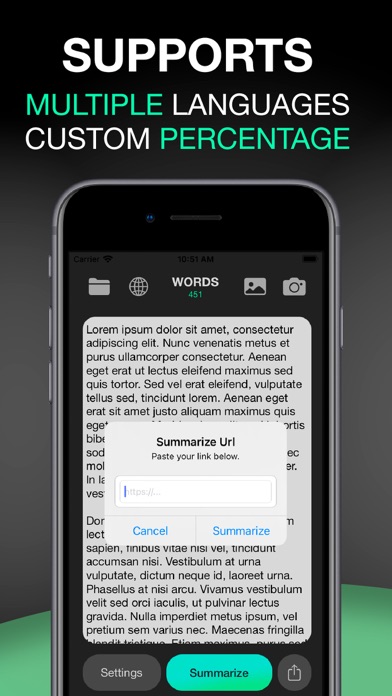
- You can grab the text from a link you provide, such as a Wikipedia article and then summarize it;
- Supports English, Italian, French, German and Spanish;
- Custom length summary, you can select how much you would like to summarize the text;
- Export to clipboard.

By using the app you accept the Terms of Use and the Privacy Policy available at https://www.genovasoftworks.com/terms.php.

Guarda gli screenshot (4)
Text Summary Tool Automatic AI — screenshot 1Text Summary Tool Automatic AI — screenshot 2Text Summary Tool Automatic AI — screenshot 3Text Summary Tool Automatic AI — screenshot 4
Phone IP Camera Life Surveil

GENOVA SOFTWORKS / APP

Phone IP Camera Life Surveil

Phone IP Camera lets you turn your device into a remove camera (IP Cam) in order to surveil, spy and check whatever you want, i.e. your house, your pet, your baby and similar. It is also a good anti-…

Leggi di più

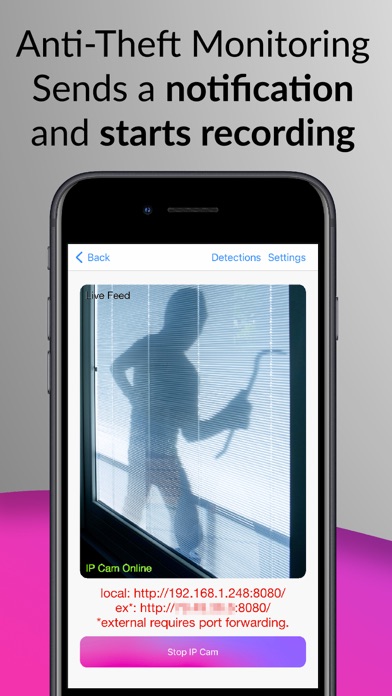
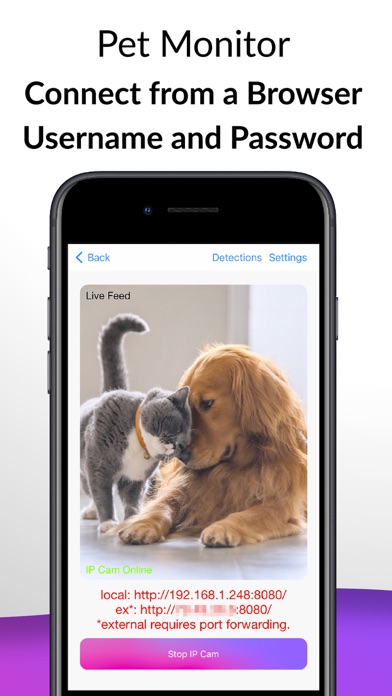
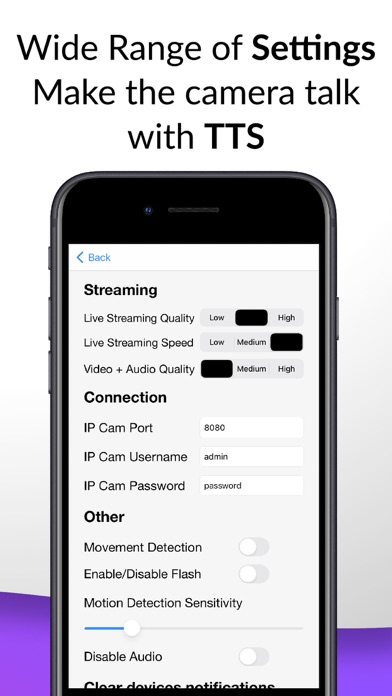
Phone IP Camera lets you turn your device into a remove camera (IP Cam) in order to surveil, spy and check whatever you want, i.e. your house, your pet, your baby and similar.
It is also a good anti-theft device thanks to its motion detection feature.

This version does NOT require any subscription, this is a LIFE license.

Main features:
- Turns your devices into a remote camera;
- Access the camera from any device through a browser*;
- Video + Audio feed;
- Motion Detection: after a detection the camera will start recording and will send you a push notification to all the enabled devices;
- Remote TTS, make the camera talk;
- Support for slow connections, change quality and speed settings;
- Enable/Disable Flash remotely;
- Username + Password login;
- Disable audio for privacy;
- Good security level, only you know your address, your username and your password!
- Works also both in portrait and landscape modes;
- No registration and no subscriptions required.

* In order to access the camera from external connections you will need to perform a port forwarding on your router otherwise it will work in lan mode only.

Guarda gli screenshot (4)
Phone IP Camera Life Surveil — screenshot 1Phone IP Camera Life Surveil — screenshot 2Phone IP Camera Life Surveil — screenshot 3Phone IP Camera Life Surveil — screenshot 4
Automatic Hashtags Generator

GENOVA SOFTWORKS / APP

Automatic Hashtags Generator

Check the most popular tags of the week & generate hashtags automatically from any photo, use them in your favourite social networks, such as Instagram and Facebook. AUTOMATIC HASHTAGS GENERATION A…

Leggi di più

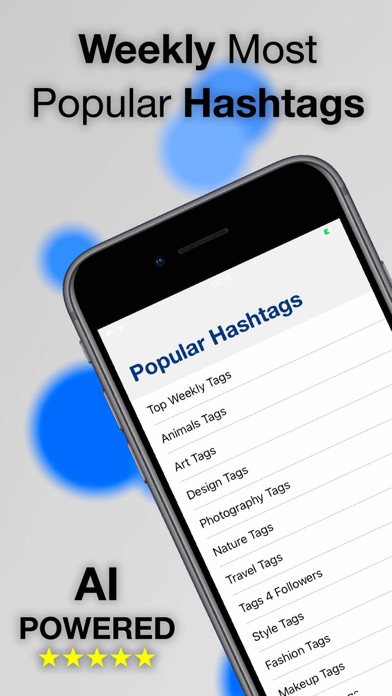
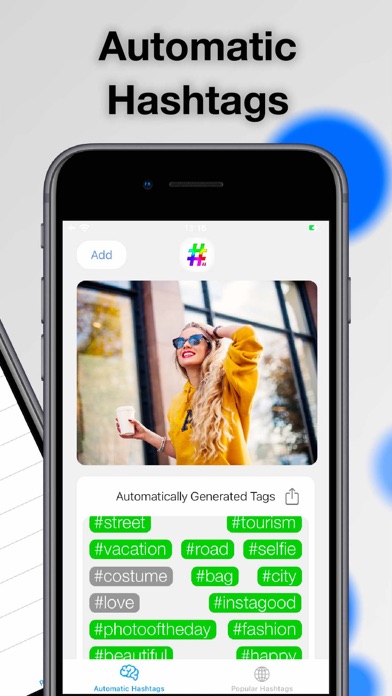
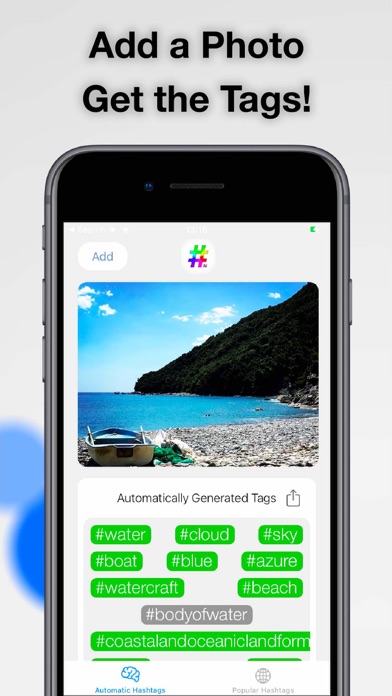
Check the most popular tags of the week & generate hashtags automatically from any photo, use them in your favourite social networks, such as Instagram and Facebook.

AUTOMATIC HASHTAGS GENERATION
Add the photo and get the hashtags!
It's easy and convenient, for any kind of photo!

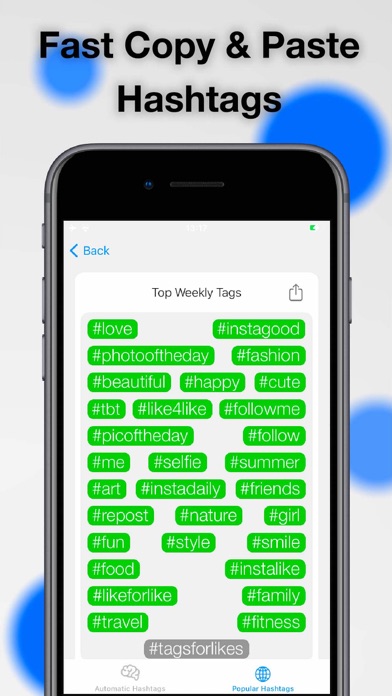
WEEKLY MOST POPULAR HASHTAGS
You can browse the most popular hashtags of the week organised in categories.

FAST HASHTAGS COPY & PASTE
Get the hashtags, select the ones you want and the ones you don't, tap share and you can paste them wherever you want!

HAND PICKED HASHTAGS
Weekly hashtags are picked by hand and are not generated in order to guarantee words related to the category.

For any question you can drop an email at support@genovasoftworks.com
By using the app you agree the Terms of Use and the Privacy Policy available at:
www.genovasoftworks.com/terms.php.

Guarda gli screenshot (4)
Automatic Hashtags Generator — screenshot 1Automatic Hashtags Generator — screenshot 2Automatic Hashtags Generator — screenshot 3Automatic Hashtags Generator — screenshot 4
Cut Sage: Create Product Photo

GENOVA SOFTWORKS / APP

Cut Sage: Create Product Photo

AUTOMATICALLY REMOVE BACKGROUND & OBJECTS WITH AI Removes the background or any object in a glance, just add the photo, tap remove and the app will do everything by itself! Everything is done by Arti…

Leggi di più

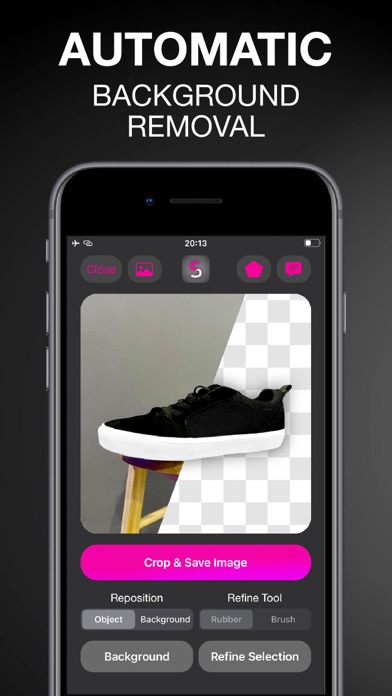
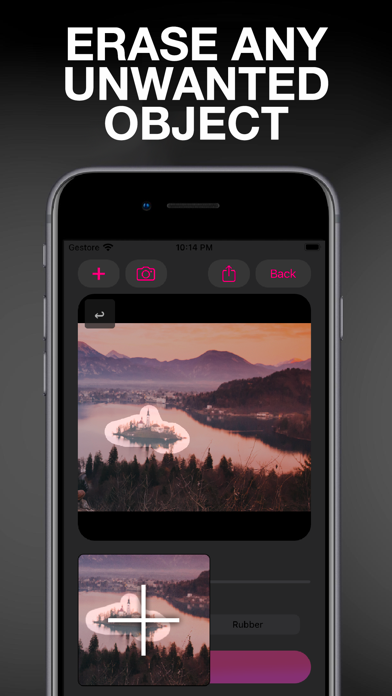
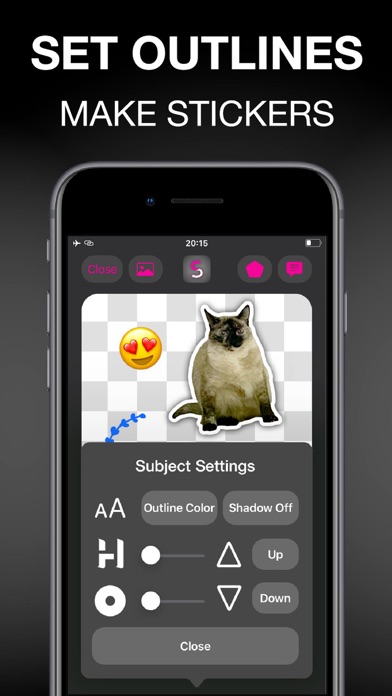
AUTOMATICALLY REMOVE BACKGROUND & OBJECTS WITH AI
Removes the background or any object in a glance, just add the photo, tap remove and the app will do everything by itself!
Everything is done by Artificial Intelligence. Not only it is perfect for ECOMMERCE products, INSTAGRAM and SHOPIFY professional listings but also for STICKERS!

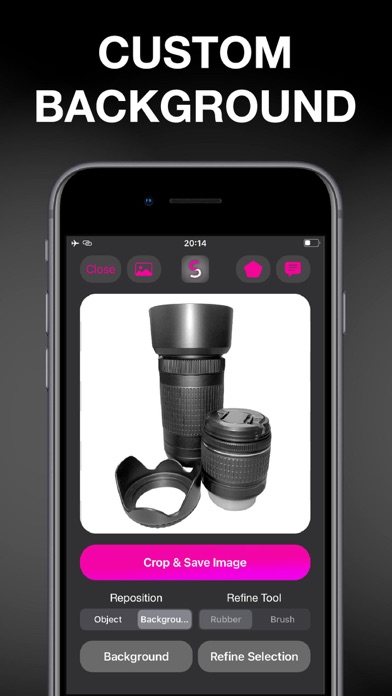
COLOR, IMAGES, WHITE AND GRADIENT BACKGROUNDS
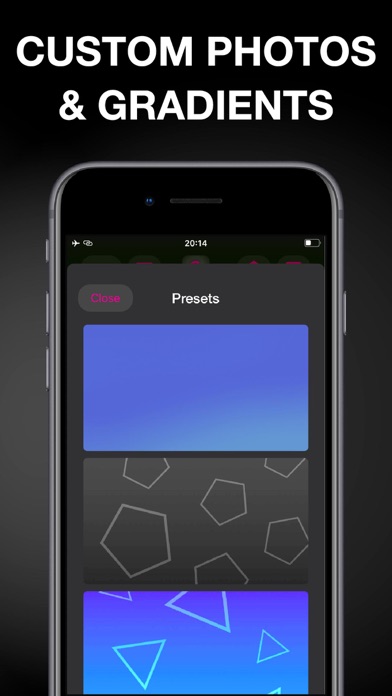
Change the new background to a custom color, white, another image, a gradient or a preset!

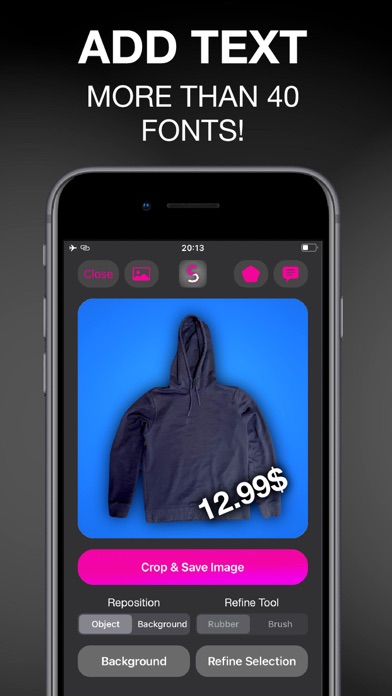
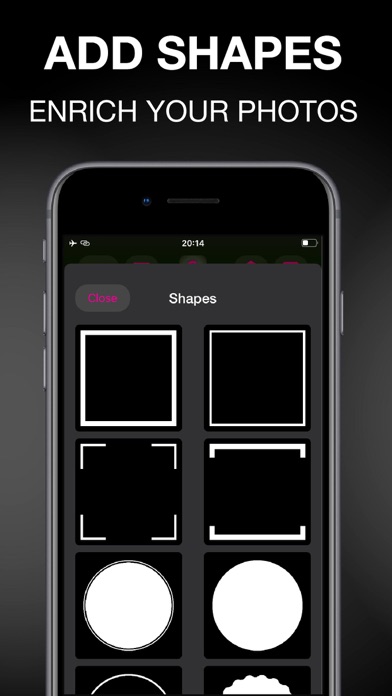
ADD TEXT, SHAPES AND PHOTOS
Add text and shapes to enrich your result!

CUSTOM STYLES
Edit the outlines, the colors and the shadows!

PERFECT FOR COMMERCIAL USES
Make professional results to improve your sales on platforms like Instagram, Shopify, Poshmark and Ebay!

MAKE STICKER PACKS
Bring your results to WhatsApp by adding them to Sticker Packs!

THE BEST AUTO-REMOVER
It uses the latest technologies for auto background removal.
Don't believe it? Give it a try, for free!

By using the app you accept the Terms of Use and the Privacy Policy available at https://www.genovasoftworks.com/terms.php.

Guarda gli screenshot (7)
Cut Sage: Create Product Photo — screenshot 1Cut Sage: Create Product Photo — screenshot 2Cut Sage: Create Product Photo — screenshot 3Cut Sage: Create Product Photo — screenshot 4Cut Sage: Create Product Photo — screenshot 5Cut Sage: Create Product Photo — screenshot 6Cut Sage: Create Product Photo — screenshot 7
Damaged Photo Restore Suite

GENOVA SOFTWORKS / APP

Damaged Photo Restore Suite

Fix your damaged photos, remove cracks, rips, imperfections, stains, any kind of damage and rebuild missing parts, not only on old black and white photos but also on recent colored ones, in few taps!…

Leggi di più

Fix your damaged photos, remove cracks, rips, imperfections, stains, any kind of damage and rebuild missing parts, not only on old black and white photos but also on recent colored ones, in few taps!
Damaged Photo Restore Suite provides you with all the loved features from the Damaged Photo Restore apps series, upgraded, improved and with additional tools!
The app is suitable both for beginners and pro users thanks to its wide range of tools.

A POWERFUL SUITE OF 8 TOOLS
- Advanced Replicator: The most loved tool, clone parts of the photo and paste them where the damage is located, blending it, you will be astonished by it. This version lets you also rotate and flip the cloned parts!
- Automatic Eraser: Remove unwanted objects, people, imperfections, stains, just by highlighting them, also works on damage!
- Auto Mode: Fixes the photo in a glance and automatically, perfect for quick improvements and lightly degraded images.
- Manual Mask: Make a mask manually and fix the highlighted areas.
- Smooth Tool: Smooth part of the image by drawing on it.
- Dehaze Tool: Remove the haze/fading effect caused by time on certain old photos.
- Sharpen Tool: Increase your photos sharpness.
- Denoise Tool: Remove noise on the image, such as lint, spots and similar.

AUTOMATICALLY OR MANUALLY
You can restore the photo automatically using the Auto tool or manually through any other tool!
Perfect for both beginners and pros.

UNLIMITED RESTORATIONS
You can restore all the photos you want, there is no limit, you won't need an external studio to fix them anymore.
All at just one cost.

NO SUBSCRIPTIONS, NO HIDDEN COSTS
Buy the app and keep it forever without any additional costs.
What you see is what you get.

IN-APP TUTORIAL
The app features a step-by-step tutorial to guide you through the interface and a video showing a full restoration from scratch!

DEDICATED SUPPORT
Need help? Just drop an email to support@genovasoftworks.com or visit the website, you will receive dedicated support and we will help you restoring your photos!

UPDATED 2023 AND WORKING WITH APPLE PENCIL
Always updated, working on your favourite devices and on iOS 17.
Designed for long sessions: you will not lose your work if you unintentionally close the app since it automatically stores it.

Got questions?
Drop an email to support@genovasoftworks.com.

Don't need all these features?
Check out the lighter version: Damaged Photo Restore 2 Repair!

Guarda gli screenshot (6)
Damaged Photo Restore Suite — screenshot 1Damaged Photo Restore Suite — screenshot 2Damaged Photo Restore Suite — screenshot 3Damaged Photo Restore Suite — screenshot 4Damaged Photo Restore Suite — screenshot 5Damaged Photo Restore Suite — screenshot 6
Ripara & Aggiusta Orologio AI

GENOVA SOFTWORKS / APP

Ripara & Aggiusta Orologio AI

Grazie a questa app puoi gestire facilmente la tua Collezione di Orologi aggiungendoli all'app e puoi tenere traccia della loro Precisione utilizzando il suo Analizzatore di Precisione (con IA) per g…

Leggi di più

Grazie a questa app puoi gestire facilmente la tua Collezione di Orologi aggiungendoli all'app e puoi tenere traccia della loro Precisione utilizzando il suo Analizzatore di Precisione (con IA) per gli Orologi Meccanici o impostando manualmente i Checkpoint, sia per quelli al Quarzo sia per quelli Meccanici.

COME FUNZIONA?
Puoi aggiungere un orologio della tua collezione o quello di un cliente fornendo un nome, un produttore, il tipo di meccanismo, alcune note e una foto. Dopodiché puoi accederci dalla lista degli orologi.

COME POSSO ANALIZZARE LA PRECISIONE DEGLI OROLOGI?
Immediatamente, per gli orologi meccanici, un algoritmo avanzato rileva automaticamente bpH e fornisce la precisione dell'orologio in secondi al giorno.
Manualmente, sia per gli orologi meccanici che al quarzo, imposti i checkpoint a una distanza di ore e l'app calcola una media di quanto il tuo orologio è preciso, in s/d.

PERCHÉ WATCH REPAIR E' DIVERSA DALLE ALTRE?
Non solo puoi gestire la tua collezione di orologi e la loro precisione, ma l'algoritmo automatico implementato fornisce una funzione avanzata di soppressione del rumore ed è in grado di catturare la precisione degli orologi meccanici che funzionano a 14400, 16200, 18000, 19800, 21600, 25200, 28800 e 36000 bph.

SEMPRE AGGIORNATA
L'app è aggiornata per i dispositivi più recenti e funziona con iOS 15.

Hai bisogno di supporto?
Visita www.genovasoftworks.com/support.php o invia un'e-mail a support@genovasoftworks.com.

Guarda gli screenshot (4)
Ripara & Aggiusta Orologio AI — screenshot 1Ripara & Aggiusta Orologio AI — screenshot 2Ripara & Aggiusta Orologio AI — screenshot 3Ripara & Aggiusta Orologio AI — screenshot 4
Underwater & Aquarium Camera

GENOVA SOFTWORKS / APP

Underwater & Aquarium Camera

Thanks to this app you will be able to give your Aquarium or Underwater photos a new look by reducing blue light presence and by restoring colors in underwater shots. Features: - Photo filters, you …

Leggi di più

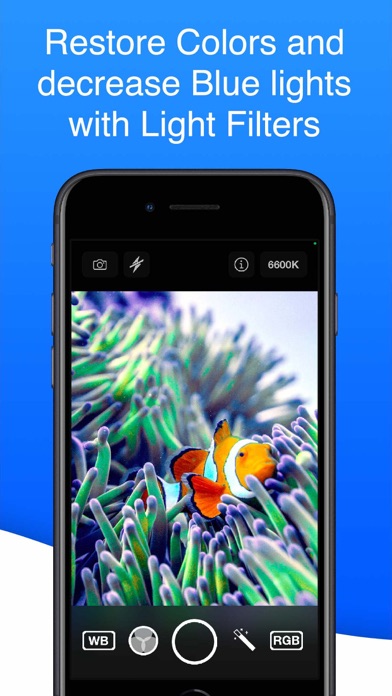
Thanks to this app you will be able to give your Aquarium or Underwater photos a new look by reducing blue light presence and by restoring colors in underwater shots.

Features:
- Photo filters, you can apply a color filter as you would do on a physical camera lens, in order to reduce certain lights color, such as blue light with the orange color filter.
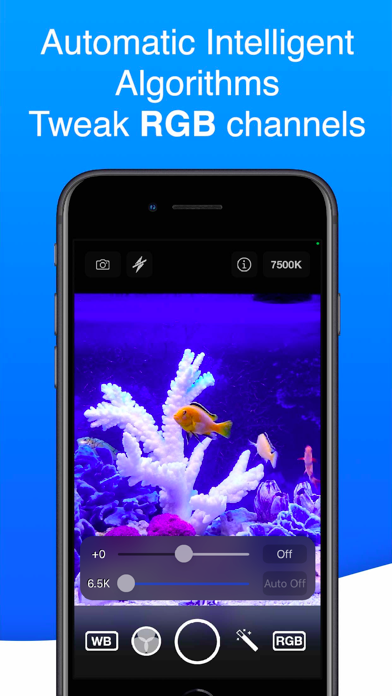
- Automatic and Manual White Balance, with K temperature detection and manual tint adjustments.
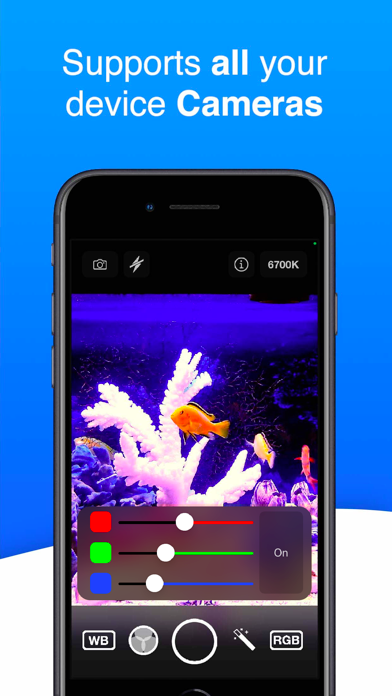
- RGB channels setup, you can manually adjust each color channel in order to improve the colors.
- Intelligent Enhance*: an automatic algorithm which will restore photo colors, enhancing it for you, with just one tap!
- Camera change: supports all your device cameras, such as ultra wide, telephoto and wide angle!
- Camera/Video mode.

For questions or support you can visit www.genovasoftworks.com or you can send an email to support@genovasoftworks.com.

*available in photo mode only.

By using the app you accept the Terms of Use and the Privacy Policy available at https://www.genovasoftworks.com/terms.php.

Guarda gli screenshot (4)
Underwater & Aquarium Camera — screenshot 1Underwater & Aquarium Camera — screenshot 2Underwater & Aquarium Camera — screenshot 3Underwater & Aquarium Camera — screenshot 4
Colora Foto Bianco e Nero Pro

GENOVA SOFTWORKS / APP

Colora Foto Bianco e Nero Pro

Se vuoi ricolorare le tue foto in bianco e nero, dargli un nuovo look e tutto in modo facile e veloce, con un solo TAP, hai trovato l'app per te. Color Old Black & White Photos è l'evoluzione di Ima…

Leggi di più

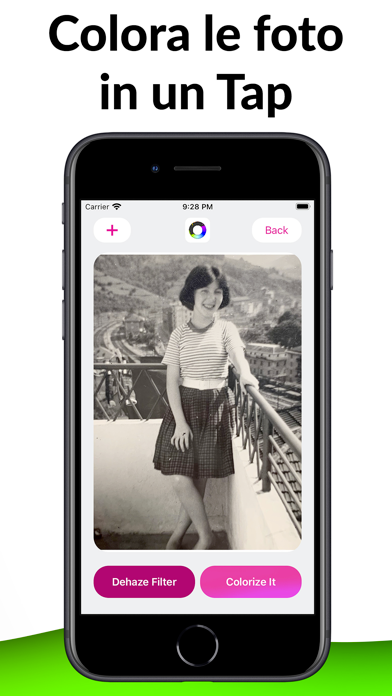
Se vuoi ricolorare le tue foto in bianco e nero, dargli un nuovo look e tutto in modo facile e veloce, con un solo TAP, hai trovato l'app per te.

Color Old Black & White Photos è l'evoluzione di Image Colorize di GENOVA Softworks ed è dotata di una nuova suite di strumenti professionali orientati al miglioramento delle immagini.

SEMPLICE E POTENTE
- Aggiungi una foto in bianco e nero (o brunastra).
- Premi Colora.
La foto viene colorata AUTOMATICAMENTE e può essere salvata.

SUITE DI STRUMENTI PRO
Se vuoi di più e vuoi migliorare la foto prima del processo di colorazione puoi accedere ad una suite di strumenti professionali composta da:
- Strumento di rimozione della foschia.
- Strumento di riduzione del rumore.
- Miglioramento della nitidezza.
- Equalizzazione automatica.
- Regolazione di Luminosità e Contrasto.
- Funzione Auto-Ritaglio: un tocco e la foto viene ritagliata automaticamente.

CON INTELLIGENZA ARTIFICIALE
Come la precedente, l'app presenta gli ultimi algoritmi di machine learning e ottimizzazioni per la colorazione delle immagini!
Ottieni i tuoi risultati in breve tempo grazie ai nostri server di nicchia.

Utilizzando l'app accetti i Termini di Utilizzo e l'Informativa sulla Privacy disponibili su https://www.genovasoftworks.com/it/terms.php.

Guarda gli screenshot (8)
Colora Foto Bianco e Nero Pro — screenshot 1Colora Foto Bianco e Nero Pro — screenshot 2Colora Foto Bianco e Nero Pro — screenshot 3Colora Foto Bianco e Nero Pro — screenshot 4Colora Foto Bianco e Nero Pro — screenshot 5Colora Foto Bianco e Nero Pro — screenshot 6Colora Foto Bianco e Nero Pro — screenshot 7Colora Foto Bianco e Nero Pro — screenshot 8
IP Cam con Antifurto Movimento

GENOVA SOFTWORKS / APP

IP Cam con Antifurto Movimento

L'app ti permette di trasformare il tuo dispositivo in una videocamera remota (IP Cam) in modo da sorvegliare, spiare o controllare qualunque cosa tu voglia, come per esempio la tua casa, il tuo anim…

Leggi di più

L'app ti permette di trasformare il tuo dispositivo in una videocamera remota (IP Cam) in modo da sorvegliare, spiare o controllare qualunque cosa tu voglia, come per esempio la tua casa, il tuo animale domestico, bambini e simili.
Può anche essere un buon sistema anti ladro, grazie alla funzione di rilevazione di movimento la quale ti invia una notifica ed inizia a registrare un video.

Funzioni principali:
- Trasforma il tuo dispositivo in una videocamera remota;
- Accedi da qualunque browser*;
- Video + Audio**;
- Rilevazione di movimento: dopo che il movimento è stato rilevato verrà inviata una notifica a tutti i dispositivi abilitati e una registrazione verrà avviata;
- TTS in remoto, fai parlare la videocamera;
- Supporta connessioni lente, vari settaggi di qualità e velocità;
- Abilita/Disabilita il flash in remoto;
- Username + Password login;
- Disabilita l'audio per privacy;
- Buona sicurezza, solo tu conosci il tuo indirizzo IP, la tua password ed il tuo username!
- Funziona sia in orizzontale che in verticale.

Per qualunque domanda puoi inviare una email a info@genovasoftworks.com.
Usando l'app accetti i termini d'uso e di privacy disponibili a www.genovasoftworks.com/terms.php.
L'app necessita di un abbonamento per funzionare. Puoi disdire quando vuoi.
* Puoi accedere da qualunque dispositivo sulla rete locale. Per accedere da connessioni esterne è necessario fare il port forwarding sulla porta utilizzata tramite il router.
Le notifiche di rilevazione di movimento non necessitano di port forwarding.
** Il feed solo Video non ha audio ed è in tempo reale, quello Video + Audio ha un ritardo di 20 secondi.

Applicazione in Inglese.

Guarda gli screenshot (4)
IP Cam con Antifurto Movimento — screenshot 1IP Cam con Antifurto Movimento — screenshot 2IP Cam con Antifurto Movimento — screenshot 3IP Cam con Antifurto Movimento — screenshot 4
AI Teleprompter Voice & Remote

GENOVA SOFTWORKS / APP

AI Teleprompter Voice & Remote

Thanks to AI Teleprompter you will be able to perform your speeches without any issues! Main features: - Two scrolling modes: Timed or by Voice (with audio calibration and background noise suppressi…

Leggi di più

Thanks to AI Teleprompter you will be able to perform your speeches without any issues!

Main features:
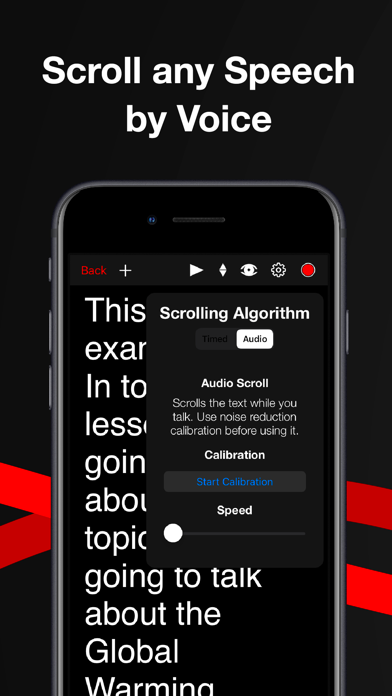
- Two scrolling modes: Timed or by Voice (with audio calibration and background noise suppression);
- Custom Speed setting;
- Import scripts from your device, from iCloud or by pasting them into the app;
- Smart Gestures: Tilt your head to scroll, smile to pause/play;
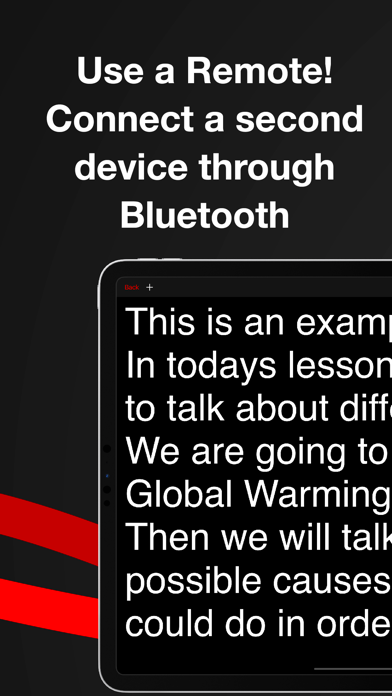
- Bluetooth Remote: Use another device as a remote to scroll, play and pause;
- Customize the Teleprompter text and background;
- Record videos while scrolling the script;
- Mirror mode.

Guarda gli screenshot (6)
AI Teleprompter Voice & Remote — screenshot 1AI Teleprompter Voice & Remote — screenshot 2AI Teleprompter Voice & Remote — screenshot 3AI Teleprompter Voice & Remote — screenshot 4AI Teleprompter Voice & Remote — screenshot 5AI Teleprompter Voice & Remote — screenshot 6
Custom Widget Creator

GENOVA SOFTWORKS / APP

Custom Widget Creator

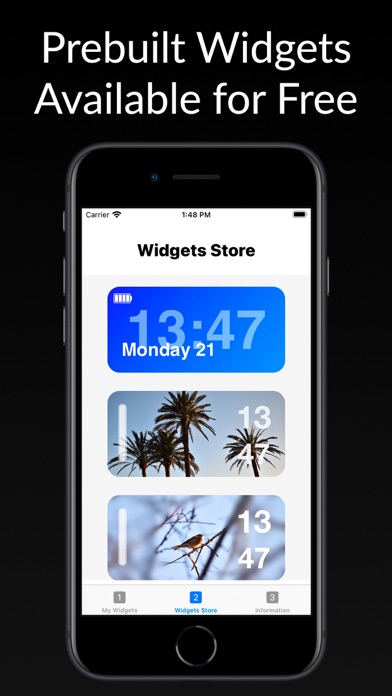
It lets you create custom widgets by adding time, date, RSS feeds, custom text, custom images and more. They can be customised as you like! The app also includes a free prebuilt widgets collection w…

Leggi di più

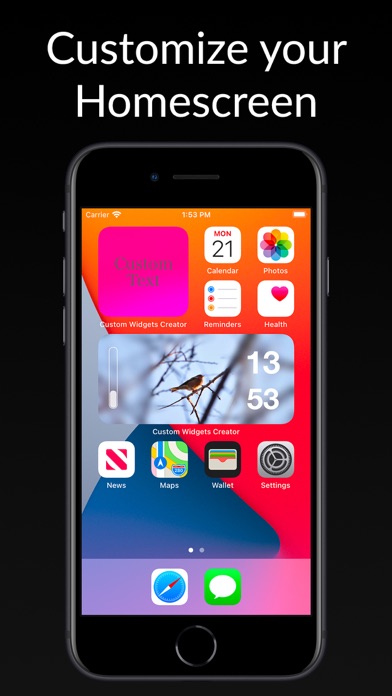
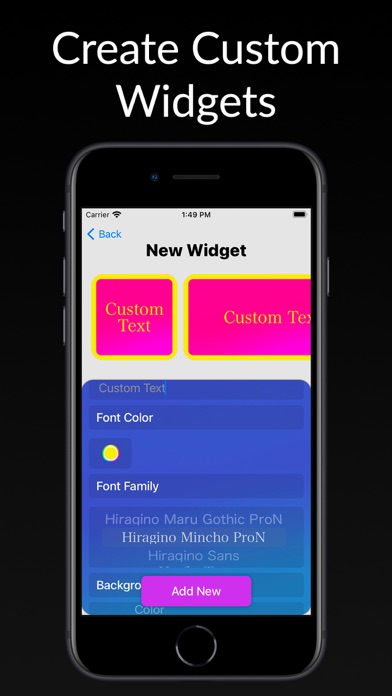
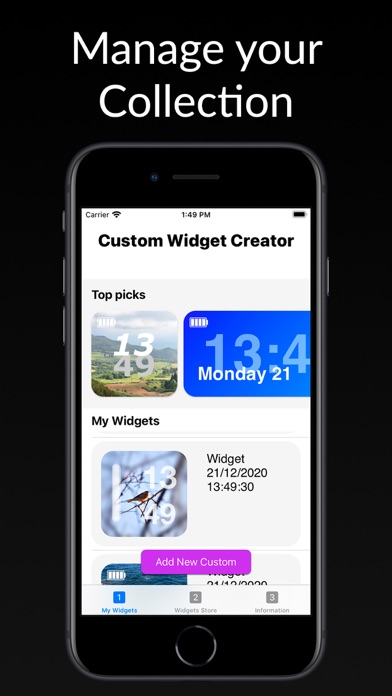
It lets you create custom widgets by adding time, date, RSS feeds, custom text, custom images and more. They can be customised as you like!

The app also includes a free prebuilt widgets collection which you can add to your widgets library.

You can customise:
- Date;
- Time;
- Background Color;
- Background Image;
- Font size, many font families and colors;
- Border;
- Battery indicator, position, orientation and color;
- Custom text;
- RSS feed.

Guarda gli screenshot (4)
Custom Widget Creator — screenshot 1Custom Widget Creator — screenshot 2Custom Widget Creator — screenshot 3Custom Widget Creator — screenshot 4
Colora Immagini Bianco e Nero

GENOVA SOFTWORKS / APP

Colora Immagini Bianco e Nero

Dai una nuova vita ai tuoi ricordi e alle tue vecchie foto! È automatico, basta premere "colora" e l'app fa tutto da sola. È anche capace di rimuovere o ridurre l'effetto sbiadito di alcune vecchie f…

Leggi di più

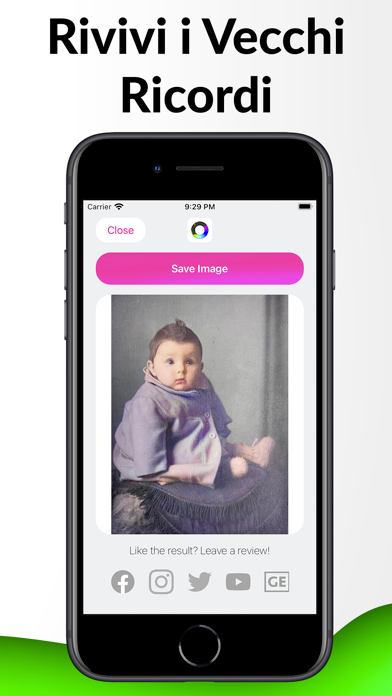
Dai una nuova vita ai tuoi ricordi e alle tue vecchie foto!
È automatico, basta premere "colora" e l'app fa tutto da sola.
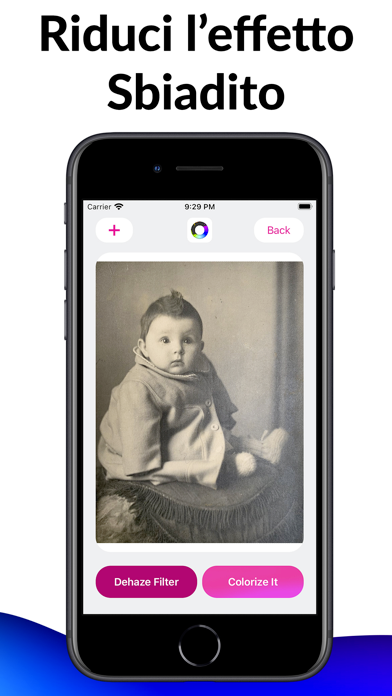
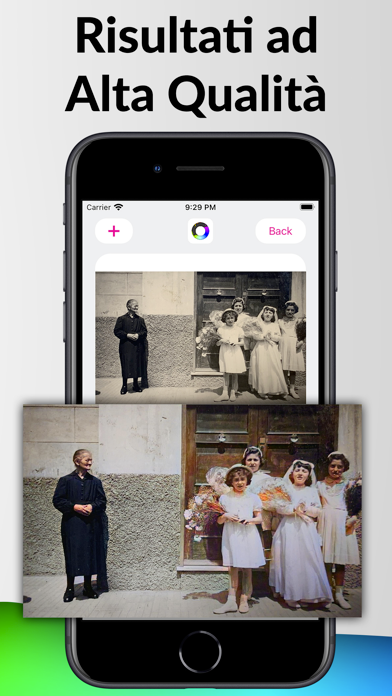
È anche capace di rimuovere o ridurre l'effetto sbiadito di alcune vecchie foto e produce risultati ad alta risoluzione!
Funziona anche su qualsiasi tipo di foto in bianco e nero.

COLORAZIONE AUTOMATICA FOTO IMPECCABILE
(Con Intelligenza Artificiale)
- Aggiungi una foto in bianco e nero o brunastra/ingiallita;
- (Opzionale) Riduci o rimuovi l'effetto sbiadito grazie al filtro DeHaze;
- Far tap su Colora e ottieni il tuo risultato!

È come magia, non crederai ai tuoi occhi!

FUNZIONA SU QUALSIASI TIPO DI IMMAGINE!
L'app funziona su qualsiasi tipo di foto in bianco e nero, non deve essere una vecchia foto per forza.

CON INTELLIGENZA ARTIFICIALE
Integra i più recenti algoritmi di machine learning e ottimizzazioni per la colorazione di immagini!

Utilizzando l'app accetti i Termini di Utilizzo e l'Informativa sulla Privacy disponibili su
https://www.genovasoftworks.com/terms.php.

Guarda gli screenshot (7)
Colora Immagini Bianco e Nero — screenshot 1Colora Immagini Bianco e Nero — screenshot 2Colora Immagini Bianco e Nero — screenshot 3Colora Immagini Bianco e Nero — screenshot 4Colora Immagini Bianco e Nero — screenshot 5Colora Immagini Bianco e Nero — screenshot 6Colora Immagini Bianco e Nero — screenshot 7
Il Replicatore - Timbro Clone

GENOVA SOFTWORKS / APP

Il Replicatore - Timbro Clone

Il Replicatore è il rinomato e apprezzato strumento timbro clona di GENOVA Softworks. Questa è la versione più recente ed avanzata, che ti permette di copiare le parti di immagini e di incollarle dov…

Leggi di più

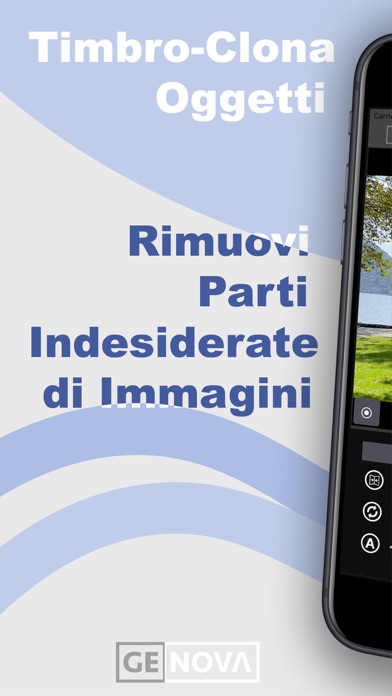
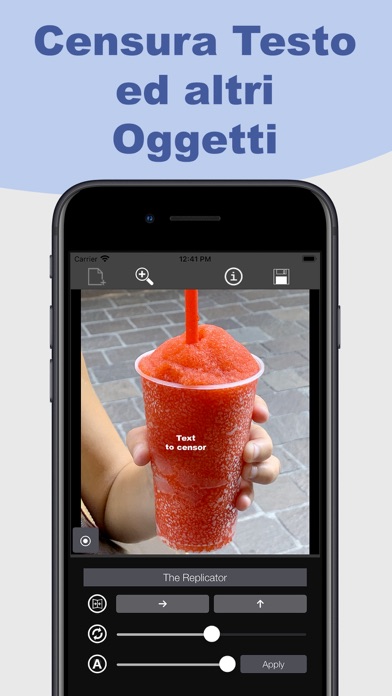
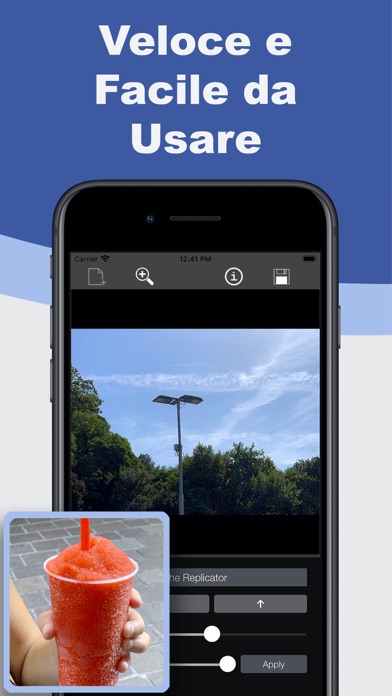
Il Replicatore è il rinomato e apprezzato strumento timbro clona di GENOVA Softworks.
Questa è la versione più recente ed avanzata, che ti permette di copiare le parti di immagini e di incollarle dove vuoi.

Cosa puoi fare con questo strumento?
Puoi:
- Censurare testo, oggetti, ecc;
- Nascondere e rimuovere completamente oggetti, persone, ecc;
- Riempire i buchi e le parti mancanti in un'immagine;
- Clonare oggetti ed incollarli dove vuoi.

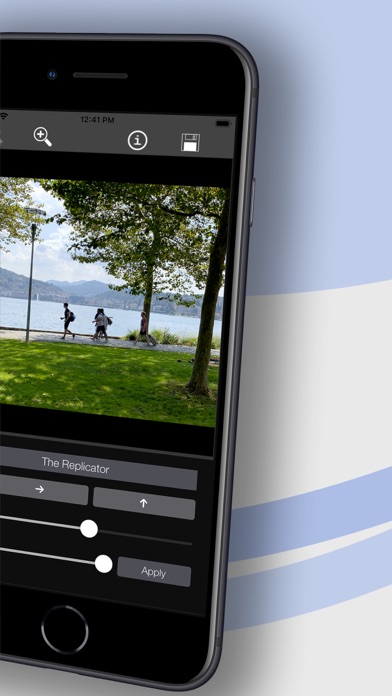
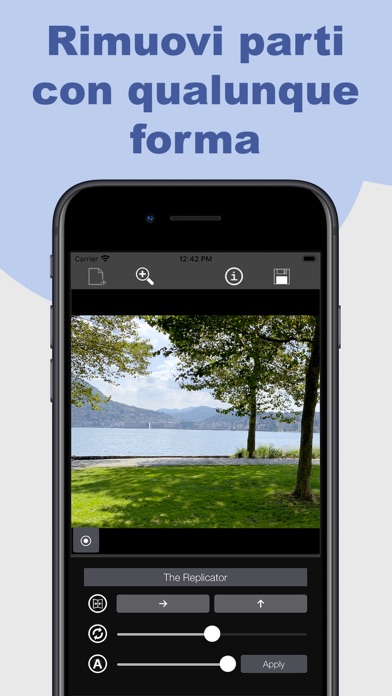
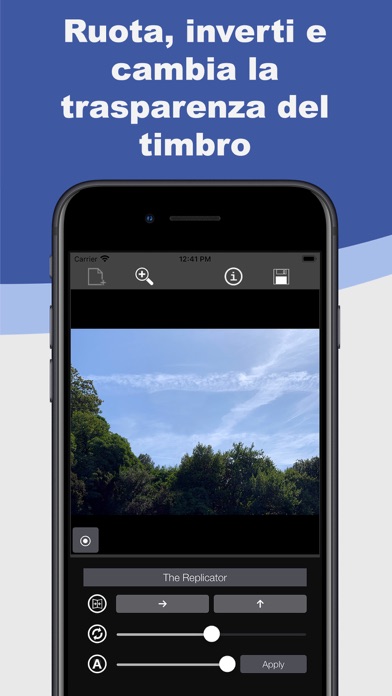
Puoi definire la parte da copiare semplicemente disegnando sull'immagine e puoi regolare le impostazioni in modo da fondere meglio la parte con l'immagine, puoi anche rotearla o invertirla.

Cosa lo rende speciale?
La sua particolarità di poter disegnare sulla zona da copiare permette di clonare una parte di qualunque forma, con la precisione che si vuole.

Compatibile con Apple Pencil.

Puoi trovare lo strumento Replicatore anche in Damaged Photo Restore 2 e in Photo Declutter.

Guarda gli screenshot (6)
Il Replicatore - Timbro Clone — screenshot 1Il Replicatore - Timbro Clone — screenshot 2Il Replicatore - Timbro Clone — screenshot 3Il Replicatore - Timbro Clone — screenshot 4Il Replicatore - Timbro Clone — screenshot 5Il Replicatore - Timbro Clone — screenshot 6
Light Suite - Editor di Foto

GENOVA SOFTWORKS / APP

Light Suite - Editor di Foto

Light Suite è un potente editor di foto che ti permette di modificare i tuoi scatti utilizzando una suite di strumenti comodi ed essenziali. Caratteristiche Principali: • Modifica la Luce: Esposizio…

Leggi di più

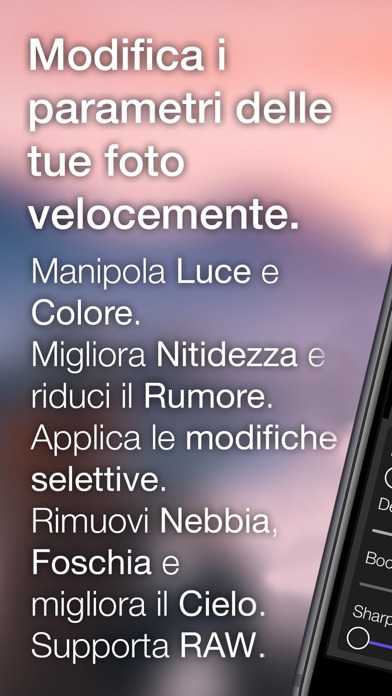
Light Suite è un potente editor di foto che ti permette di modificare i tuoi scatti utilizzando una suite di strumenti comodi ed essenziali.

Caratteristiche Principali:
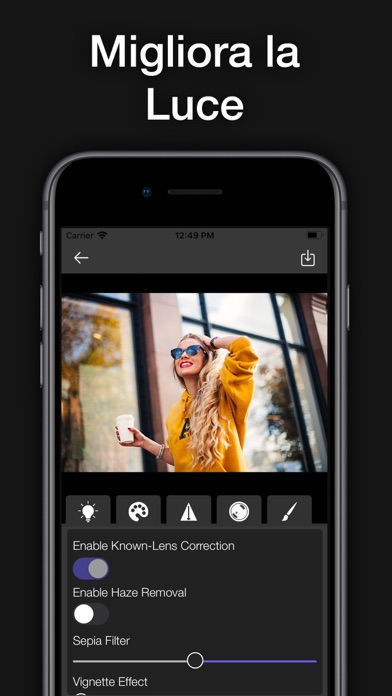
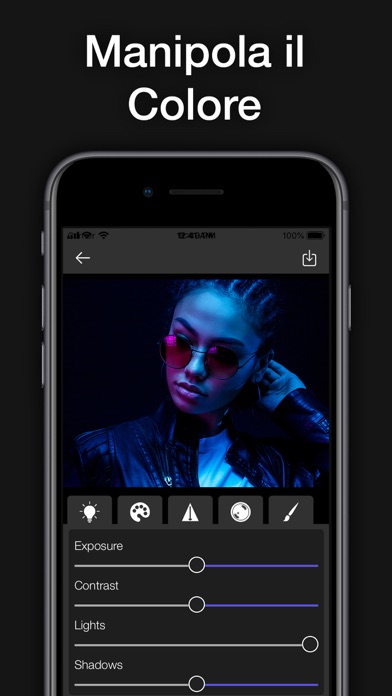
• Modifica la Luce: Esposizione, Contrasto, Luci, Ombre, Bianchi, Neri;
• Modifica il Colore: Saturazione, Vivacità, Tinta e Temperatura;
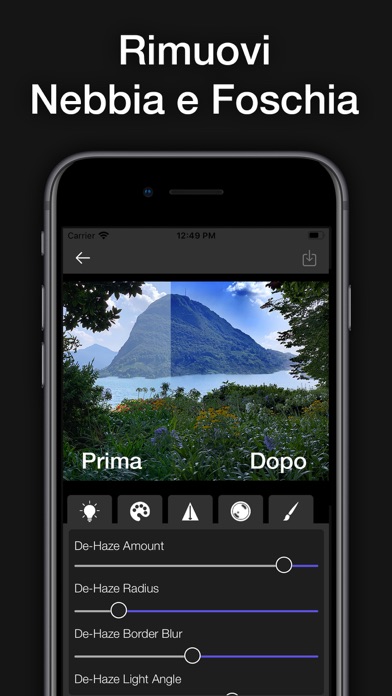
• Rimozione Foschia, Nebbia e miglioramento Cielo;
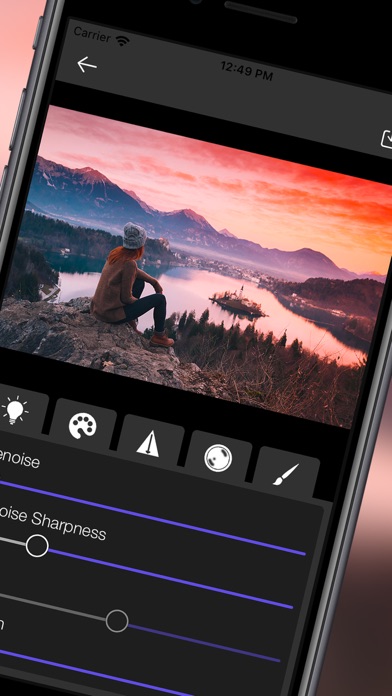
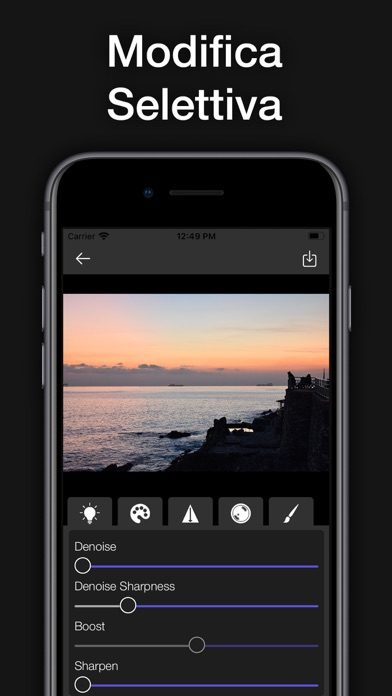
• Riduzione Rumore;
• Migliora la Nitidezza;
• Effetto Vignetta;
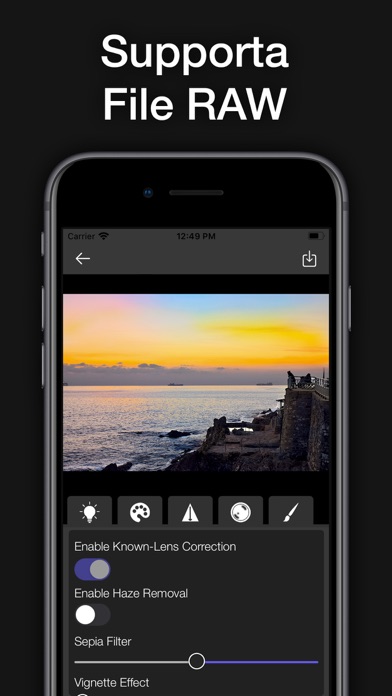
• Filtro Seppia;
• Modifica Selettiva con il Pennello: puoi modificare tutta la foto oppure puoi selezionare alcune aree a mano con il pennello, dove vuoi applicare le modifiche ed i filtri;
• Supporta i file RAW;
• Supporta l'Apple Pencil;

È richiesto un abbonamento per sbloccare tutte le funzioni.
Usando l'app accetti i Termini di Servizio e la Privacy Policy disponibili su: www.genovasoftworks.com/it/terms.php.

Guarda gli screenshot (7)
Light Suite - Editor di Foto — screenshot 1Light Suite - Editor di Foto — screenshot 2Light Suite - Editor di Foto — screenshot 3Light Suite - Editor di Foto — screenshot 4Light Suite - Editor di Foto — screenshot 5Light Suite - Editor di Foto — screenshot 6Light Suite - Editor di Foto — screenshot 7
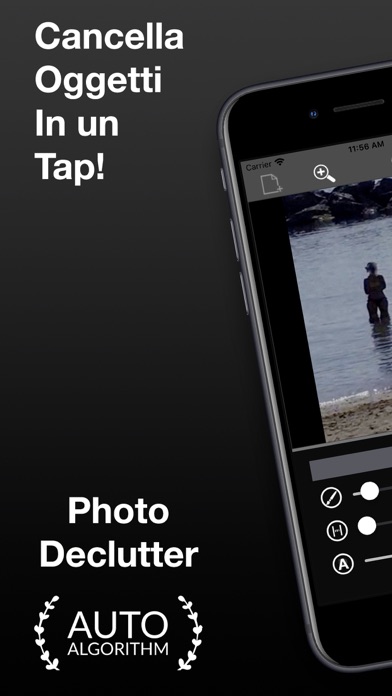
Cancella Oggetti Ritocca Foto

GENOVA SOFTWORKS / APP

Cancella Oggetti Ritocca Foto

Cancella Oggetti ti consente di rimuovere gli oggetti indesiderati dalle tue foto velocemente, fornendoti un set di strumenti all'avanguardia. Quali oggetti puoi rimuovere? • Persone indesiderate; •…

Leggi di più

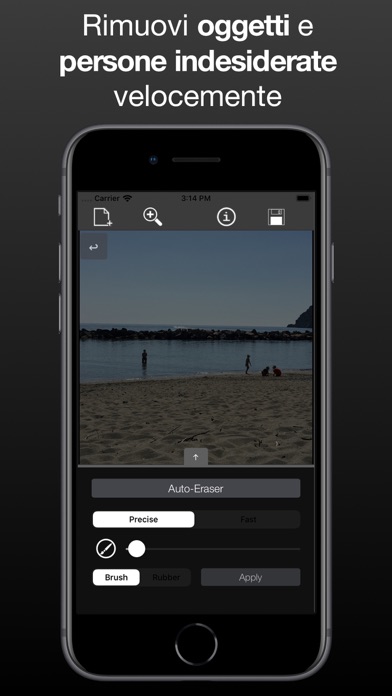
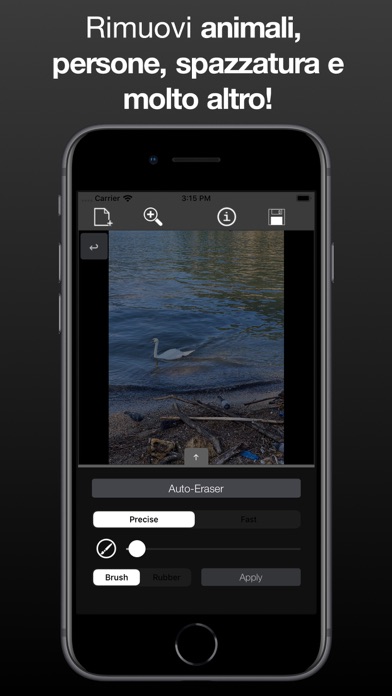
Cancella Oggetti ti consente di rimuovere gli oggetti indesiderati dalle tue foto velocemente, fornendoti un set di strumenti all'avanguardia.

Quali oggetti puoi rimuovere?
• Persone indesiderate;
• Animali;
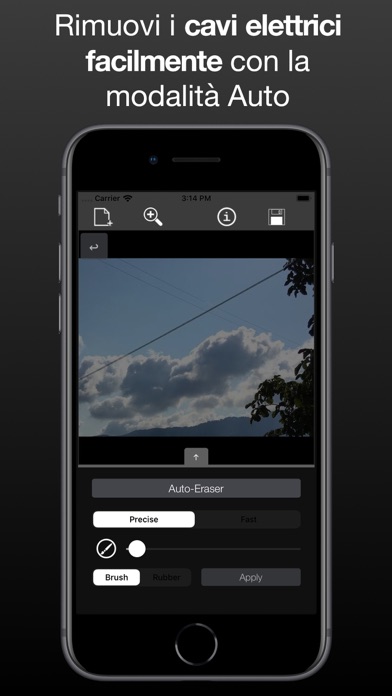
• Cavi elettrici, linee, fili, ecc;
• Cartelli, macchine, biciclette, ecc;
• Recinzioni, ringhiere, e simili;
• Imperfezioni come graffi, crepe e strappi;
• Imperfezioni del viso come brufoli;
• E molti altri!

Questi sono solo alcuni esempi.
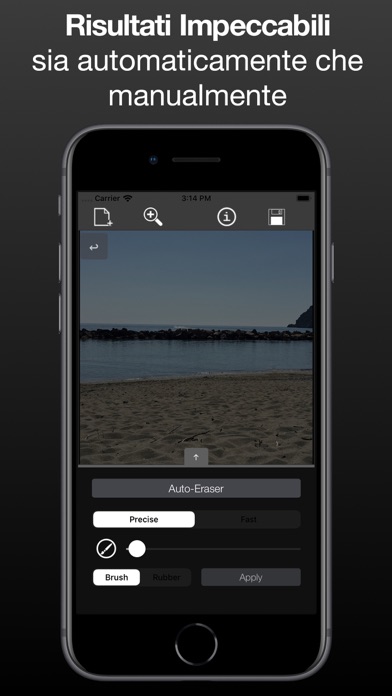
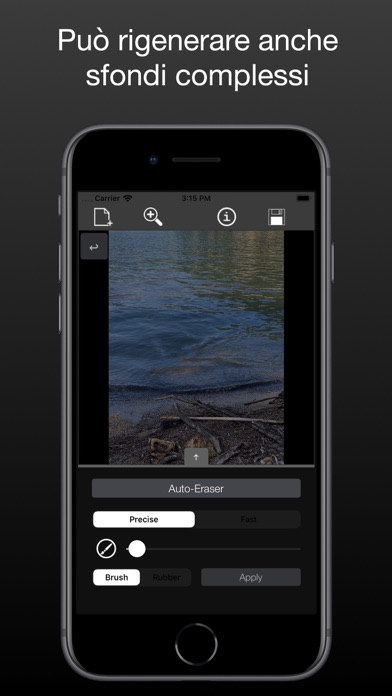
Puoi rimuovere quasi ogni oggetto in una foto dato che, grazie al suo algoritmo all'avanguardia, l'app ricostruisce lo sfondo automaticamente e, per gli utenti avanzati, permette di ricostruirlo anche manualmente grazie al suo tool manuale.

Quali strumenti sono inclusi?
Cancella Oggetti comprende 3 strumenti principali:
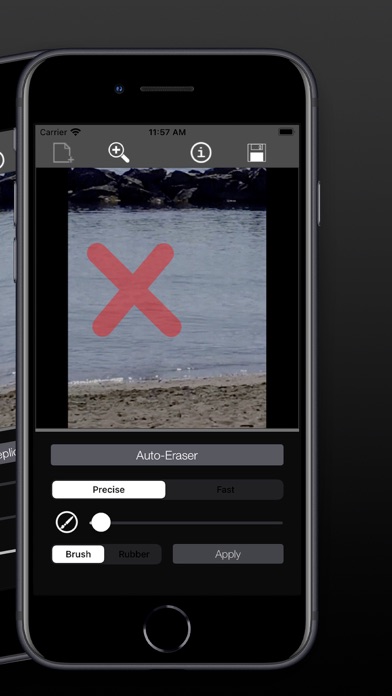
• Auto-Cancella:
Questo strumento cancella automaticamente l'oggetto indesiderato dopo che è stato selezionato.
• Il Replicatore:
Un ottimo strumento manuale che ti permette di clonare una parte di immagine disegnando su di essa e di incollarla dove si vuole.
• Lo strumento Smussa:
Uno strumento semplice che ti permette di smussare una parte di immagine e quindi di raffinare il risultato.

Tutorial In-App
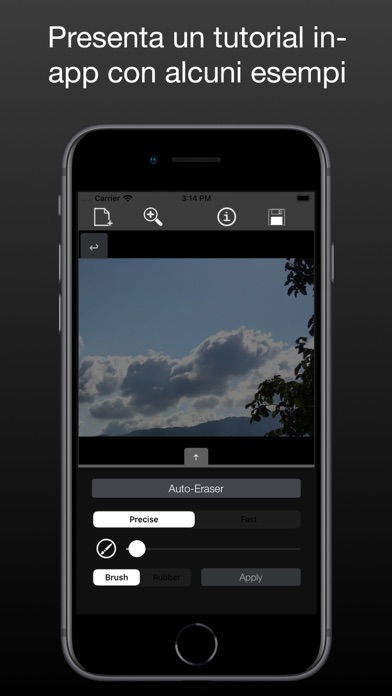
L'app comprende un tutorial introduttivo che spiega come utilizzare ogni strumento.
Alla fine di esso sono disponibili alcuni video esempi su come rimuovere certi tipi di oggetti facilmente.

Nessun abbonamento
L'applicazione non richiede nessun abbonamento, quando la compri puoi utilizzarla quando vuoi.

iPhone 6s o più recente o iPad (5th gen.) o più recente consigliati per un' esperienza d'uso ottimale.
Per maggiori informazioni puoi inviare una email a info@genovasoftworks.com.

Guarda gli screenshot (8)
Cancella Oggetti Ritocca Foto — screenshot 1Cancella Oggetti Ritocca Foto — screenshot 2Cancella Oggetti Ritocca Foto — screenshot 3Cancella Oggetti Ritocca Foto — screenshot 4Cancella Oggetti Ritocca Foto — screenshot 5Cancella Oggetti Ritocca Foto — screenshot 6Cancella Oggetti Ritocca Foto — screenshot 7Cancella Oggetti Ritocca Foto — screenshot 8
Ripara Foto Danneggiate 2

GENOVA SOFTWORKS / APP

Ripara Foto Danneggiate 2

Rimuovi graffi, strappi, anche quelli più grossi, tagli, sporco, macchie e molte altre imperfezioni dalle tue foto. Se hai foto danneggiate, non necessariamente foto antiche, questa app può ripristin…

Leggi di più

Rimuovi graffi, strappi, anche quelli più grossi, tagli, sporco, macchie e molte altre imperfezioni dalle tue foto. Se hai foto danneggiate, non necessariamente foto antiche, questa app può ripristinarle ad una condizione quasi perfetta. Questa nuova versione è più semplice, più veloce, più efficiente e può nascondere molte più imperfezioni*.

Caratteristiche:
- Rimuovi graffi, strappi, tagli, anche quelli più grossi, sporco, macchie ed altro;
- Può riparare sia foto invecchiate che quelle più recenti;
- Può rimuovere imperfezioni da ogni immagine;
- Può nascondere oggetti, scritte, persone, ecc;
- Può riparare parti mancanti dall'immagine (come muri, paesaggi, ecc);
- Fino a 3x volte più veloce*;
- 4 Strumenti:
-- Replicatore;
-- Auto Generatore Maschera;
-- Editor Maschera Manuale;
-- Strumento Smussa;
- Algoritmo di Auto Generazione Maschera Intelligente ed in grado di rilevare i volti;
- Può Replicare pattern di sfondo complessi;
- Modalità ad alta precisione;
- Più facile da usare e da comprendere con tutorial in app;

Rispetto a Damaged Photo Restore & Repair (1).
Questa app può riparare quasi tutte le foto, tuttavia se la foto è troppo rovinata il risultato potrebbe non essere ottimale.

Utilizzando l'app accetti i Termini di Utilizzo e l'Informativa sulla Privacy disponibili su
https://www.genovasoftworks.com/terms.php.
È necessario un abbonamento per accedere a tutte le funzionalità dell'app.

Guarda gli screenshot (8)
Ripara Foto Danneggiate 2 — screenshot 1Ripara Foto Danneggiate 2 — screenshot 2Ripara Foto Danneggiate 2 — screenshot 3Ripara Foto Danneggiate 2 — screenshot 4Ripara Foto Danneggiate 2 — screenshot 5Ripara Foto Danneggiate 2 — screenshot 6Ripara Foto Danneggiate 2 — screenshot 7Ripara Foto Danneggiate 2 — screenshot 8
trovaprofessionisti.com

GENOVA SOFTWORKS / WEB PLATFORM

trovaprofessionisti.com

Portale web che mette in contatto chi cerca un servizio con professionisti, aziende e freelance in Italia. I clienti possono inviare gratuitamente una richiesta indicando servizio, città, descrizione…

Leggi di più

Portale web che mette in contatto chi cerca un servizio con professionisti, aziende e freelance in Italia. I clienti possono inviare gratuitamente una richiesta indicando servizio, città, descrizione, budget e tempistiche, confrontare i preventivi e gestire le risposte dalla propria area riservata. I professionisti possono creare il proprio profilo, selezionare servizi e province coperte, ricevere notifiche sulle richieste pertinenti e rispondere ai potenziali clienti senza acquistare pacchetti di crediti.

Ripara Foto Danneggiate

GENOVA SOFTWORKS / APP

Ripara Foto Danneggiate

Ripara le tue foto danneggiate, rovinate o che presentano strappi, tagli, macchie, sporcizia o altre imperfezioni. Questa app è uno strumento professionale che fa uso di potenti algoritmi per poter r…

Leggi di più

Ripara le tue foto danneggiate, rovinate o che presentano strappi, tagli, macchie, sporcizia o altre imperfezioni. Questa app è uno strumento professionale che fa uso di potenti algoritmi per poter riportare le tue foto danneggiate alla loro condizione iniziale. Il funzionamento è molto semplice, basta importare una foto che vuoi riparare e l’applicazione farà tutto in automatico. Se sei un utente che desidera risultati ancora migliori e più precisi puoi anche applicare le modifiche manualmente.

Ripara Foto Danneggiate non fa solo questo, può anche rimuovere imperfezioni oppure nascondere testo o oggetti dalle foto.

Caratteristiche principali:
- Rimuove tagli o strappi dalle foto;
- Rimuove graffi, segni o macchie;
- Può riparare foto antiche che si sono rovinate nel tempo;
- Può rimuovere imperfezioni da qualunque immagine;
- Può nascondere testo o oggetti da qualunque immagine;
- Interfaccia semplice ed intuitiva;
- Gli utenti esperti possono migliorare i risultati ancora di più usando la modalità di modifica manuale;
- Modalità ad alta precisione (Una lente di ingrandimento ti mostra dove stai modificando);
- Esporta nel rullino la foto riparata;
- Tutorial In-App;
- Veloce ed ottimizzata per iOS 18;

Per favore tieni a mente che:
- Questo è uno strumento professionale, segui il tutorial nell’app per imparare ad usare l’app correttamente;
- Questa applicazione funzionerà su quasi qualunque foto, tuttavia nei casi in cui la foto è molto rovinata il risultato non sarà ottimale.

Guarda gli screenshot (10)
Ripara Foto Danneggiate — screenshot 1Ripara Foto Danneggiate — screenshot 2Ripara Foto Danneggiate — screenshot 3Ripara Foto Danneggiate — screenshot 4Ripara Foto Danneggiate — screenshot 5Ripara Foto Danneggiate — screenshot 6Ripara Foto Danneggiate — screenshot 7Ripara Foto Danneggiate — screenshot 8Ripara Foto Danneggiate — screenshot 9Ripara Foto Danneggiate — screenshot 10
Rimuovi Sfocatura Image Deblur

GENOVA SOFTWORKS / APP

Rimuovi Sfocatura Image Deblur

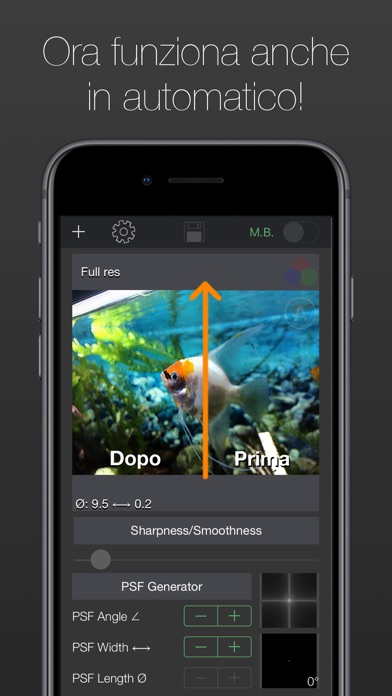
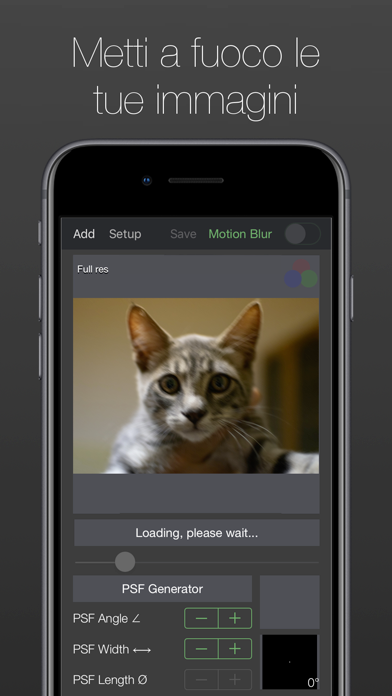
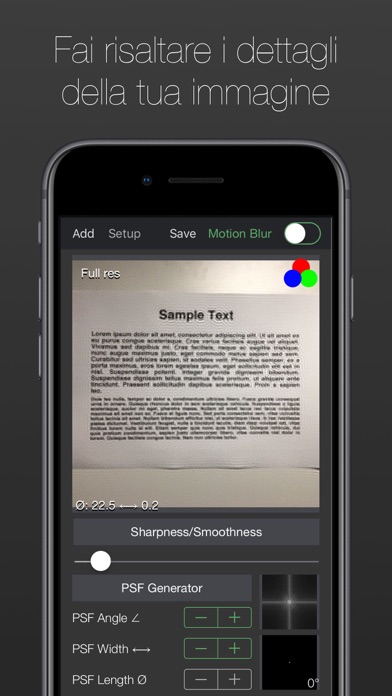
Image Deblur è uno strumento professionale che ti permette di rimuovere la sfocatura dalle tue foto. Grazie al suo algoritmo di deconvoluzione è possibile far risaltare i dettagli che stai cercando d…

Leggi di più

Image Deblur è uno strumento professionale che ti permette di rimuovere la sfocatura dalle tue foto. Grazie al suo algoritmo di deconvoluzione è possibile far risaltare i dettagli che stai cercando dalle tue foto, con alta precisione. E' molto utile se hai bisogno di ottenere informazioni importanti dalle tue immagini.

# E' stata nelle migliori 100 Utility dell'App Store in 10 paesi diversi!
# Visita il sito web per vedere l'app in azione!

Cosa fa questo strumento?
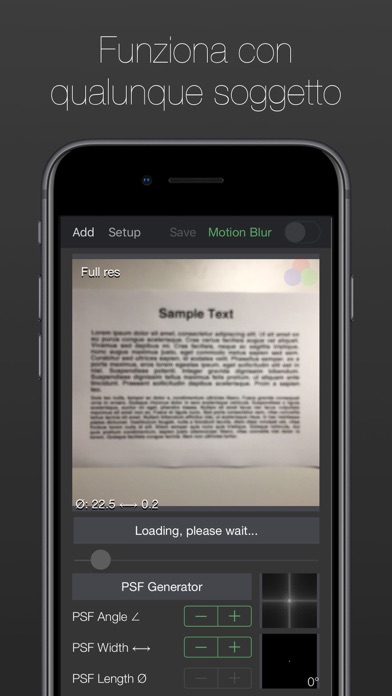
- Mette a fuoco immagini sfocate, permettendoti di vedere dettagli come scritte o soggetti;
- Rimuove la sfocatura di movimento, generata da soggetti in veloce movimento o dalla fotocamera (Immagini mosse);
- Imposta la messa a fuoco e l'angolatura della sfocatura di movimento grazie ai controlli ad alta precisione;
- Computazione dei risultati veloce;
- Supporta immagini ad alta risoluzione;
- Salva una versione a colori RGB o in scala di grigi nel rullino;
- Supporta la modalità Auto che produce automaticamente alcune possibili immagini prive di sfocatura;

Questo strumento non aumenta soltanto la nitidezza dell'immagine ma rimuove letteralmente la sfocatura o la riduce quando è eccessiva.

Per favore tieni presente che:
- Questo è uno strumento professionale, segui la spiegazione nella app per imparare ad usarlo correttamente;
- Immagini ad alta risoluzione saranno scalate entro i limiti hardware;
- Lo scopo di questo strumento è quello di far risaltare i dettagli da una immagine e non quello di migliorare l'immagine nella sua interezza, specialmente quando la sfocatura è eccessiva, inoltre la sfocatura causata dalla bassa risoluzione non è supportata.

Guarda gli screenshot (5)
Rimuovi Sfocatura Image Deblur — screenshot 1Rimuovi Sfocatura Image Deblur — screenshot 2Rimuovi Sfocatura Image Deblur — screenshot 3Rimuovi Sfocatura Image Deblur — screenshot 4Rimuovi Sfocatura Image Deblur — screenshot 5
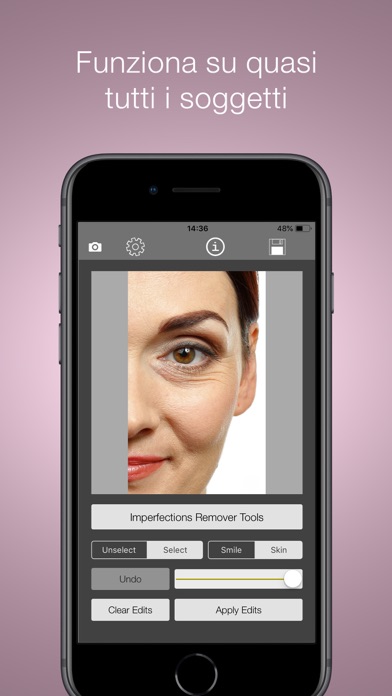
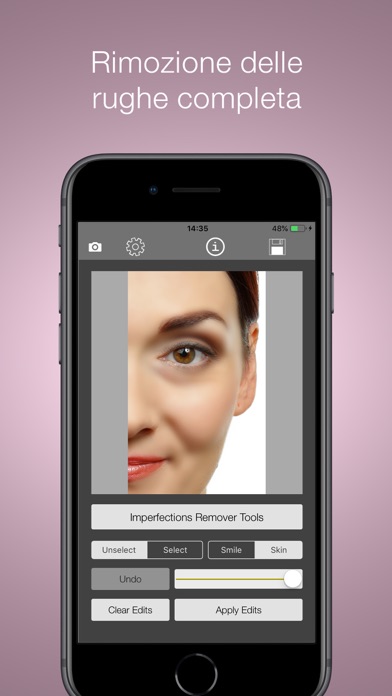
Viso Perfetto - Trucco e Denti

GENOVA SOFTWORKS / APP

Viso Perfetto - Trucco e Denti

Facile e veloce, solo due strumenti che semplificano l’uso, rimuovi tutte le imperfezioni della pelle e sbianca i denti. Grazie al suo algoritmo intelligente l’app riconosce le impostazioni migliori …

Leggi di più

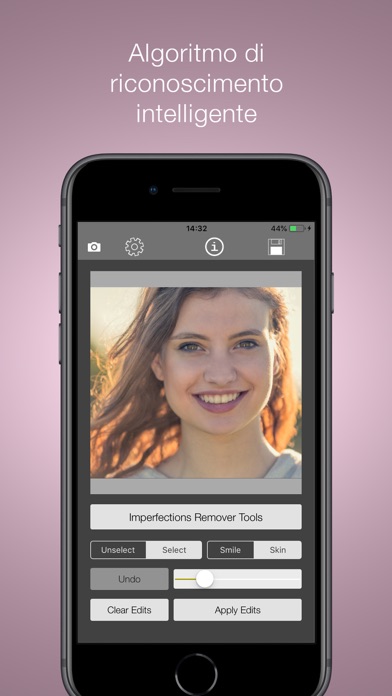
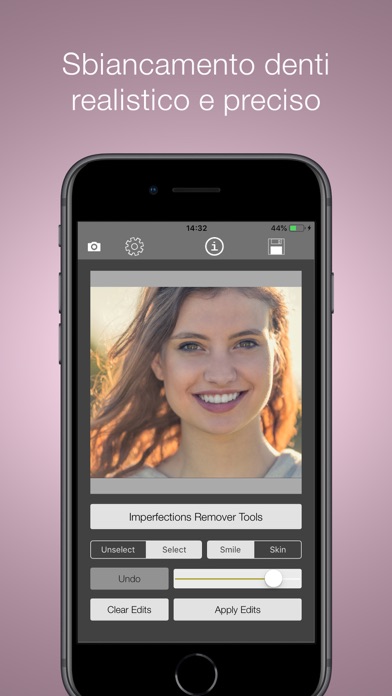
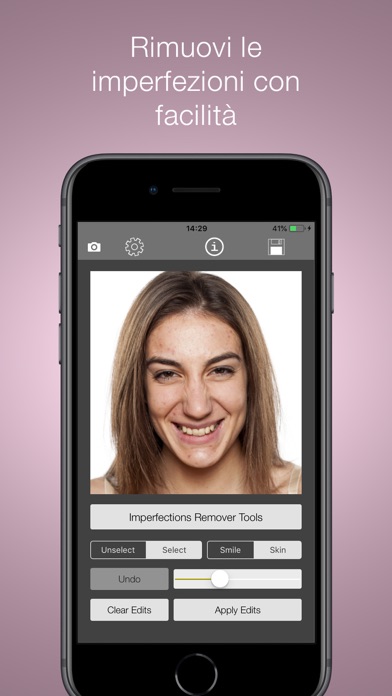
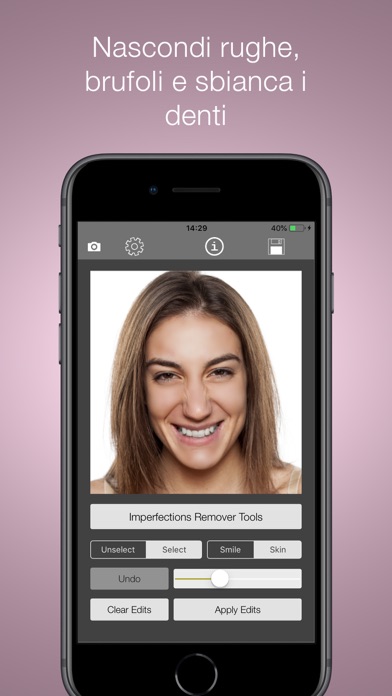
Facile e veloce, solo due strumenti che semplificano l’uso, rimuovi tutte le imperfezioni della pelle e sbianca i denti. Grazie al suo algoritmo intelligente l’app riconosce le impostazioni migliori per migliorare il trucco e farlo sembrare realistico.

Caratteristiche principali:
- Facile e veloce: avvia l’app, carica la foto, applica il trucco e salva!
- Nascondi brufoli, rughe e altre imperfezioni della pelle;
- Sbianca i denti;
- Due strumenti: uno per rimuovere le imperfezioni e un’altro per sbiancare i denti;
- Trucco realistico;
- Riconoscimento sorriso intelligente;
- Puoi cambiare il livello di bianco dei denti;
- Zoom;
- Ottimizzata per iPhone X, Xs, Xs Max e Xr!

Guarda gli screenshot (6)
Viso Perfetto - Trucco e Denti — screenshot 1Viso Perfetto - Trucco e Denti — screenshot 2Viso Perfetto - Trucco e Denti — screenshot 3Viso Perfetto - Trucco e Denti — screenshot 4Viso Perfetto - Trucco e Denti — screenshot 5Viso Perfetto - Trucco e Denti — screenshot 6
SLR RAW Camera

GENOVA SOFTWORKS / APP

SLR RAW Camera

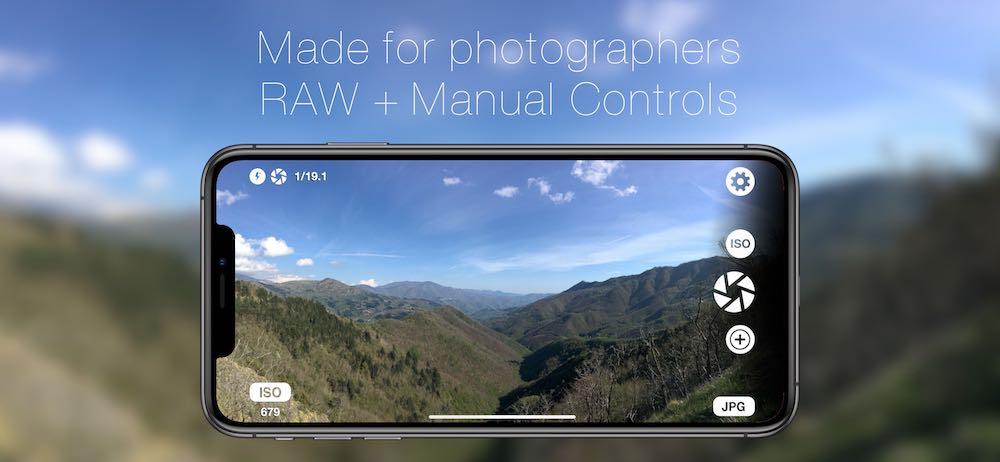
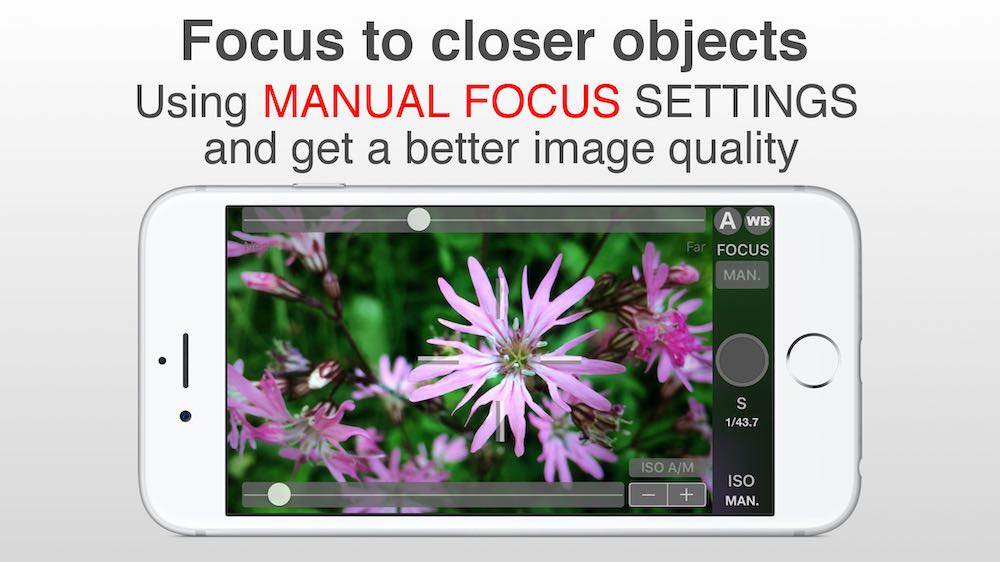
SLR RAW Camera ti permette di scattare foto sorprendenti, anche di notte, e di esportarle sia in RAW che in JPG, proprio come se stessi usando una Reflex. Caratteristiche principali: • ISO Manuale; •…

Leggi di più

SLR RAW Camera ti permette di scattare foto sorprendenti, anche di notte, e di esportarle sia in RAW che in JPG, proprio come se stessi usando una Reflex. Caratteristiche principali: • ISO Manuale; • Velocità otturatore Manuale (Perfetta per scatti notturni); • Messa a fuoco Manuale; • Supporta sia JPG che RAW*; • Pinch to Zoom; • Bilanciamento Bianco: con canali RGB; • Mostra la griglia delle proporzioni su schermo; • Impostazioni Flash; • Interfaccia comoda, semplice e veloce: basta scorrere il dito per impostare I valori; *RAW è disponibile solo su iPhones SE, 6s, 6s Plus, 7, 7 Plus, 8, 8 Plus, X o migliore e iPad Pro.

Neptune: Arena FPS

GENOVA SOFTWORKS / APP

Neptune: Arena FPS

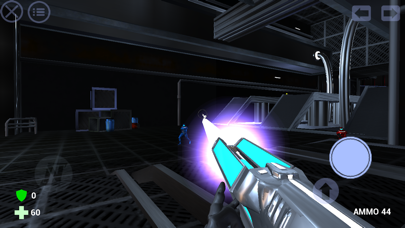
Classico gameplay in puro stile arena mescolato a elementi moderni e futuristici dove l'unica cosa che conta è l'abilità. - Ambientato in mappe futuristiche, dovrai combattere contro l'IA per vincere…

Leggi di più

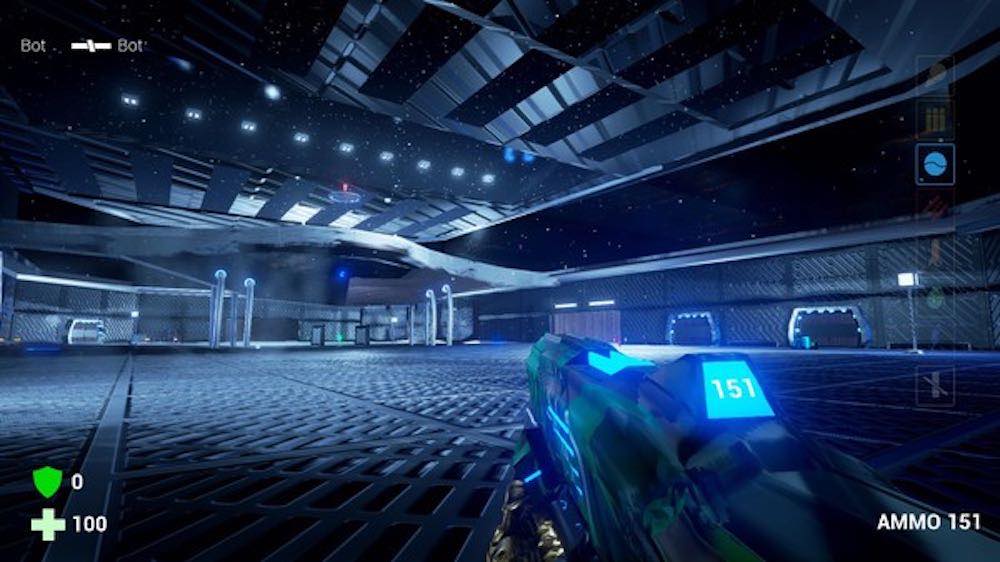
Classico gameplay in puro stile arena mescolato a elementi moderni e futuristici dove l'unica cosa che conta è l'abilità.
- Ambientato in mappe futuristiche, dovrai combattere contro l'IA per vincere!
- Veloce, frenetico, partite mozzafiato;
- 5 Arene fantastiche dove soltanto i giocatori migliori sapranno dominare;
- Mappe ricche di jump pads! Fondi le tue abilità nel movimento con combattimenti a mezz'aria;
- Trappole! Ogni mappa ha il suo unico e caratteristico modo di mettere in pericolo il giocatore;
- Padroneggia 8 classiche ma futuristiche armi in puro stile arena;
- Gradi e Skin:
Ottieni esperienza (XP) giocando e usa i token guadagnati per sbloccare Skin per le tue armi preferite!
Modalità:
- Deathmatch: spara a qualunque cosa si muova;
- Instagib: gioca ad un colpo un'uccisione con il tuo fedele Raygun!

*Almeno iPhone 5s/iPad Air richiesti*

Guarda gli screenshot (4)
Neptune: Arena FPS — screenshot 1Neptune: Arena FPS — screenshot 2Neptune: Arena FPS — screenshot 3Neptune: Arena FPS — screenshot 4
SLR Pro Camera

GENOVA SOFTWORKS / APP

SLR Pro Camera

Reflex Pro Cam (SLR) è stata sviluppata per aiutare i fotografi professionali e per permettergli di scattare foto migliori usando il proprio dispositivo, potenziando le funzioni della fotocamera e ag…

Leggi di più

Reflex Pro Cam (SLR) è stata sviluppata per aiutare i fotografi professionali e per permettergli di scattare foto migliori usando il proprio dispositivo, potenziando le funzioni della fotocamera e aggiungendole funzioni comuni ad una fotocamera reflex. Queste funzioni includono la messa a fuoco manuale, la possibilità di cambiare l'ISO, la velocità di scatto, il bilanciamento del bianco e comandi automatici. Grazie ad un'interfaccia semplice ma efficace è possibile impostare i valori mentre si visualizza l'immagine, vedendo i cambiamenti in tempo reale. E' inoltre possibile impostare il bilanciamento del bianco (WB) come si preferisce, agendo sui valori RGB singolarmente. Reflex Pro Cam ti permetterà perciò di scattare foto migliori! Un semplice esempio riguarda gli scatti notturni o di soggetti in movimento. Diminuendo la velocità di scatto e alzando l'ISO si potrà catturare maggior luce permettendo di fare foto al buio, mentre aumentando la velocità di scatto si potrà migliorare la qualità delle foto di soggetti in movimento! Funzioni principali: • Controlli manuali e automatici; • Impostazioni ISO; • Impostazione della velocità di scatto; • Messa a fuoco (focus) manuale o automatica; • Bilanciamento bianco (White Balance) con valori RGB; • Flash On/Off/Auto; • Massima qualità dell'immagine di output; • Maggior zoom rispetto alla fotocamera di default;

Chroma Key FX - Green Screen

GENOVA SOFTWORKS / APP

Chroma Key FX - Green Screen

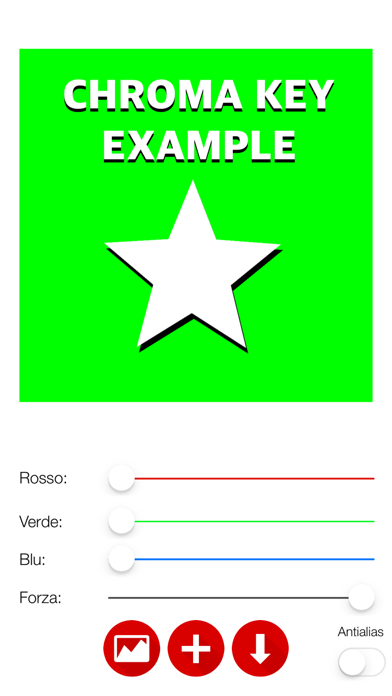
Grazie a questa applicazione applicare l'effetto chroma key sarà più facile! Basta aggiungere l'immagine a cui si vuole applicare l'effetto e uno sfondo, regolare il colore e il gioco è fatto! Inoltr…

Leggi di più

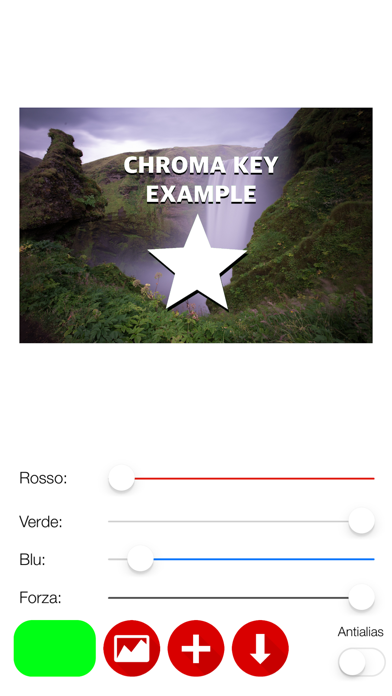
Grazie a questa applicazione applicare l'effetto chroma key sarà più facile! Basta aggiungere l'immagine a cui si vuole applicare l'effetto e uno sfondo, regolare il colore e il gioco è fatto! Inoltre è possibile spostare, ruotare o scalare il soggetto come si desidera! Puoi anche applicare il chroma key ad una singola foto senza sfondo ed esportarla mantenendo la trasparenza.

Caratteristiche:
- Applica il chroma key con qualunque colore;
- Regola l'immagine ruotandola, scalandola e spostandola!;
- Esporta singole immagini mantenendo la trasparenza!;
- Vari valori di forza e opzione antialias;

Guarda gli screenshot (2)
Chroma Key FX - Green Screen — screenshot 1Chroma Key FX - Green Screen — screenshot 2
AR Laser Meter Measuring Tape

GENOVA SOFTWORKS / APP

AR Laser Meter Measuring Tape

Grazie a questa app sarai in grado di misurare oggetti e distanze velocemente e con facilità, semplicemente usando il tuo dispositivo! Può misurare oggetti orizzontali e funziona anche in condizioni …

Leggi di più

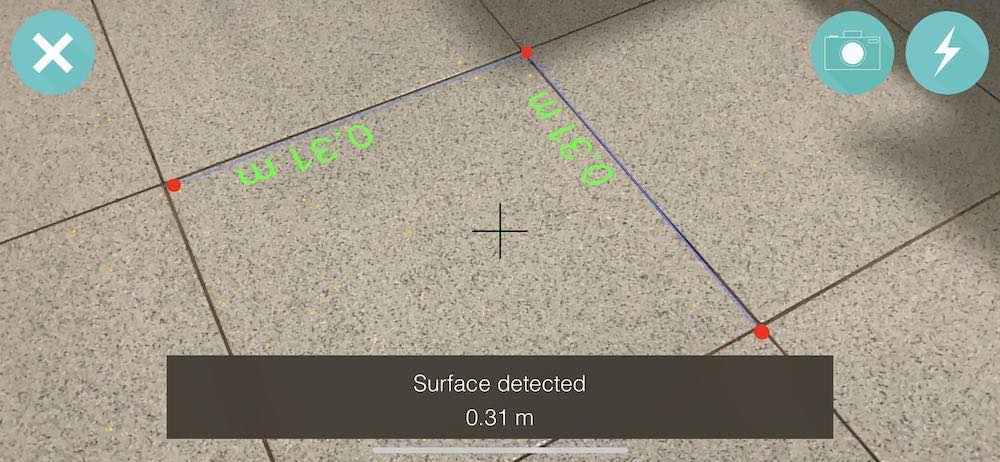
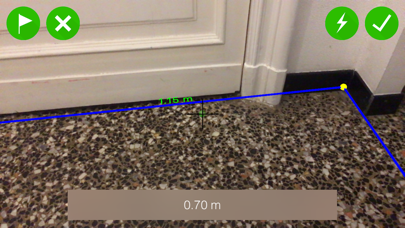
Grazie a questa app sarai in grado di misurare oggetti e distanze velocemente e con facilità, semplicemente usando il tuo dispositivo! Può misurare oggetti orizzontali e funziona anche in condizioni di scarsa illuminazione grazie al flash. Dato che l'app usa l'AR, puoi muoverti senza perdere le misure che hai preso per vedere meglio. Caratteristiche principali: - Misura oggetti e distanze; - Percentuale di errore molto bassa; - Funziona in condizioni di scarsa illuminazione grazie al flash (quando disponibile); - Supporta sia metri che piedi; - Spostati dove vuoi grazie all'AR; - Salva le misure;

Planimetria da Fotocamera - AR

GENOVA SOFTWORKS / APP

Planimetria da Fotocamera - AR

Grazie a questa app disegnare planimetrie sarà facile, veloce e automatico. Funziona anche al buio grazie al flash e permette di esportare la planimetria in PDF, PDF via E-Mail, via social network, m…

Leggi di più

Grazie a questa app disegnare planimetrie sarà facile, veloce e automatico. Funziona anche al buio grazie al flash e permette di esportare la planimetria in PDF, PDF via E-Mail, via social network, messaggio o altri canali di condivisione oppure come immagine nel rullino.

Oltre alla funzione planimetria è utile anche per prendere misure di superfici, calcolare il perimetro, sia di spazi chiusi che di spazi aperti.
Supporta sia i metri che i piedi ed è possibile impostare la planimetria a proprio piacimento modificando lo spessore delle linee, lo zoom e la presenza delle quote.

Caratteristiche principali:
- Disegna la planimetria in automatico;
- Modifica la planimetria cambiando lo spessore delle linee, la presenza delle quote e lo zoom;
- Esporta come immagine, PDF, PDF via e-mail, social network, messaggio, o altri canali di condivisione;
- Funziona al buio con il flash!;
- In condizioni ideali misura gli spazi orizzontali con un errore massimo dell'1%;
- Misura e disegna sia planimetrie aperte che chiuse;
- Durante le misurazioni puoi spostarti in tutta comodità, l'applicazione manterrà le misure e ti permetterà di vedere le distanze;
- Completamente in italiano!


Usando l'app accetti i Termini di Utilizzo e la Privacy Policy disponibili al seguente link: https://www.genovasoftworks.com/terms.php.

Guarda gli screenshot (2)
Planimetria da Fotocamera - AR — screenshot 1Planimetria da Fotocamera - AR — screenshot 2
RCON Admin di Server da Gioco

GENOVA SOFTWORKS / APP

RCON Admin di Server da Gioco

Se possiedi un server da gioco questa applicazione ti servirà! Invia comandi da remoto attraverso l'RCON, rimani aggiornato su cosa succede sul server, amministra tutto usando il tuo dispositivo mobi…

Leggi di più

Se possiedi un server da gioco questa applicazione ti servirà! Invia comandi da remoto attraverso l'RCON, rimani aggiornato su cosa succede sul server, amministra tutto usando il tuo dispositivo mobile.

Server da gioco supportati:
• Minecraft;
• Ark: Survival Evolved (Supporta GetChat);
• Rust*;
• SRCDS Servers (Protocollo Source RCON);
• Counter Strike: Global Offensive;
• Counter Strike: Source;
• Team Fortress 2;
• Insurgency;
• Day of Defeat: Source;
• Garry's Mod;
• Half Life 2: Deathmatch;
• Left 4 Dead 2;
• Reflex;

Cosa offre l'applicazione?
Potrai gestire i tuoi server inviando comandi da remoto attraverso l'RCON proprio come se stessi scrivendo sulla console dei comandi.
Questo include qualunque comando supportato dal server.

Dopo che hai inserito il comando potrai vedere la risposta del server, per esempio se hai inserito il comando "status" in un server di Garry's Mod riceverai tutte le informazioni riguardo allo stato del server, incluso il nome, i giocatori, ecc.

L'applicazione supporta qualunque comando gestito dal server.
Potrai anche effettuare kick, ban ed inviare messaggi di broadcast da remoto!

*E' necessario aggiungere +rcon.web 0 all'avvio del server o l'autenticazione fallirà.

L'app è stata testata su server per giochi PC e non è garantito il funzionamento su server per console.

Guarda gli screenshot (5)
RCON Admin di Server da Gioco — screenshot 1RCON Admin di Server da Gioco — screenshot 2RCON Admin di Server da Gioco — screenshot 3RCON Admin di Server da Gioco — screenshot 4RCON Admin di Server da Gioco — screenshot 5
Gestore Outfit - Dress Advisor

GENOVA SOFTWORKS / APP

Gestore Outfit - Dress Advisor

Gestisci i tuoi vestiti, prova vari abbinamenti e ricevi consigli su come vestirti oggi! Grazie a questa app e alla sua interfaccia intuitiva tutto sarà più semplice, potrai: - Organizzare i vestiti …

Leggi di più

Gestisci i tuoi vestiti, prova vari abbinamenti e ricevi consigli su come vestirti oggi! Grazie a questa app e alla sua interfaccia intuitiva tutto sarà più semplice, potrai:
- Organizzare i vestiti senza limiti;
- Dividerli in varie categorie;
- Salvare gli Outfits e condividerli;
- Selezionare i tuoi vestiti dalla galleria oppure fare una foto al momento;
- Prepararti per l'estate con la categoria costumi da bagno e provare gli abbinamenti tra i costumi;
- Generare abbinamenti casuali sulla scelta di stili;
- Visualizzare i vestiti in pila, come su un manichino virtuale!
- In italiano!

Usando l'app accetti i Termini di Servizio e la Privacy Policy disponibili su:
www.genovasoftworks.com/it/terms.php.

Guarda gli screenshot (4)
Gestore Outfit - Dress Advisor — screenshot 1Gestore Outfit - Dress Advisor — screenshot 2Gestore Outfit - Dress Advisor — screenshot 3Gestore Outfit - Dress Advisor — screenshot 4
Camera Effects - 25+ Filtri

GENOVA SOFTWORKS / APP

Camera Effects - 25+ Filtri

Camera Effects è un'utilissima app che ti permette di applicare effetti e filtri fotografici alle tue foto. Puoi selezionare le immagini dalla tua galleria oppure puoi scattarle usando la fotocamera.…

Leggi di più

Camera Effects è un'utilissima app che ti permette di applicare effetti e filtri fotografici alle tue foto. Puoi selezionare le immagini dalla tua galleria oppure puoi scattarle usando la fotocamera. Puoi applicare più effetti ad una singola foto, aumentare l'intensità di un effetto applicandolo più volte e ripristinare l'immagine originale se vuoi cambiarli.

Filtri disponibili:
• Seppia
• Noir
• Posterizzato
• Cromo
• Vintage
• Vignetta
• Negativo
• Sfocato
• Bruciato
• Esposizione
• Blu
• Giallo
• Rosso
• Nostalgia
• Contrastato
• Vividezza
• Gelatina verde
• Bloom
• Gloom
• Pixellato
• Pallido
• Caldo
• Luce Solare
• Cerchi
• Linee Curve
• Linee

Le immagini modificate saranno salvate nella galleria Rullino del dispositivo.

Guarda gli screenshot (3)
Camera Effects - 25+ Filtri — screenshot 1Camera Effects - 25+ Filtri — screenshot 2Camera Effects - 25+ Filtri — screenshot 3
iDashboard Acceleration Speed and HUD for Car

GENOVA SOFTWORKS / APP

iDashboard Acceleration Speed and HUD for Car

Hai bisogno di misurare l’accelerazione della tua macchina oppure vuoi semplicemente un utility che ti accompagni durante il viaggio? iDashboard è l’applicazione perfetta! Usando il GPS ti permette d…

Leggi di più

Hai bisogno di misurare l’accelerazione della tua macchina oppure vuoi semplicemente un utility che ti accompagni durante il viaggio? iDashboard è l’applicazione perfetta! Usando il GPS ti permette di visualizzare la velocità effettiva sia in km/h che in mph e al tempo stesso anche l’altitudine al quale ti trovi! E’ possibile anche misurare l’effettiva accelerazione 0-60 e 0-100 in km/h o mph, basterà premere il pulsante per testare e partire a veicolo fermo, l’applicazione inizierà a contare il tempo non appena l’auto sarà in movimento. In caso di scarsa luminosità come per esempio di notte, è possibile attivare la modalità HUD la quale dopo aver posizionato il telefono sul cruscotto, rifletterà il display sul vetro dell’auto rendendo più comoda la lettura. Funzioni: - Misura l’accelerazione 0-60 e 0-100 dell’auto; - Velocità effettiva da GPS; - Modalità HUD notturna; - Altitudine in tempo reale; - KM/H o MPH;

Allarme di movimento Antifurto

GENOVA SOFTWORKS / APP

Allarme di movimento Antifurto

Hai bisogno di un antifurto semplice e rapido? Questa app è per te! Semplice e facile da usare, basta attivarlo, bloccare il dispositivo e posizionarlo dentro a qualcosa che non vuoi che venga rubato…

Leggi di più

Hai bisogno di un antifurto semplice e rapido? Questa app è per te! Semplice e facile da usare, basta attivarlo, bloccare il dispositivo e posizionarlo dentro a qualcosa che non vuoi che venga rubato o mosso. Dopo aver armato l'app avrai 10 secondi per posizionare il dispositivo e quando sarà pronto ti avviserà. Funziona sia su tablet che su smartphone e anche in background col dispositivo bloccato! Se mosso inizierà a suonare e a vibrare e smetterà soltanto se disabilitato da te.

Funzioni principali:
- Veloce e facile da usare, armalo, blocca il dispositivo e posizionalo dove preferisci;
- Funziona sia su smartphone che su tablet;
- Funziona in background col dispositivo bloccato, fino a che non lo disabiliti;
- Timer di 10 secondi prima di essere attivato;

Assicurati di permettere all'applicazione di usare i servizi di localizzazione se no non funzionerà in background.

Guarda gli screenshot (3)
Allarme di movimento Antifurto — screenshot 1Allarme di movimento Antifurto — screenshot 2Allarme di movimento Antifurto — screenshot 3
Luce strobo a ritmo

GENOVA SOFTWORKS / APP

Luce strobo a ritmo

Ad una festa, un concerto o con gli amici, questa applicazione sarà la tua compagna perfetta! Luce strobo a ritmo mostra effetti su schermo a ritmo di musica, movimentando le tue feste. L'app non mos…

Leggi di più

Ad una festa, un concerto o con gli amici, questa applicazione sarà la tua compagna perfetta!
Luce strobo a ritmo mostra effetti su schermo a ritmo di musica, movimentando le tue feste.
L'app non mostra soltanto effetti su schermo ma se si possiede un dispositivo con flash, l'applicazione lo accenderà o spegnerà a ritmo di musica, sincronizzandolo con gli effetti su schermo. La modalità Musica permette di calibrare la sensibilità a piacimento oppure, se si preferisce, si può attivare l'autocalibrazione che permette all'applicazione di calibrarsi automaticamente, in tempo reale. Se si vuole si può anche abilitare la modalità Strobo classica, che permette di regolare la velocità della luce stroboscopica a piacimento. Luce strobo a ritmo è consigliata per usi riguardanti la musica, ma può anche essere usata come una normale torcia o sos. Visita il sito web per maggiori informazioni.

Ricordati di permettere l'accesso al microfono o la modalità Musica non potrà funzionare.
L'applicazione funziona sia su smartphone che su tablet.

Guarda gli screenshot (3)
Luce strobo a ritmo — screenshot 1Luce strobo a ritmo — screenshot 2Luce strobo a ritmo — screenshot 3
Pin Game - Pinball Bowling

GENOVA SOFTWORKS / APP

Pin Game - Pinball Bowling

Hai sempre voluto provare una nuova esperienza di bowling? Se si allora questo gioco fa per te! Pin Game è un gioco tanto semplice quanto coinvolgente, una fusione tra un flipper ed il bowling. Dovra…

Leggi di più

Hai sempre voluto provare una nuova esperienza di bowling? Se si allora questo gioco fa per te!
Pin Game è un gioco tanto semplice quanto coinvolgente, una fusione tra un flipper ed il bowling. Dovrai buttare giù tutti i birilli per accedere al livello successivo, dove la difficoltà aumenterà e dove incontrerai nuovi tipi di ostacoli che cercheranno di impedirti di aumentare il tuo punteggio. Sono presenti classifiche mondiali e medaglie, completamente integrate nel Game Center, le quali ti coinvolgeranno ancora di più nel gioco... e si potrai anche guadagnare monete utilizzabili per sbloccare nuovi cannoni o per comprare palline esplosive!

Il gioco è spinto dal motore Unity 3D e sono presenti effetti di nuova generazione per i nuovi dispositivi.

Caratteristiche principali:
- Gameplay infinito basato sul punteggio con vari tipi di ostacoli;
- Guadagna monete, sblocca nuovi cannoni e acquista palline esplosive per aiutarti a salire di punteggio!;
- Classifiche e medaglie Game Center;
- Grafica ed effetti di nuova generazione tra cui l'Occlusione ambientale, l'HDR, la Profondità di campo (DoF), ombre in tempo reale e oggetti distruttibili, per i nuovi dispositivi;
Lingua disponibile: inglese. Richiesto iPhone 4S o più nuovo, iPad 2 o più nuovo.

Guarda gli screenshot (4)
Pin Game - Pinball Bowling — screenshot 1Pin Game - Pinball Bowling — screenshot 2Pin Game - Pinball Bowling — screenshot 3Pin Game - Pinball Bowling — screenshot 4
Head Tilt Browser Face Scroll

GENOVA SOFTWORKS / APP

Head Tilt Browser Face Scroll

Head Tilt Browser is a simple Web Browser which lets you scroll web pages without using your hands, just by rotating your head. It is quick, fast and easy to setup and supports all your favorite web …

Leggi di più

Head Tilt Browser is a simple Web Browser which lets you scroll web pages without using your hands, just by rotating your head. It is quick, fast and easy to setup and supports all your favorite web pages including PDF pages.
Main features:
• Scroll pages by rotating your head;
• Quick and simple;
• Disable Javascript to make the browser even faster;
• Save/delete History;

Guarda gli screenshot (2)
Head Tilt Browser Face Scroll — screenshot 1Head Tilt Browser Face Scroll — screenshot 2
Multiplication Tables

GENOVA SOFTWORKS / APP

Multiplication Tables

Grazie a questo gioco imparare, studiare e ricordare le tabelline sarà più semplice! Sono presenti le tabelline dall'1 al 10 e anche una modalità casuale, dove le moltiplicazioni saranno casuali, con…

Leggi di più

Grazie a questo gioco imparare, studiare e ricordare le tabelline sarà più semplice! Sono presenti le tabelline dall'1 al 10 e anche una modalità casuale, dove le moltiplicazioni saranno casuali, consigliata a chi ha già imparato tutte le tabelline per ripassare. Ogni livello è caratterizzato da una tabellina e moltiplicazioni casuali (appartenenti alla tabellina) e bisognerà cercare di battere il punteggio massimo ottenuto in precedenza, cercando di spingersi ogni volta al massimo e a migliorare. La meccanica di gioco è molto semplice e intuitiva, in basso a destra è possibile vedere la moltiplicazione richiesta e il giocatore dovrà premere sulla nuvola contenente il risultato giusto, cercando di non sbagliarsi con gli altri. Scelto il risultato giusto la moltiplicazione richiesta cambierà aumentando il punteggio, mentre se si sbaglia verrà sottratto un tentativo. E' possibile vedere quante volte si può ancora sbagliare contando le faccette sorridenti a destra, al terzo sbaglio la partita terminerà. Alla fine di ogni partita sarà possibile confrontare il punteggio ottenuto con quello massimo. Il gioco è consigliato ai bambini che rientrano nella fascia di età 6-8 anni.

Telemetro Tascabile

GENOVA SOFTWORKS / APP

Telemetro Tascabile

Telemetro Tascabile (Pocket Telemeter) è un'applicazione che ti permetterà di misurare la distanza che c'è tra te ed un oggetto e anche la sua altezza. Ti basterà inserire l'altezza alla quale tieni …

Leggi di più

Telemetro Tascabile (Pocket Telemeter) è un'applicazione che ti permetterà di misurare la distanza che c'è tra te ed un oggetto e anche la sua altezza. Ti basterà inserire l'altezza alla quale tieni il dispositivo e mirare alla base dell'oggetto per ottenere la distanza, ottenuta la distanza potrai usarla per calcolare l'altezza dell'oggetto. L'applicazione usa alcune formule matematiche per calcolare la distanza e l'altezza precise e perciò il margine di errore è molto basso. Puoi impostare l'altezza e la distanza alla quale ti trovi a tuo piacimento e usare due unità di misura diverse: m. o ft. Inoltre è anche possibile mantenere la distanza calcolata, semplicemente premendo il pulsante hold.

Guarda gli screenshot (2)
Telemetro Tascabile — screenshot 1Telemetro Tascabile — screenshot 2
Neptune: Arena FPS on Steam

GENOVA SOFTWORKS / APP

Neptune: Arena FPS on Steam

Benvenuto su Neptune: Arena FPS Classico gameplay in puro stile arena mescolato a elementi moderni e futuristici dove l'unica cosa che conta è l'abilità. Caratteristiche: - Ambientato in mappe futuri…

Leggi di più

Benvenuto su Neptune: Arena FPS Classico gameplay in puro stile arena mescolato a elementi moderni e futuristici dove l'unica cosa che conta è l'abilità. Caratteristiche: - Ambientato in mappe futuristiche, dovrai battere gli altri giocatori scalando la classifica e diventando il migliore; - Veloce, frenetico, entra rapidamentein azione senza dover aspettare che il match finisca; - Arene fantastiche dove soltanto i giocatori migliori sapranno dominare; - Mappe ricche di jump pads! Fondi le tue abilità nel movimento con combattimenti a mezz'aria; - Trappole! Ogni mappa ha il suo unico e caratteristico modo di mettere in pericolo il giocatore; - Padroneggia 9 classiche ma futuristiche armi in puro stile arena; - Modalità offline single player contro i BOT; - Classiche modalità Deathmatch e Instagib;

05 / IL PROSSIMO PASSO

Hai un’idea?
Partiamo da lì.

Raccontaci cosa vorresti realizzare. Troviamo insieme la soluzione adatta alla tua attività, senza impegno.