Import a photo
Take a picture of your image and select it from your Camera Roll.
Select a Tool
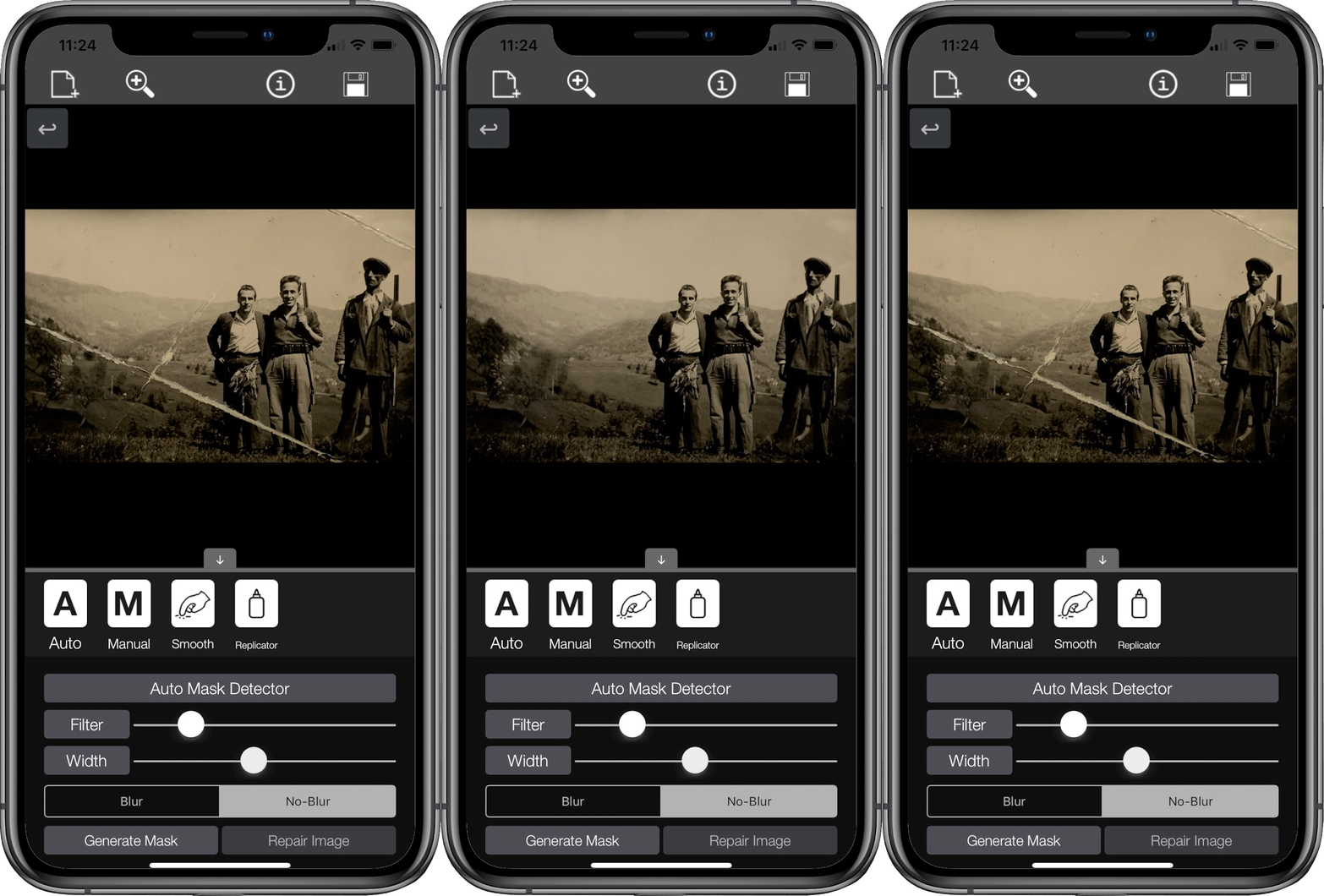
4 Tools are available: Auto and Manual Mask generators, Smooth and Replicator Tools.
Fix the image
Combine the Tools and apply your edits.
Save it!
When you have done export the image to the Camera Roll!
Auto Mask Generator
Scans the image for damage and fixes it automatically.
Manual Mask Editor
Edit or make a mask to fix the damage.
Smooth Tool
Smooth your edits and apply some light blur.
Replicator
The core tool of the app. Copy part of image to patch the damage.